
Written by Lucas
Edited on
26 May 2023
·
15:02
How do you solve crackling noise canceling with your Sennheiser earbuds?
Does the noise cancelling produce a crackling sound with your Sennheiser earbuds? That's not supposed to happen. Perhaps your earbuds don't have the latest firmware update. In this article, we'll tell you how to solve this problem.

Solve crackling noise canceling in 3 steps
In 3 steps, solve crackling noise canceling in your Sennheiser earbuds.
Step 1: update earbuds
Step 2: deactivate Smart Pause
Step 3: reset the earbuds

Step 1: update the earbuds
It's important that you download the latest available update for your earbuds. With the latest update, the earbuds work best. You can download the update via the Sennheiser Smart Control app. In the app, press the cogwheel at the top right and select firmware update.

Step 2: deactivate Smart Pause
Is there no update available or have you already downloaded the update and the problem is still not solved? Deactivate Smart Pause. In the Sennheiser Smart Control app, press the cogwheel on the top right. Search for 'Smart Pause' and disable it.
Step 3: reset the earbuds
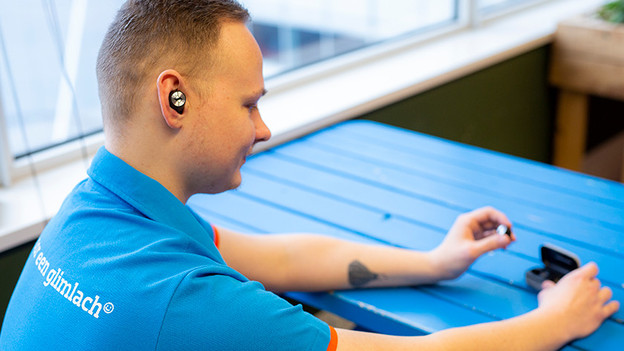
When the noise canceling continues to crackle, reset the earbuds. Connect the charging case to a power source via the included USB cable. Now put both earbuds in the charging case and hold down the touch-sensitive part of both earbuds for 6 seconds. Your earbuds are now reset.

