Written by Caitlin
Edited on
27 January 2025
·
13:10
How do you solve error codes on Samsung ovens?
You can often solve error codes on your Samsung oven yourself. For example, turn the oven off for a while when the temperature is too hot or clean the buttons when these are blocked. We'll list all the error codes for you in this article, so you know exactly what to do.
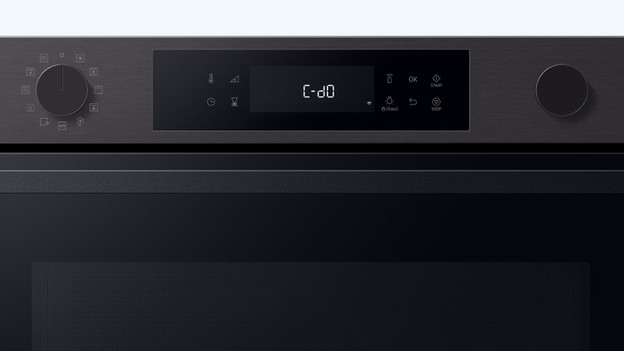
Samsung error codes
We'll tell how to solve the most common error codes yourself in this article.
- Error code C-20: problem with the temperature sensor
- Error code C-F0: problem with internal communication
- Error code C-21: temperature too high
- Error code C-F2 / D-d0: touch button defect
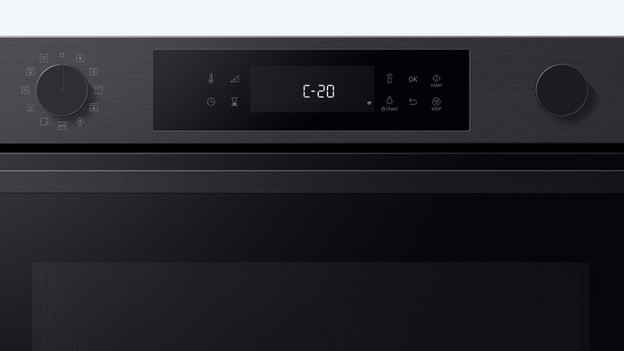
Error code C-20
If you see error code C-20, there's a problem with the temperature sensor. It's short-circuiting or it's broken. Pull the plug from the socket and wait a few minutes before you put it back in. Do you see the code again? Contact the supplier for a new sensor.
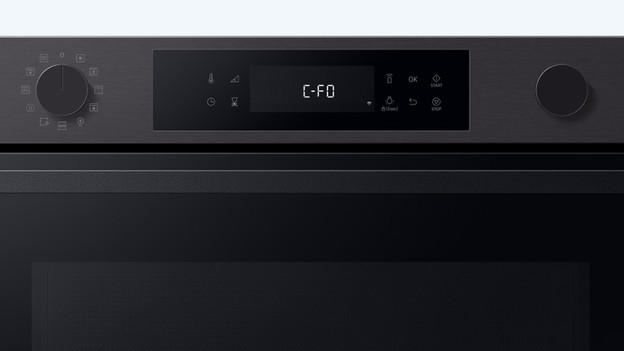
Error code C-F0
If you see C-F0, the main MICOM and sub-MICOM don't communicate. That sounds technical, because it is. Always contact the supplier or contact us if you bought the oven from us.
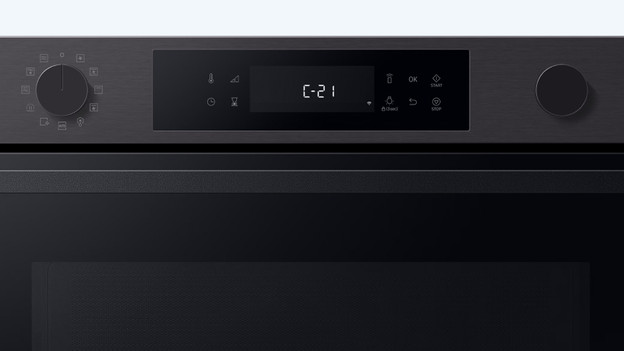
Error code C-21
If you see the error code C-21, the temperature in the oven is too high. As a precaution, the oven puts itself in error mode. Pull the plug from the socket and let the oven cool down well. After a few hours, put the plug back into the socket and turn the oven back on. The error should be gone.
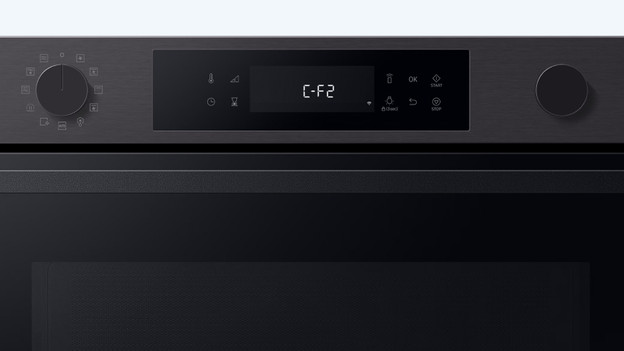
Error code C-F2 / C-d0
This means the touch buttons are broken. Pull the plug from the socket. Check if there's no dirt or food between the buttons. Clean these gently with a cloth and some water. Turn the oven back on. Do you see the error again? There's something wrong with the display. Contact us if you bought the oven from us.
Article by Caitlin
Oven Expert.