Written by Julia
Edited on
28 February 2023
·
13:54
How do you solve internet problems with your Xiaomi smartphone?
Can't you make an internet connection with your Xiaomi smartphone? You can often easily solve this problem by resetting or updating your phone. In this article, we'll give 2 tips to solve connection problems.

2 tips to solve connection problems
Can't make an internet connection? Solve this problem by resetting or updating your phone.
- Tip 1: perform a soft reset.
- Tip 2: update smartphone

Tip 1: perform a soft reset
It might help to perform a soft reset on your device. That's the same as a restart. Follow these steps:
- Press and hold the standby button.
- Release the button when the device turns off. This happens after about 10 seconds.
- Turn the device back on by pressing and holding the standby button.
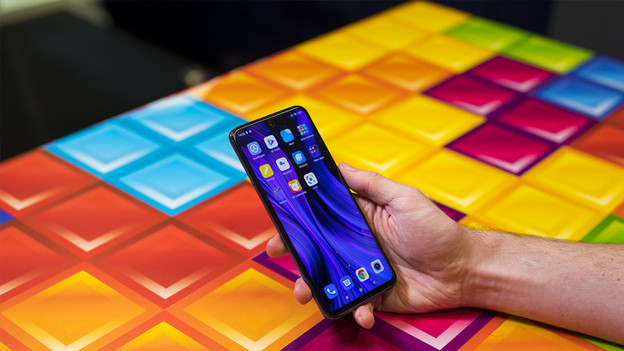
Tip 2: perform an update
Sometimes, the internet connection doesn't work because your phone doesn't have the latest software. Follow these steps to update your device. This isn't possible if your WiFi and mobile data both don't work.
- Make sure your phone is at least charged to 60%. If it's not, charge the smartphone.
- Check if your smartphone is still connected to WiFi.
- Go to 'Settings'. That's the icon with the gearwheel.
- Scroll down and choose 'About this phone'.
- Tap on the 'MIUI version' tile. You can find this tile at the top right of your screen. The device will now check if there's an available update.
- Is there an update available? Tap 'Download update'.
- Is the download complete? Tap 'Restart now'.
Article by Julia
Smartphone Expert.