Written by Mark
Edited on
17 October 2025
·
12:14
How do you solve paper warping in your laser printer?
You print a bunch of documents for your meeting, but the paper is completely warped when it comes out of the printer. That's probably because of the temperature. In this article, we'll give 6 tips to get flat paper from the printer.

Solve warped paper
With these tips, you can solve warped paper.
- Tip 1: test in advance
- Tip 2: store the paper in a dry environment
- Tip 3: lower the temperature of the fuser
- Tip 4: turn the paper over
- Tip 5: choose the right paper weight
- Tip 6: try a different paper brand
Does the paper jam in your printer? Also read our advice article on how to prevent this.
Tip 1: test in advance
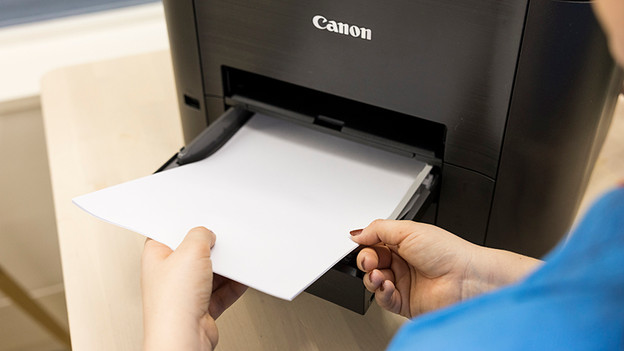
First do a test before your read all the tips.
- Put about 10 unused sheets of paper on the heating for an hour
- Take the paper from the heating and put them in the paper try of the printer for 10 minutes
- Print something on all sheets
Does the paper still warp? Continue reading.

Tip 2: store the paper in a dry environment
A laser printer works with heat. If you put moist paper in the printer, it'll warp due to the heat. You can compare it to a wooden plank which warps. If you store your paper supply in a dry spot, this often solves the problem. Make sure your paper supply isn't close to an AC unit, for example. Even if you keep the packaging sealed until you use the paper.

Tip 3: lower the temperature of the fuser
For this solution, you first check the manual of your printer to see if you can adjust the temperature of the fuser. To put it simply, the fuser is the heat plate of the printer that burns texts and images onto your paper. If the fuser is too hot, the paper can warp.
Tip 4: turn the paper over
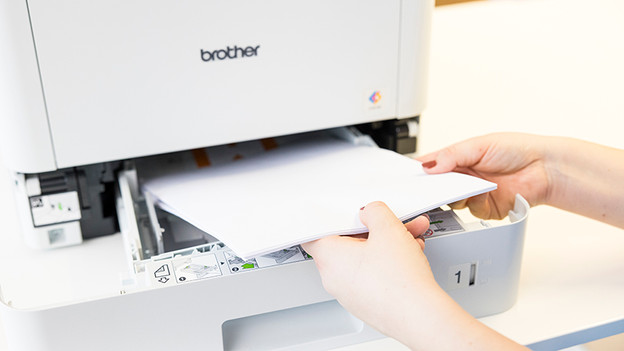
You probably don't use the printer every day. Maybe you haven't used it for a few weeks. Take the paper from the printer, turn the stack over, and rotate the paper 180 degrees. Also fan the paper out. That way, you make sure the sheets don't stick together, and everything is separated in the paper tray.
Tip 5: choose the right paper weight
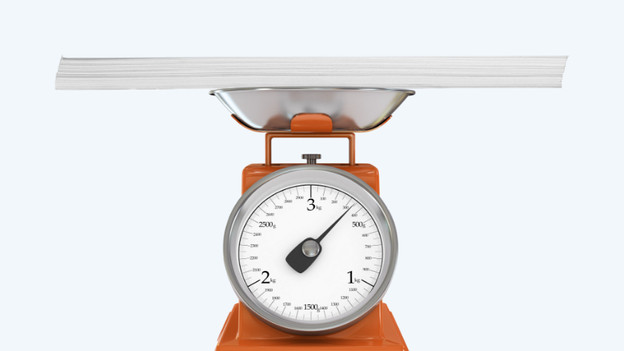
You can often enter the weight of the paper you use in the printer. Make sure you really select the paper that's in the printer in the printer settings. Most laser printers work well with 80g/m² paper.
- On Windows, you can check the printer settings via Settings, Devices, Printers and scanners, Manage, and Printer properties
- On macOS, you go to System preferences, Printers and scanners, Options and supplies
Tip 6: try a different paper brand
If the tips above don't work, there are 2 more options.
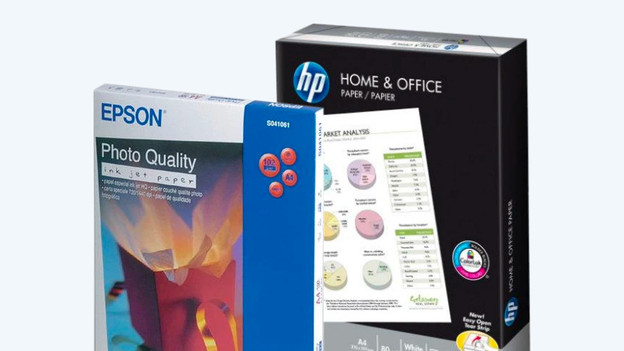
- Change paper brand. Paper has a natural moisture content. The moisture content can differ per brand, and different brands can be more suitable for your printer.
- The paper still warps? The fuser doesn't work well. In that case, it's best to have the printer repaired.
Article by Mark
Printer Expert.