
Written by Lucas
Edited on
21 August 2023
·
05:47
Get started with the JBL Tune 220TWS and JBL Tune 225TWS
The JBL Tune 220TWS are completely wireless earbuds, so you won't need a cable when you listen to music. In this article, you can read how to get started with your new earbuds. That way, you can easily listen to your favorite songs for hours.
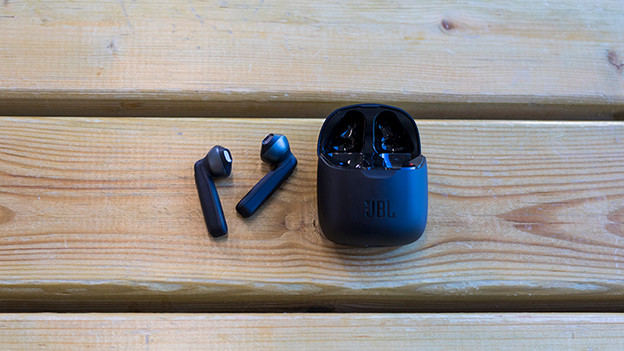
Get started in 3 steps
Learn how to get started with the JBL Tune 220TWS and JBL Tune 225TWS as quickly as possible with these 3 steps.
Step 1: connect to your phone.
Step 2: put your earbuds in your ears.
Step 3: create a good connection.
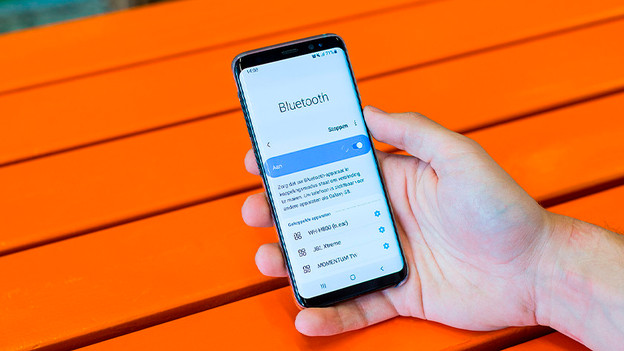
Step 1: connect to your phone
The first step is to connect the earbuds to your phone. If you've already done this, you can skip this step. Haven't done this yet? In the article below, we'll explain how to connect your earbuds to an Android device or iPhone step by step.
Step 2: put the earbuds in your ears
The JBL Tune 220TWS and JBL 225TWS are earbuds. Earbuds don't enter into your ear canal directly, but you put them on the round part of your ear.
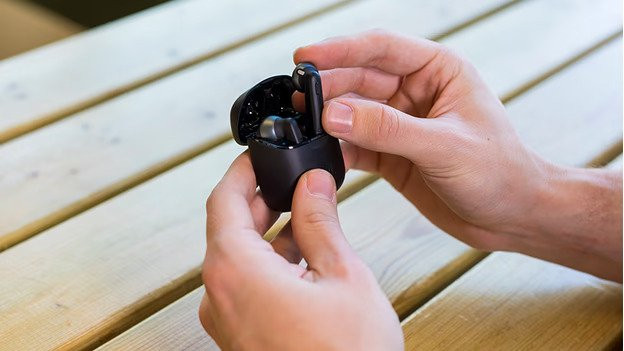
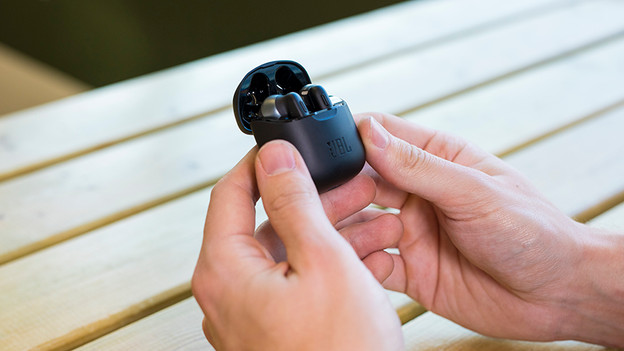
Step 3: make sure you have a good connection
There's nothing more annoying than a connection that always fails or falters. When this happens, there are a couple of things you can do. In the article below, we'll give you a couple of steps you need to go through for a better connection.

