
Written by Bram
Edited on
18 February 2025
·
12:56
How do you use an IP camera as a baby monitor?
There are various ways to monitor the nursery. More and more people want a baby monitor with a built-in camera. IP cameras are a good alternative. You can connect it to your smartphone via the accompanying app, so you can watch everywhere. In this article, we'll explain how to use an IP camera as a baby monitor.
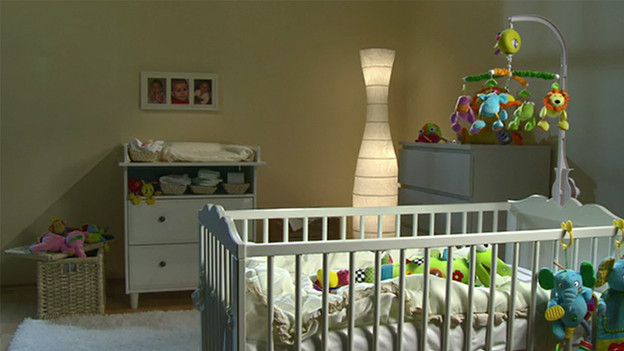
IP camera as baby monitor
Make sure that the IP camera for in the nursery has the following properties:
- An app for watching live footage of the camera
- Notifications in case of sound and movement
- 2-way audio to talk to your baby from a distance
- Pan, tilt, zoom, or a wide viewing angle so you can keep an eye on the entire space

Watch the footage anytime, anywhere
You can connect most IP cameras to your smartphone via the accompanying app. This way, you can watch the footage of the camera live. This is also possible when the babysitter is there, but you want to check how your child is doing. The images of an IP camera with app are also higher quality than the images on the screen of a baby monitor. Keep in mind that you have a good WiFi connection at the spot where you place the camera.
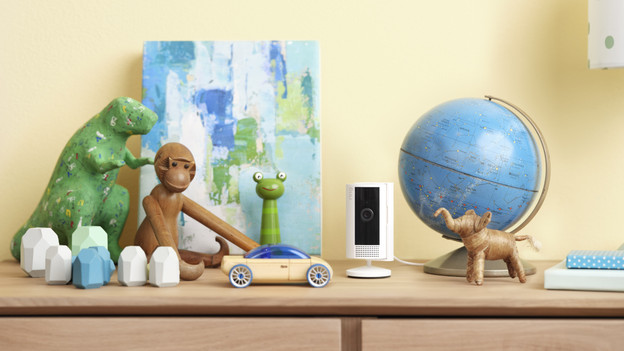
Set notifications for sound and movement
Most IP cameras do have a motion sensor, but they don't always recognize sound. Choose a camera that sends notifications in case of sound and movement. Via the app, you can set the sensitivity of the notifications for many cameras. This way, you get a notification right away when your baby starts to cry.
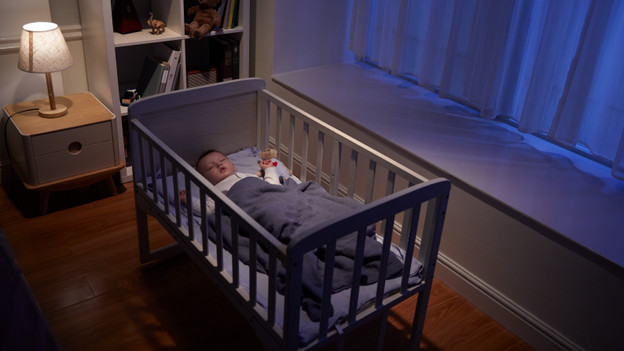
Talk to your child from a distance
Thanks to the 2-way audio, you can talk to your baby via your smartphone. Most IP cameras have a built-in microphone and speaker. This way, you can hear your baby and the sound of your voice comes from the camera. This means you can also talk to your baby when you're not home.
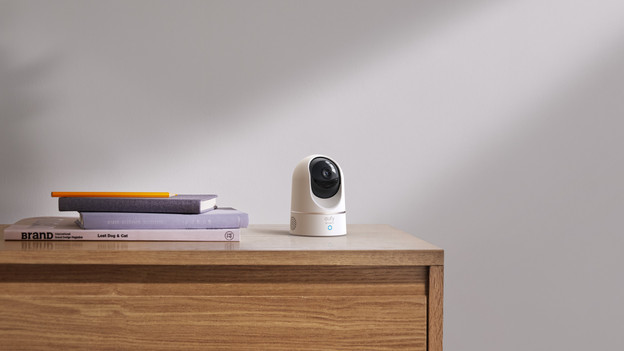
Keep an eye on every corner of the room
You want to keep an eye on your baby, as well as the entire room. Choose an IP camera with a wide viewing angle. Or go for a pan, tilt, zoom camera. You can pan and tilt it via the app on your smartphone. Some PTZ cameras automatically turn with movement and sound. This way, you won't miss anything.
Article by Bram
IP camera expert.

