
Written by Maurits
Edited on
30 December 2024
·
08:50
Get started with your LG earbuds
With your new wireless earbuds from LG, you can listen to music anytime, anywhere. In this article, we explain how you can get started with your earbuds as soon as possible. This way, you know how to connect them to your phone right away, and how to correctly put them in your ears.

Get started with your LG earbuds
With these 3 tips, you can get started with your LG earbuds in the best way possible.
Tip 1: connect to your phone
Tip 2: put in your earbuds
Tip 3: make sure you have a good connection
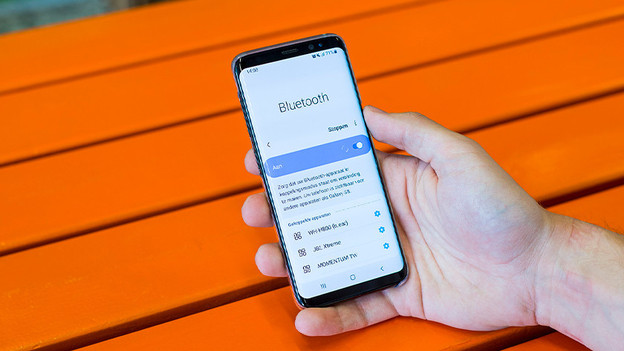
Tip 1: connect to your phone
When you've unpacked the earbuds, the first step is to connect them to your smartphone. To do this, you have to set the earbuds to pairing mode first. Press and hold the button on the charging case for a few seconds and the earbuds will search for a connection. With wireless earbuds, press and hold the on/off button for a few seconds. Don't know what to do? Read the article below.
Tip 2: put in your earbuds
It's important that you put your new earbuds in your ears correctly. LG earbuds are in-ear earbuds. This means they go into your ear canal directly.


Tip 3: make sure you have a good connection
Is the sound faltering? There's a good chance that it's caused by the connection. In this article, we give you a number of tips to prevent this.
Article by Maurits
Audio Expert.

