Written by Joey
Edited on
15 December 2023
·
15:26
The descaling light on my De'Longhi Magnifica stays on
You've just descaled your De'Longhi Magnifica, but the descaling light stays on. In this article, we explain what may cause this. We'll also explain how to solve the problem. You can use this manual for the De'Longhi Magnifica ECAM 20.110.B, ECAM 21.117.B, ECAM 22.110.B, and the ECAM 22.110SB.
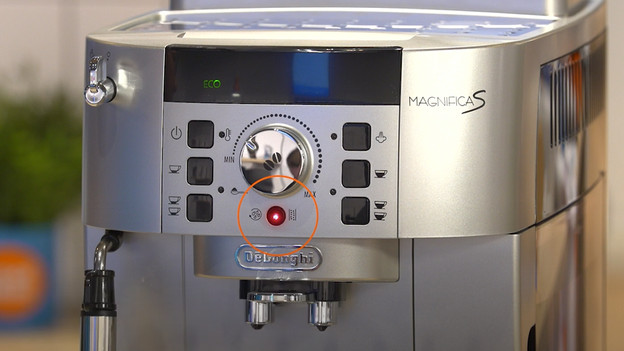
Descale the right way
If the descaling light of your De'Longhi Magnifica stays on, the descaling process isn't finished yet. To completely finish the descaling process of your De'Longhi Magnifica, follow the steps below. After you finish these steps, you can enjoy a nice cup of coffee.
- Step 1. Fill the water tank
- Step 2. Start the descaling process
- Step 3. Activate the rinse process
- Step 4. Refill the water tank
- Step 5. Repeat the process

Step 1: refill the water tank
- Turn on the coffee machine by pressing the power button.
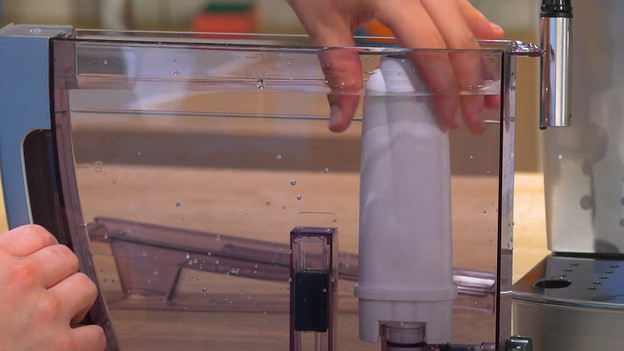
- Remove the filter from the water tank if it's still there.
- Fill the water tank with tap water up to level B.
- Place the water tank back into the machine.
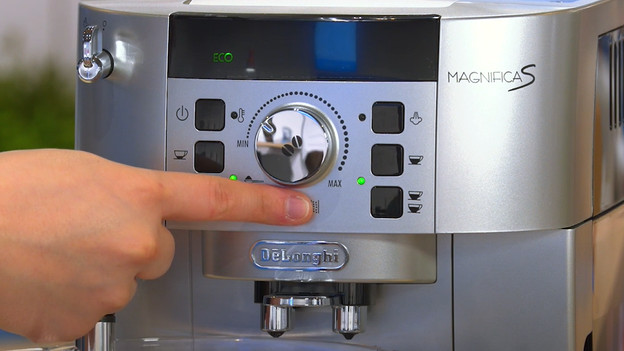
Step 2: start the descaling process
- Press the descaling button for about 5 seconds, until the light doesn't blink anymore.
- Place a large pitcher under the steam wand and coffee outlet.
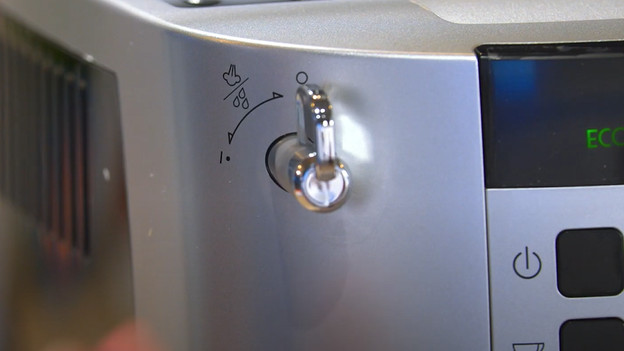
Step 3: activate the rinse process
- Completely open the steam knob. Turn the knob to the 'i' position in 1 fast movement.
- Water now runs from the machine. The machine stops by itself when the water tank is empty. This process takes about 30 minutes.
- Because the water tank slowly drains, the light of the water tank lights up. You don't have to do anything.
- Close the steam knob again. You do so by turning the knob to the 'o' position in 1 fast movement.
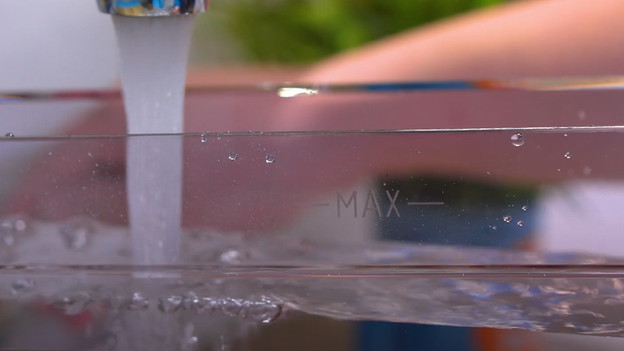
Step 4: refill the water tank
- Refill the water tank with water, this time up to the 'max' level.
- Place the water tank back into the machine.
- Turn the steam knob open to the 'i'.
- The water runs from the machine. The coffee machine stops by itself when the water tank is empty.
- Close the steam knob by turning it to the 'o'.
Step 5: repeat the descaling process
- Repeat the steps of step 4. This way, you rinse the machine with water again.
- The descaling light turns off. The water tank light turns on instead.
- Fill the water tank with water and place the water filter back.
- You finished the descaling process.