Written by Chiara
Edited on
14 January 2025
·
15:11
How do you set up WiFi on your Siemens washing machine?
With Siemens washing machines with WiFi, you still have to load the laundry into the appliance yourself. But with Siemens Home Connect, you have access to useful functions. Your washing machine must first be registered on your WiFi network to use this, but how does this work exactly? You can read about it in this article.
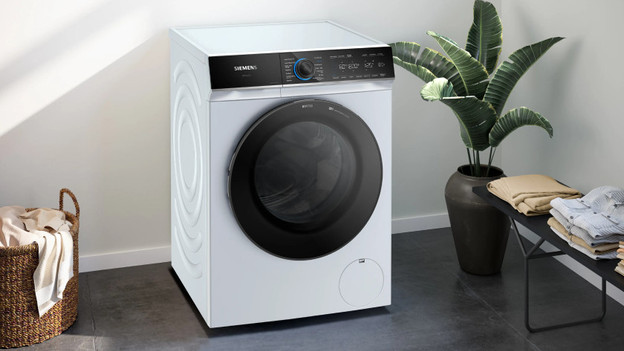
Set up Siemens washing machine WiFi in 5 steps
You can easily connect the Home Connect app to your Siemens washing machine with the next steps:
- Step 1: download the app
- Step 2: create an account
- Step 3.a: scan the QR code
- Step 3.b: no QR code? Enter the type number
- Step 4: set up the washing machine
- Step 5: connect your washing machine to the WiFi
Step 1: download the app
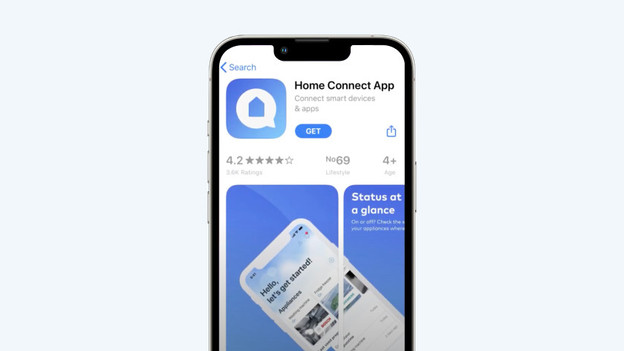
Start with downloading the Home Connect app on your smartphone. You can find it in the App Store on your iPhone and the Google Play Store on an Android phone. Did you find the app? Tap 'Install' and open the Home Connect app.
Step 2: create an account
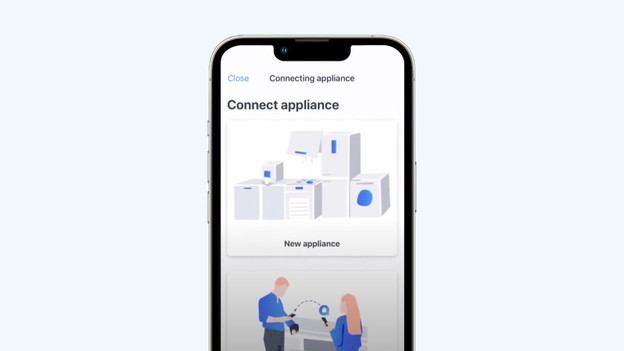
After opening the app, tap 'add appliance', and then tap 'new appliance'. You'll now receive a notification on your screen to create your Home Connect account. Create the account and continue to the next step.
Step 3.a: scan the QR code
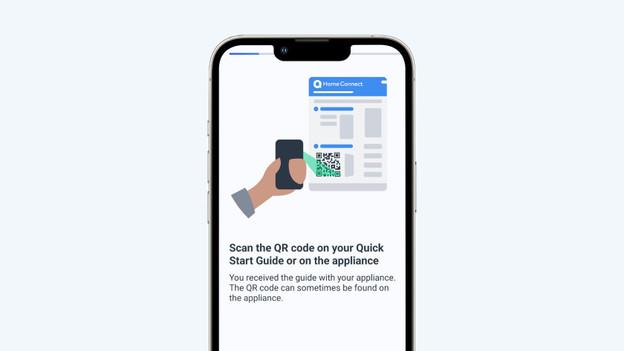
You can add your Siemens washing machine most easily via the QR code on the quick start guide. You can find this guide in the manual of your appliance. Scan the code with your phone and continue.
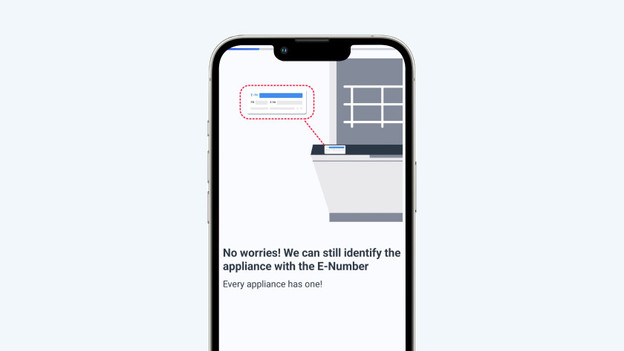
Step 3.b: no QR code? Enter the type number
Don't you have a quick start guide anymore or are you unable to find the QR code? Tap 'I don't have a code' in the app and search for the type number (or E-number) of your washing machine. You can find this number on the type plate in the door opening of your Siemens washing machine. Fill out this number in the app and tap 'continue'.
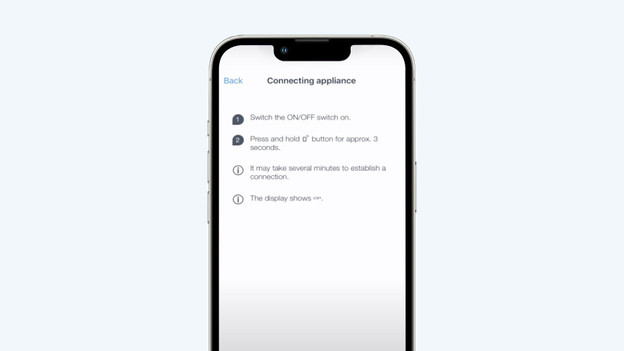
Step 4: set up the washing machine
Now follow all the steps in the app. Turn on the washing machine and press the phone icon on the washing machine display for 3 seconds. Now, wait a few minutes until the washing machine is connected. Do you see 'Con' on the washing machine display? That means the app connection is ready. Tap 'continue' now.
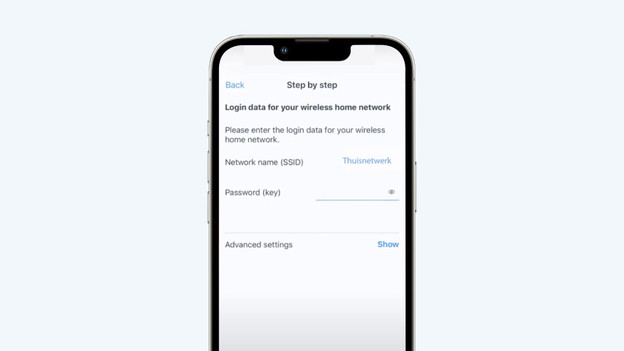
Step 5: connect your washing machine to the WiFi
Now that the washing machine is connected to the app, you only have to connect it to your WiFi. Fill out the password of your WiFi network and tap 'continue'. Your washing machine is now connected and you can easily control it remotely via your smartphone.
Article by Chiara
Washing Machine Expert.