
Written by Megan
Edited on
19 August 2026
·
07:31
3 tips if the touchscreen of your OPPO smartphone doesn't work
If the touchscreen of your OPPO smartphone doesn't work, it can cause a lot of problems. The cause isn't always a broken screen, sometimes it's a software issue. Try one or several of the following solutions to solve the most common problems.
Problems with the touchscreen
Follow the steps below to find a possible solution for your touchscreen problems.
- Restart your OPPO
- Remove the case or screen protector
- Perform a hard reset

Tip 1: restart your OPPO
It might help to perform a soft reset on the device. This is the same as a restart. Go through the following steps for this:
- Press the standby button and volume up button at the same time.
- Release the buttons when the device turns off. This happens after about 12 seconds.
- Turn the device back on by pressing the standby button.
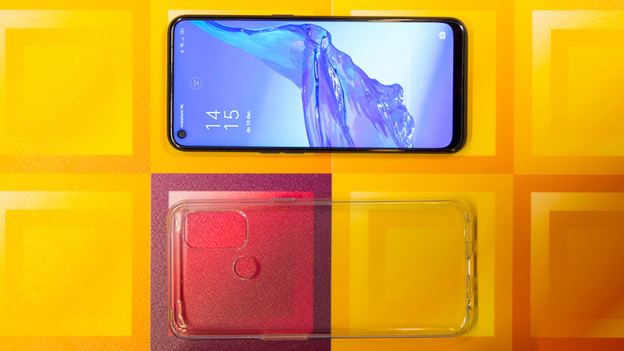
Tip 2: remove the case or screen protector
If you're using a case or screen protector, they can be a constant pressure point. As a result, the touchscreen doesn't respond as well or not at all. Remove the case and/or screen protector and check if the screen responds to your touch now.

Tip 3: perform a hard reset
A drastic solution is to restore the device to the factory settings. Try all of the tips above before you do this. Back up your data first, so you don't loose anything. The steps below are only possible if your touchscreen is still partly responsive.
Go to Settings and choose Additional settings. Choose Back up and reset. Tap Factory data reset. Choose Erase all data.
For a more extensive explanation, read the following article.
Article by Megan
Smartphone Expert.

