
Written by Jesper
Edited on
12 November 2024
·
15:00
What's optical image stabilization in your smartphone?
Thanks to optical image stabilization, you smartphone can take photos and videos in the best quality. Your photos won't blur as quickly and your videos are less shaky. We'll tell you more about optical image stabilization and the difference with electronic image stabilization in this article.
What's optical image stabilization?
With optical image stabilization, the camera corrects your smartphone movements while you take a photo or video. This makes your photos less likely to be blurry and your videos less shaky. Because the camera already adjusts as you take the photo or video, the photo looks natural. With electronic image stabilization, your smartphone corrects movements with software. This makes these corrections less natural. Optical image stabilization corrects larger movements than electronic image stabilization.

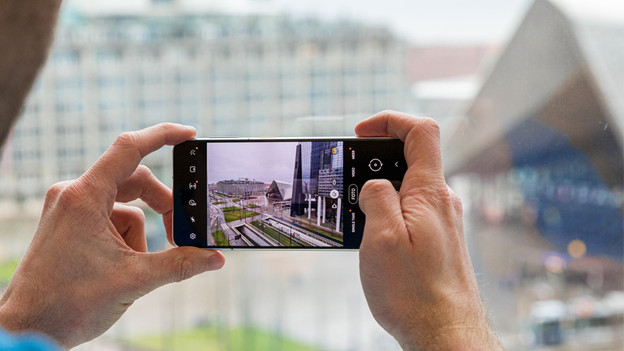
Optical image stabilization for photos
We've all been there. You think you took a great photo, but it's blurry because you were moving your hand. With optical image stabilization, you'll have less trouble with blurry photos. If you move a smartphone with optical image stabilization back and forth, you can see that the camera corrects the movements. Optical image stabilization also comes in handy when you take photos at night. The shutter stays open for longer. In this longer time, your hand moves more without you noticing. Thanks to optical image stabilization, you won't see these movements in the photo.

Optical image stabilization for videos
If you move a lot while you record, your footage often becomes shaky. This happens when you walk or run while you record, but also when you're in the car or on your bike. Optical image stabilization corrects the video so they stay smooth. This looks a lot more pleasant.
Article by Jesper
Smartphone Expert.

