
Written by Robyn
Edited on
22 July 2026
·
14:15
What's the Apple TV media player?
With the Apple TV media player from Apple, you can get even more out of your TV. You can stream movies and series in high quality, and use your favorite apps and games on your television. You can also use the Apple TV as a home hub for your smart lights, speakers, and other devices. In this article, we'll tell you all about Apple TV.
View all Apple TV models
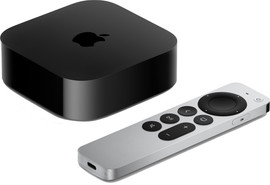
- Apple TV 4K (2022) - 128GB WiFi + Ethernet
Watch movies in high quality with DolbyVision and HDR10+ support.
Use Apple TV 4K as a Home Hub for your smart home.
You can connect an Ethernet cable for fast and stable internet.
You can store many apps, movies, and games on the 128GB storage.
From
€ 293,90
- Apple TV 4K (2022) - 64GB WiFi
Watch movies in high quality with DolbyVision and HDR10+ support
Use Apple TV 4K as a Home Hub for your smart home.
You can only connect your Apple TV to the internet via WiFi.
The 64GB storage fills up faster, so you'll have to delete files or apps faster.
From
€ 229,-

Apps, movies, and games
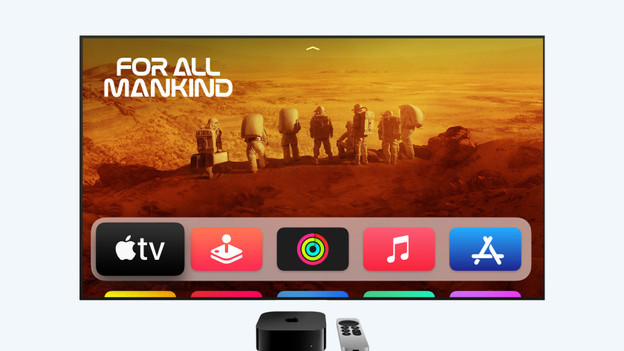
Apple TV 4K is a media player that you can use with your own television. After connecting your Apple TV to your television, you can use it to easily open your favorite apps and games on your television. That way, you can watch YouTube videos or connect a controller to play games. You can also stream your favorite movies and series with Apple TV. You can then enjoy high-quality images and sound with the HDR10+ and DolbyVision support.
Design and connectors
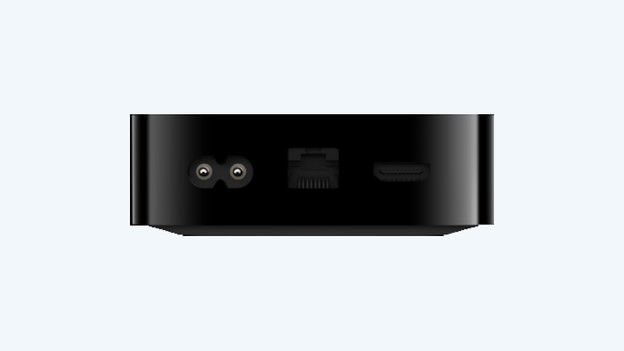
Apple TV is a black box with the Apple logo on the top. You can easily place this small box near your television without having to worry about space. On the back of the Apple TV, there are various connectors. That way, you can connect your Apple TV to the HDMI connector of your television. Do you want the fastest and most stable internet connection? Choose the Apple TV with 128GB storage. It has an Ethernet connector for wired internet as well.
Apple Siri Remote
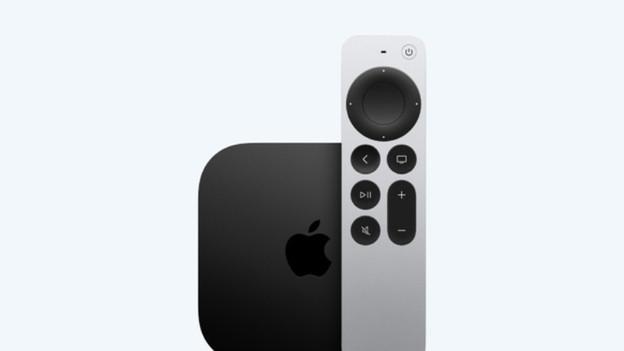
When you buy an Apple TV, you'll receive an Apple Siri Remote with it. You can use the touch-sensitive clack pad to quickly type and navigate through menus. Thanks to the Siri button on the side of the remote, you can easily give your Apple TV voice commands. That way, you can play your favorite music or series without having to do anything yourself.
Apple TV as home hub
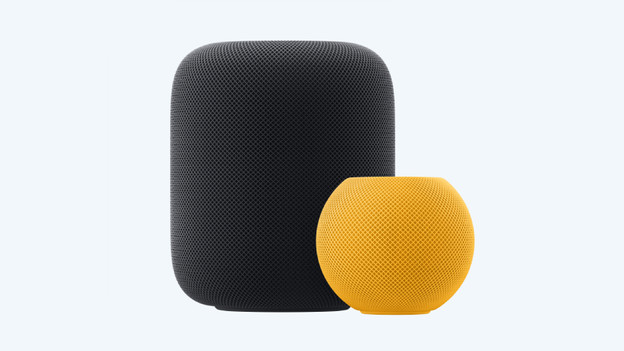
You can also easily use Apple TV as a home hub for devices in your home. That way, you can easily connect your smart lights, security cameras, or doorbell to your Apple TV. Apple TV then becomes the smart brain of your house. Do you have an Apple HomePod or HomePod Mini in addition to your Apple TV? Use your HomePod to play the sound from your television as well. You can also easily give voice commands to your Apple TV from anywhere.
Article by Robyn
Apple Expert.

