Written by Uhro
Edited on
22 July 2026
·
14:40
What's FRITZ! Mesh WiFi?
With FRITZ! Mesh, you can ensure a WiFi network with coverage throughout your entire house. You can connect a FRITZ!Box router to an extra router or FRITZ!Repeater to set up a mesh network. The configuration can be done with just a touch of a button. You can easily extend your WiFi network. On this page, you'll read what the advantages are.
Installation
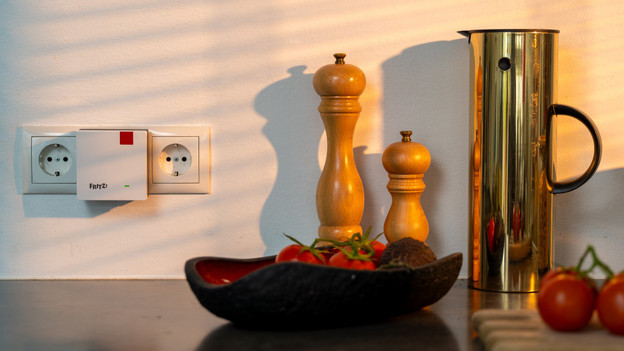
With a mesh system from FRITZ!, you can set up a large and stable network throughout your house. You can connect 1 station to your router or modem with 1 cable.You can connect the rest of the extenders to the main station with the press of a button. The devices you connect via WiFi automatically connect to the strongest signal. That way, your video call doesn't drop out while you're walking through your house. FRITZ!Mesh works with every router and every modem, so you can use the system when you don't have a FRITZ!Box as well.
Number of stations
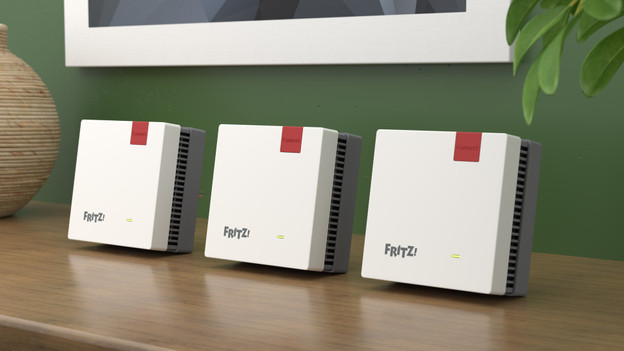
You determine the number of stations based on the size of your house. For small houses like a studio or apartment, you mostly only need 1 extra station. In larger houses, go for more stations. Keep in mind that thick walls and floors can stop the signal. Objects like an aquarium or microwave can also disturb the signal. That means you need extra stations You can find the best place for your stations with the signal strength meter in the FRITZ!App Wi-Fi.
Expand the system
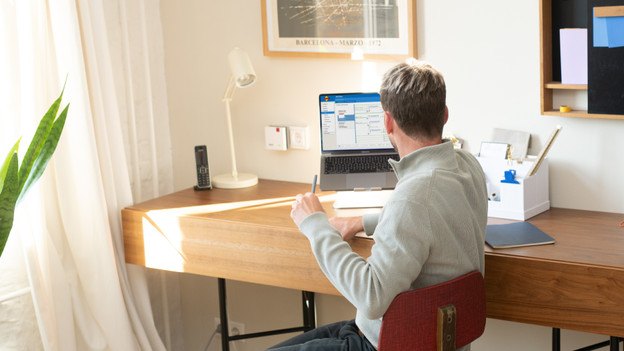
Do you want good internet in more spots in your house? Easily add extra stations. For example, go for a FRITZ! WiFi repeater that you can connect to your system with an Ethernet cable. With a powerline adapter, you can provide an extra mesh point via the power grid. That's useful if you don't want to pull cables or if your house has thick walls or concrete floors. Choose adapters or receivers with Ethernet ports and connect devices to your network wired. That way, you have the most stable connection.
MyFRITZ!App
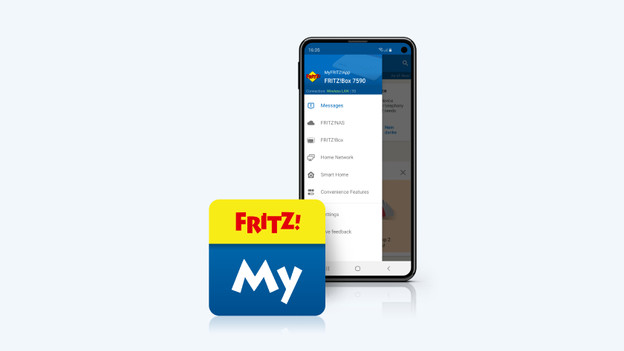
You can manage your FRITZ!Mesh network via the MyFRITZ!App. Here, you can see all devices in the network and see exactly which ones are connected with each other. You can prioritize important devices on your network and block devices you don't want to be on there. For important updates, the app sends you a notification and updates your system right away. If you connect a landline phone or answering machine, you'll also receive an app notification of missed messages. The app isn't mandatory, but it's very useful.
Article by Uhro
Network Expert.