Written by Job
Edited on
12 February 2026
·
14:15
What's NVIDIA Studio and what can you use it for?
With NVIDIA Studio, you can edit your favorite photos and videos. The Studio Drivers of this platform work together with creative software like Adobe Premiere Pro, Photoshop, and Blender. That way, you can use your AI function more smoothly. In addition, you can export your videos 4 times faster with NVIDIA Studio. In this article, we'll explain all the advantages of NVIDIA Studio.

Installation
NVIDIA Studio is a platform that's developed for graphic design. You can download the Studio Driver manually via the NVIDIA website if your laptop or PC has an RTX video card. If your laptop has an NVIDIA Studio sticker, it already has the software you need for NVIDIA Studio functions. These laptops have already installed the NVIDIA Studio Driver for you. That way, you can get started in Adobe Photoshop or Premiere Pro right away with all the advantages of NVIDIA Studio.
Faster video card
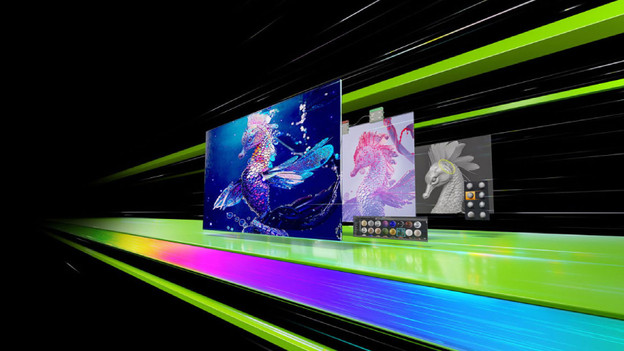
When you use NVIDIA Studio, you export videos up to 4 times faster in editing programs like Adobe Premiere Pro. In addition, your video card works faster if you use AI effects in Adobe Photoshop or Lightroom. You can also easily remove objects from your photos and improve the quality of images within a few seconds.

AI functions
The NVIDIA Studio AI functions ensure that you can smoothly edit images. You select people or objects automatically in a photo, so you can remove or move them easily. With NVIDIA Canvas, you can change your rough sketches into a lifelike image. Often have online meetings? Remove your background noise and improve the webcam resolution with NVIDIA Broadcast.