
Written by Deanne
Edited on
10 August 2026
·
07:54
How do you choose a Chromebook?
There are many different types of Chromebook models. Which Chromebook suits you best, depends on what you want to use it for. There's a Chromebook for every usage situation. From browsing the internet to photo editing and gaming via the cloud. We're happy to help you.
How can I help you?
Our digital expert will help you, but it can sometimes make mistakes, like humans do.
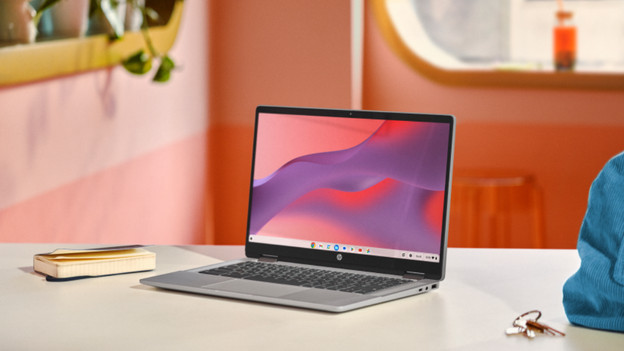
How do you choose a Chromebook?
Ask yourself the following to find the best Chromebook for you:
- What do you want to use the Chromebook for?
- What kind of Chromebook do you want?
- Do you use your Chromebook for daily tasks?
- Do you want a Chromebook for your studies?
- Are you going to watch movies and series?
- Do you want to perform more demanding tasks?
- Where do you use your Chromebook?
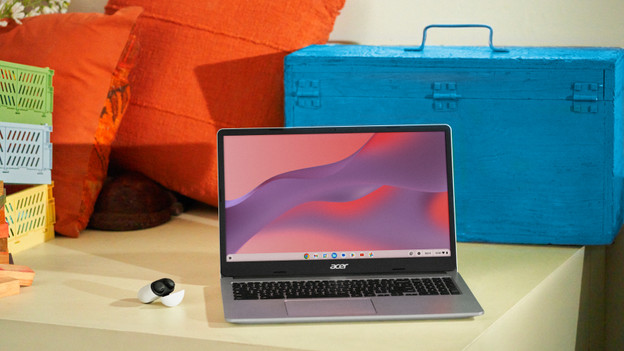
Do you use your Chromebook for daily tasks?
You don't need a very powerful Chromebook for daily tasks. You can type reports or write an email on any Chromebook. Standard Chromebook models are a good option with a low budget. In addition, you need a less powerful processor for your daily tasks. Because you work with a light processor, your Chromebook boots quickly. You can only install apps from the Google Play Store, so you're better protected against viruses.

Do you also use your Chromebook as a tablet?
With a 2-in-1 Chromebook, you can also use your Chromebook as a tablet. Simply flip the touchscreen 360 degrees and make edits and notes on the screen. You can also easily play games on the screen. You can place the 2-in-1 Chromebook in different working modes. Put the Chromebook in presentation mode and watch your movie or series comfortably from your table, for example.

Do you want to watch movies and series?
If you often watch movies and series, a Chromebook with a Full HD screen is the best choice. This way, you can enjoy a sharper screen and see many details. Want to watch a movie or series more comfortably? We recommend a 2-1 Chromebook. This allows you to easily place your Chromebook in different positions, so you can enjoy your movie and watch comfortably. You can also completely fold the touchscreen, which allows you to use your Chromebook as a tablet.
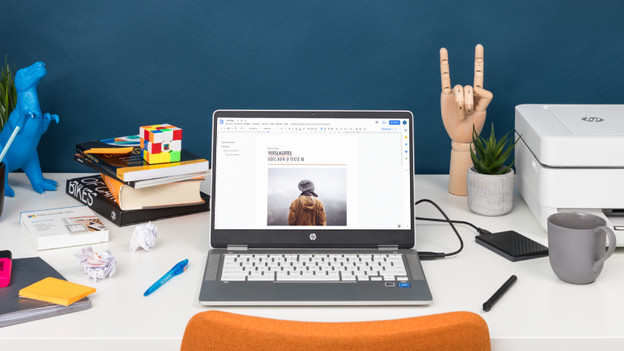
Do you want a Chromebook for your studies?
Do you want to use your Chromebook for your studies? It's useful if it fits in your bag and isn't too heavy. That's why we recommend a Chromebook of up to 15 inches and 1.5kg. You can use this to work in files such as Google Docs, Sheets, or Slides. Prefer to use Microsoft Office programs? Work with the extensive online versions of Office. With a Chromebook with a touchscreen, you can also easily take quick notes on the screen.
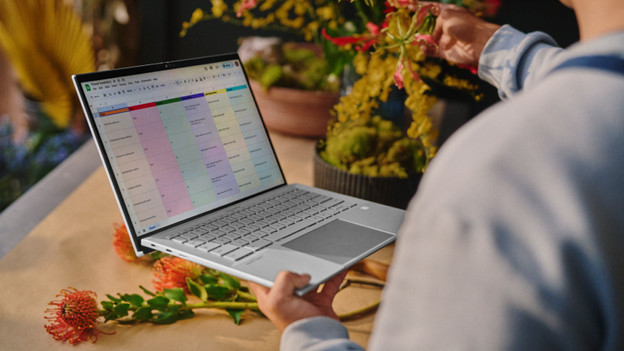
Do you want to perform more demanding tasks?
With a Chromebook Plus, you can work in more demanding apps than with a normal Chromebook. These Chromebook models have a more powerful processor and more RAM, so you can switch between programs smoothly. In addition, these Chromebook models are faster and have higher quality than other Chromebook models. You can smoothly edit photos with apps from the Google Play Store or web versions of Adobe Photoshop, for example.
Where do you use your Chromebook?
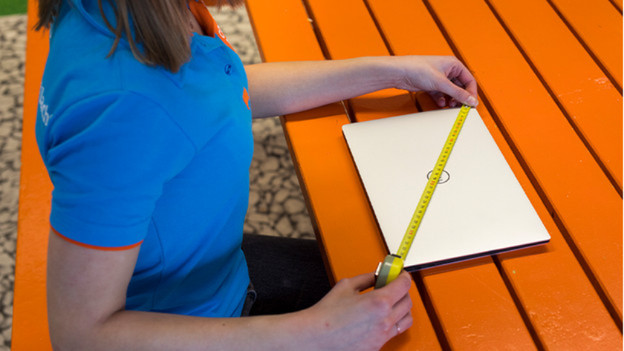
Which size Chromebook suits you depends on where you use it. If you take your Chromebook with you a lot and work on the go, a small 14-inch Chromebook or smaller suits you. Do you take your Chromebook with you every now and then, but do you use it more often in 1 place? A 15 or 16-inch Chromebook is a better choice. Think about the size of your old laptop, if you have one. Do you like that size, or is that laptop too big or too small?
Complete your Chromebook
Article by Deanne
Laptop Expert.

