Written by Maurits
Edited on
25 August 2026
·
09:04
Get started with the Sony WF-C700N
You've bought the Sony WF-C700N and want to listen to music as quickly as possible. To help you get started, we'll help you set up the earbuds. This way, you can listen to your favorite music and podcast soon.
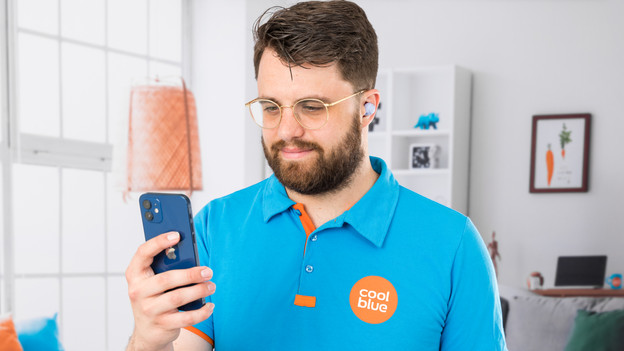
Get started with your Sony WF-C700N
In this article, you can read how to get started with your new Sony WF-C700N earbuds. We'll also help you get the most out of your Sony earbuds.
Step 1a. Connect your earbuds
Step 1b. Connection issues
Step 2. Put in your earbuds
Step 3. Download the app
Step 4. Make sure you have a good connection
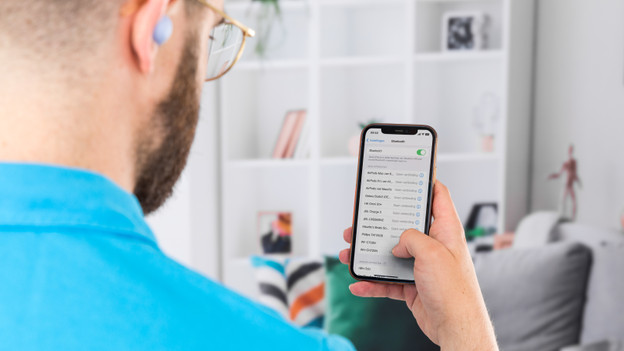
Step 1a: connect the earbuds
Enable Bluetooth on your iPhone or Android smartphone. If you connect the earbuds for the first time, take the earbuds out of the charging case. Then, put them in your ears right away. You'll hear a voice say 'Pairing'. The earbuds will then appear in the list of devices you can connect your smartphone to.
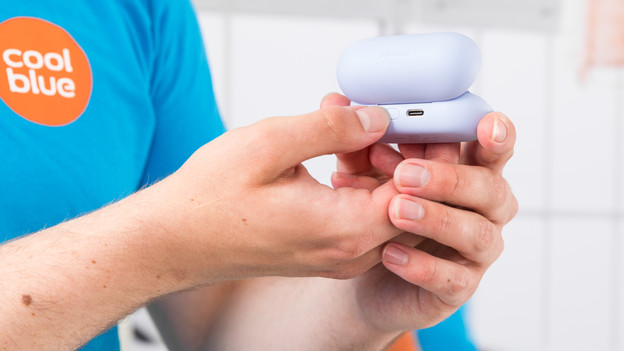
Step 1b: connection issues
If you don't hear a voice say 'Pairing', put the earbuds back in the case. Keep the case open and press the button on the back of the case for 5 seconds. The light then flashes blue, which indicates the earbuds can be paired. You can now see the Sony earbuds in your Bluetooth settings. The name that appears is 'WF-C700N'. Once you select this device, your earbuds are connected to your phone.
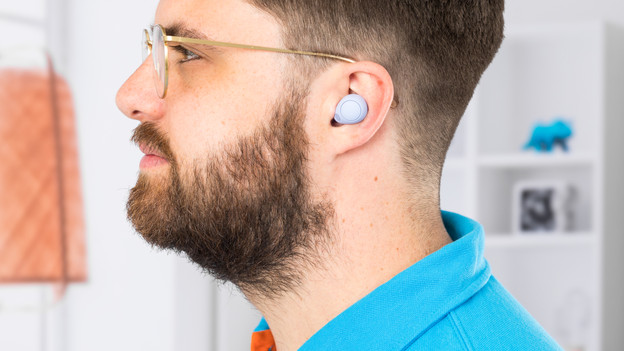
Step 2: put in your earbuds
The Sony WF-C700N are in-ear earbuds. This means that they enter your ear canal. Sony includes 3 silicone ear tip sizes. So there are always earbud tips that are suitable for your ears. Make sure to test the earbud tips and find the right size for you.
Step 3: download the app
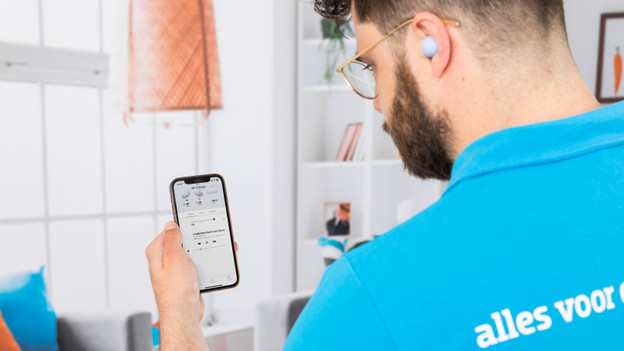
With the Sony Sound app, you can adjust your sound preferences. You can adjust the bass, mids, and treble. You can also adjust the noise canceling to your liking. If you have an iPhone, download the app in the App Store. Do you have an Android smartphone? Download it in the Google Play Store.
Step 4: ensure a good connection
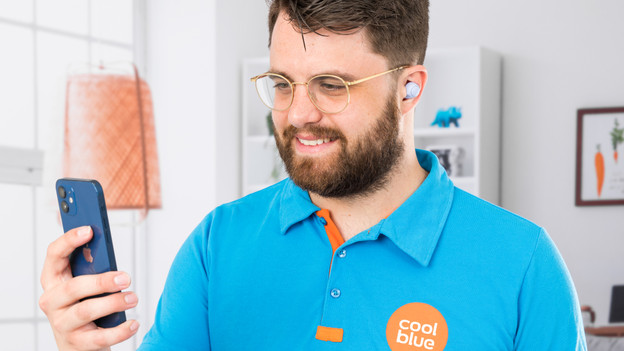
If you want to solve issues with your connection, you can try the following: Turn off as many other Bluetooth devices near you as possible. Don't stand too close to appliances like fridges and microwaves. These interfere with the Bluetooth signal. Hold the device in your hand or front pocket, not in your back pocket or bag. If this doesn't work, reset the earbuds. Check the manual of the Sony WF-C700N to learn how.
Article by Maurits
Audio Expert.