Written by Tim
Edited on
19 May 2025
·
14:41
What are the wireless printing options?
There are many ways to print wirelessly. You don't have to stand right next to the printer with a clumsy printer cable if you have a wireless printer, but you can easily send print jobs via WiFi. This means you can print without worries while lying on your lounger in the garden or from your home office in the attic. We'll list the most common ways to print wirelessly.

Apple AirPrint
If you have an iPhone or iPad, you can easily print via Apple AirPrint. Make sure the printer is connected to the network and switch on WiFi on your Apple device. You can now select the 'Print' option from various Apple applications and send a print job to the printer wirelessly.

WiFi direct
With WiFi Direct, you can connect the printer to another device with WiFi without a modem and/or password. This way, you're able to easily send print jobs to the printer remotely. If a printer has WiFi Direct, your smartphone, tablet, or laptop also automatically detects the printer, which makes sending a print job easy as pie.
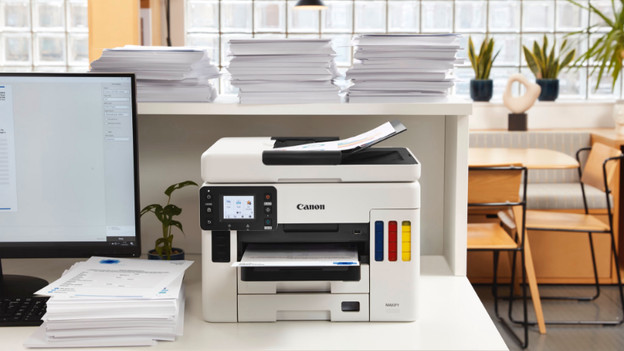
Email to Print
If your printer supports Email to Print, you can send a print job to your printer from any location. You send an email with an attachment to your printer's own email address, so your printer can print them right away. It's also possible to secure the email address to prevent unwanted print jobs.

NFC print
This technique uses NFC (Near Field Communication) technology. This means your printer has an NFC chip. If your smartphone or tablet also has NFC, you can quickly and easily send a print job simply by bringing it into physical contact with the NFC chip on your printer. If you want to use NFC, you generally need to install the print application of your printer's brand on your smartphone or tablet as well.

Print via an app
Most printer brands have their own app, so you can print via your tablet or smartphone. For example, Canon has the PRINT app, and Brother has iPrint&Scan. With your HP printer, you can use the HP Smart app. For Epson printers, there's iPrint. These apps allow you to print directly from your smartphone or tablet. With some apps, you can also set up your printer or solve problems. You can connect your smartphone or tablet to your printer via WiFi.