Ring IP cameras

All Ring IP cameras
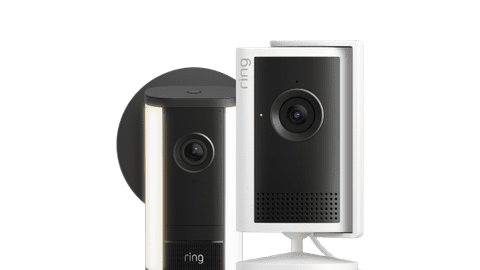
View all Ring IP cameras and find the best one for you here.Ring Spotlight cameras
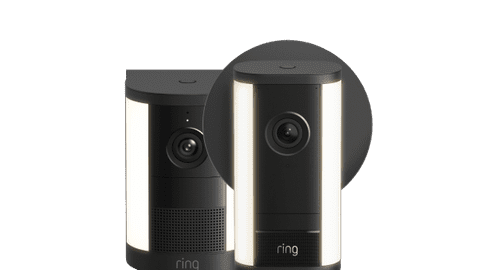
Never come home in the dark thanks to the built-in light.Ring Floodlight cameras
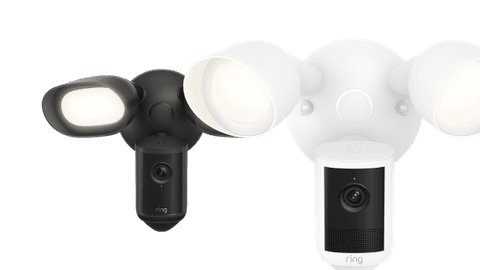
Scare away intruders thanks to the bright spotlight.Ring IP camera promotions
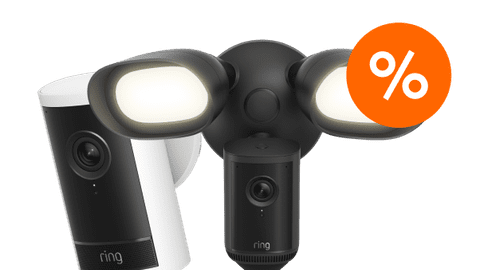
Buy your new Ring camera with a discount here.
Compare the Ring outdoor cameras
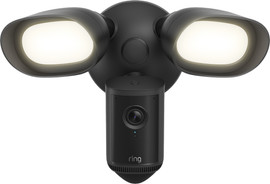
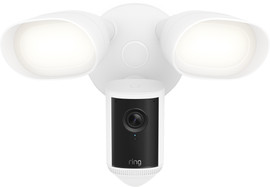
- Floodlight Cam
Via the app, you can watch the footage live and talk to people near the camera.
With a subscription, you can store recorded images up to 180 days secured in the cloud.
The bright, built-in spotlight automatically turns on in case of movement.
The floodlight has a large range, so you can light a large part of the garden.
Because you connect this camera to your fixed wiring, the setup can be difficult.
Retail price€ 279,-From
€ 190,-
- Spotlight Cam
Via the app, you can watch the footage live and talk to people near the camera.
With a subscription, you can store recorded images up to 180 days secured in the cloud.
The built-in light automatically turns on in case of movement.
You can choose from various connectors, so you can always find a camera that suits you
The spotlight has a smaller range, so you can only light fixed, small areas.
Retail price€ 249,99From
€ 170,-
- Outdoor Camera
Via the app, you can watch the footage live and talk to people near the camera.
With a subscription, you can store recorded images up to 180 days secured in the cloud
You can choose from various connectors, so you can always find a camera that suits you.
The camera doesn't have a built-in light with motion sensor.
You can't light your garden with this camera.
Retail price€ 199,-From
€ 130,-
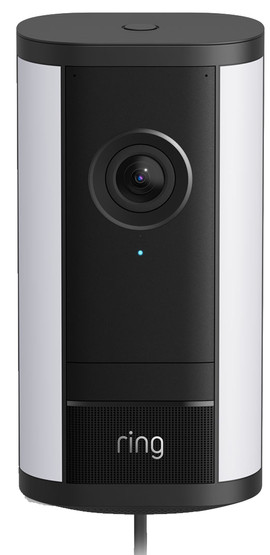
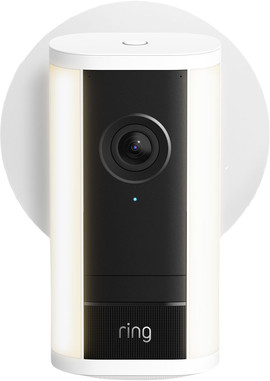
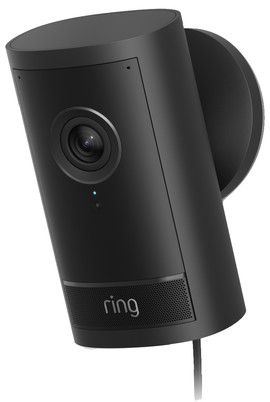
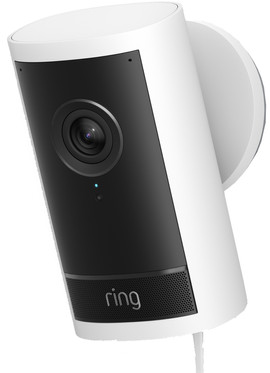
View this Ring IP camera as well
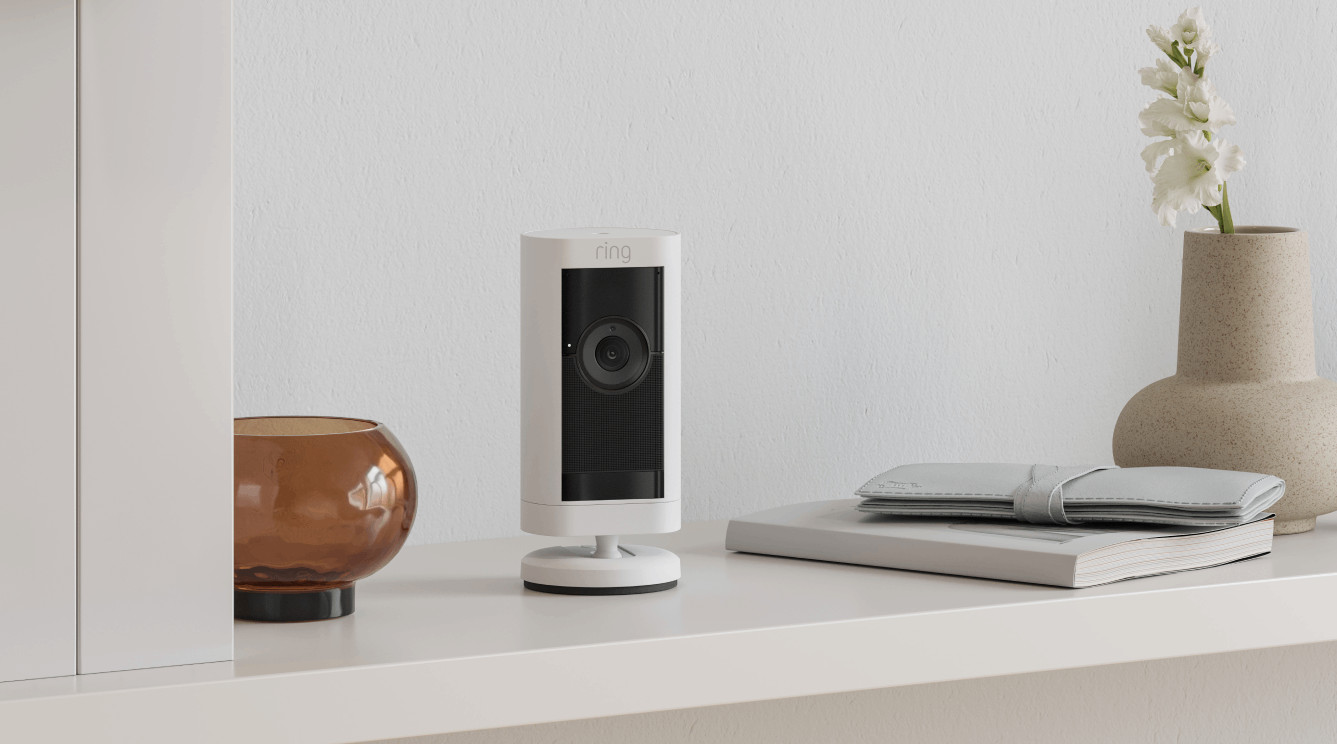
Razor-sharp view of your garden
This outdoor camera records in sharp 4K resolution. You can zoom in on details up to 10 times without the images losing quality. Thanks to the 3D motion detection, you get very accurate notifications.
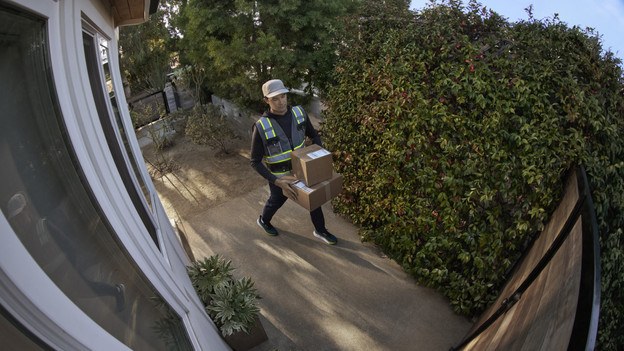
What's the Ring Protect subscription?
With the Ring Protect subscription, you can store all footage of your Ring IP cameras secured in the cloud. You also receive extra functions, such as notifications of people, packages, and vehicles. You pay a fixed amount per month or year for this. There are 3 types of Ring Protect subscriptions: Basic, Standard, and Premium. The smart extras that you receive are different per subscription. For example, cameras can record 24 hours per day and recognize faces with a Premium subscription. You can read all the differences between the Ring Protect subscriptions below.
Which connector should you choose?
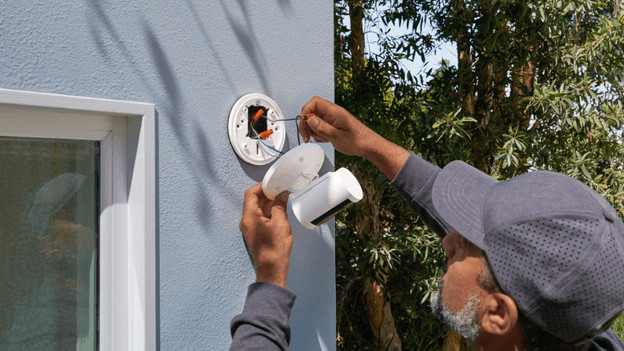
Wired
The installation of a wired camera is difficult, because you have to get to work with fixed wiring. You need some technical knowledge for this. You're also limited in where you place the camera. It does always have power. You can secure your house without interruptions and watch the footage live unlimited.
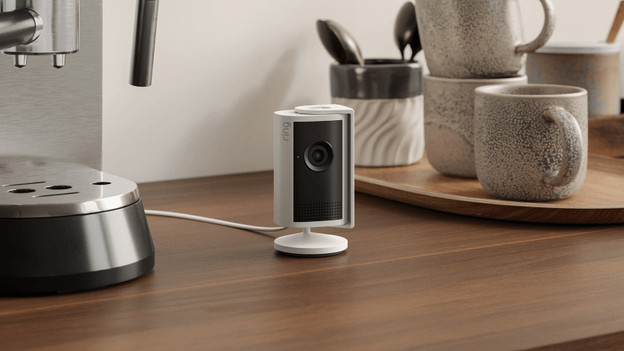
Plug
You can connect a camera with a plug to a socket. Thanks to this, you can easily set it up and it always has power. You're limited in where you place it, because it has to be near a socket. This means you also need a socket in the garden for an outdoor camera with a plug, or you need to drill a hole.
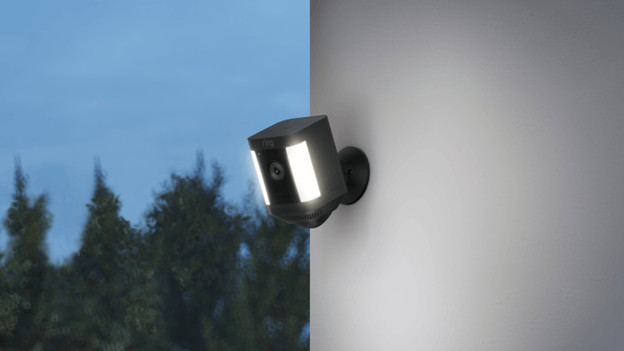
Battery
You can easily place a camera with a battery at any place. The setup is very fast and easy, because you don't have to get to work with wiring. You do have to charge it every now and then. You can't use the camera while it's charging. If you often watch the footage live or when it's busy at the camera, the battery drains faster.
FAQ
Do you need a subscription for Ring IP cameras?
You need a Ring Home subscription if you want to store footage and want to watch it later. With that subscription, you can store your footage safely in the cloud, up to 180 days. Your cameras also get smart extras. Only want to watch the footage live and talk to visitors? You can also use the camera without subscription.
What does Ring Home cost?
You can choose from 3 different Ring Home subscriptions. The basic subscription costs € 3.99 per month, the Standard subscription € 9.99 per month, and you pay € 19.99 for the Premium subscription. It differs per subscription which extra functions you get.
Which smart home platforms work with Ring?
You can connect your Ring camera to Amazon Alexa. With this, you can connect it to other smart devices. Have a smart speaker? You can also control the camera with your voice.

