Gaming laptops
Let Jeffrey help you choose
newOur digital expert Jeffrey will help you choose a gaming laptop and find the best model for you.
Which video card do I need for my gaming laptop?
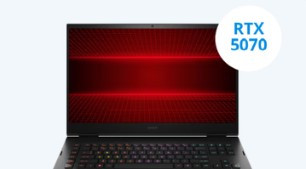
Gaming laptops with NVIDIA GeForce RTX 5070
A gaming laptop with an NVIDIA GeForce RTX 5070 video card is suitable for playing demanding games in Full HD quality with DLSS enabled. This includes games such as Microsoft Flight Simulator 2024 and Starfield.Gaming laptops with NVIDIA GeForce RTX 5060
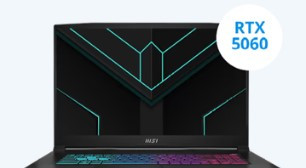
A gaming laptop with a GeForce RTX 5060 is suitable for medium demanding games, which you can play smoothly without DLSS support. The video card provides more power, which allows you to play more smoothly without needing additional support.Gaming laptops with NVIDIA GeForce RTX 5050
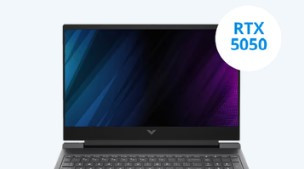
With an NVIDIA GeForce RTX 5050 video card, you can play your favorite medium demanding games smoothly in Full HD with DLSS enabled. This includes games like Hogwarts Legacy and Cyberpunk 2066. You can play all light games without DLSS enabled.Gaming laptops with NVIDIA GeForce RTX 5070 Ti
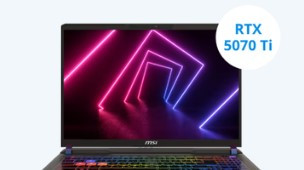
With a gaming laptop with an NVIDIA GeForce RTX 5070 Ti video card, you can play your favorite demanding games in Full HD and see every detail. Thanks to the larger RAM and increased performance, you can play these demanding games smoothly even without DLSS support. You can also play games in Quad HD with DLSS enabled, so you see even more detail.Gaming laptops with NVIDIA GeForce RTX 5080
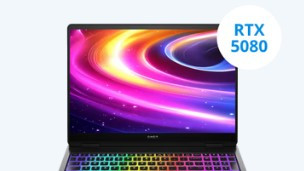
With an NVIDIA GeForce RTX 5080 gaming laptop, you can play all games smoothly in Quad HD. You can also play light games in 4K with DLSS enabled and apply graphic packs to your games. This allows you to continue playing smoothly at a minimum of 60 fps while noticing more details.
Highlighted product
Powerful in the game
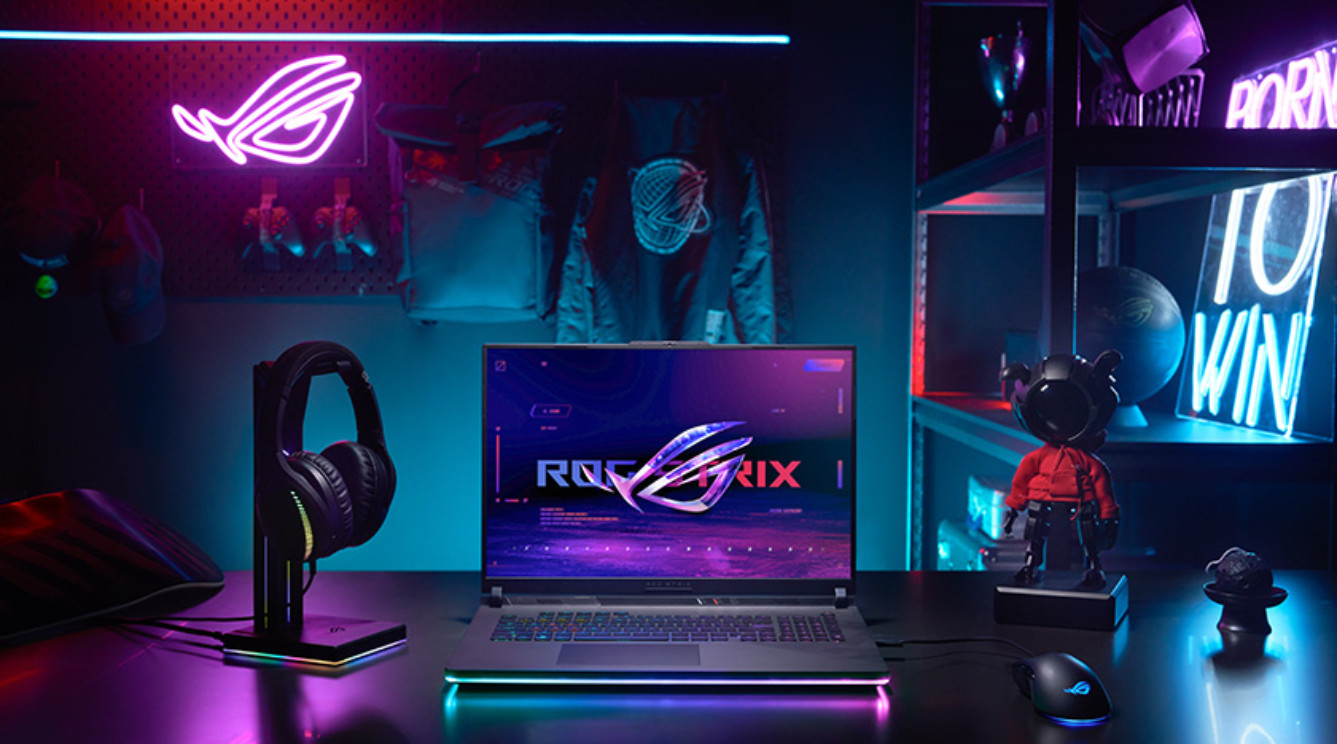
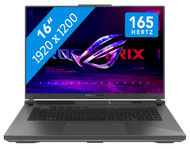
With the 16-inch ASUS ROG Strix G16 G614PM-RV007W, you can play your games with the best possible image quality. The AMD Ryzen 9 processor and 16GB RAM (DDR5) ensure smooth gameplay without slowdowns. The NVIDIA GeForce RTX 5060 provides sharp, realistic images, while the 165Hz WUXGA IPS display provides fast-paced action with brightness and precision.
Retail price
€ 1.899,-€ 1.399,-
Delivered tomorrow






What games do you play on your gaming laptop?

Light games
For light games like League of Legends or Fortnite, an RTX 3050 or RTX 4050 is sufficient. With this, you can get at least 60 fps in Full HD. Older games like GTA V run smoothly in Quad HD at high settings. If you also plan to stream, choose a gaming laptop with at least 16GB RAM. This will allow multiple programs to run smoothly and without lag.

Medium demanding games
More demanding games like Call of Duty or Battlefield require a more powerful video card. They display a lot of details and effects on the screen. An RTX 5050 or RTX 5060 gaming laptop is ideal for these games. If you play older games as well, you can install new graphics packs for them. This makes them look even more realistic. You can also use the laptop for graphic design and streaming. The large RAM provides enough power for all these tasks.

Demanding games
Games like Starfield or Elden Ring demand a lot from your video card. For games like these, a gaming laptop with an RTX 5070 or better is ideal. These games have a lot of detail and fast-paced action. The video card provides enough processing power for smooth gameplay. With an RTX 5080, you can enjoy these titles in 4K with DLSS turned on. If you play all games at very high settings, go for a gaming laptop with an RTX 5090.
Experience the ultimate gaming experience with the NVIDIA RTX 5000 series
Everything on the NVIDIA GeForce RTX 5000 series video cards
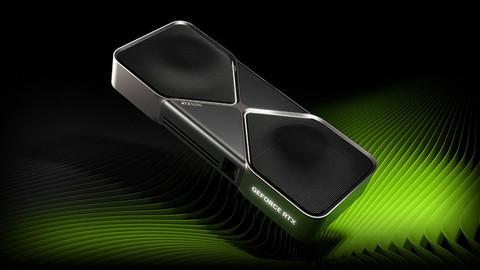
The NVIDIA GeForce RTX 5000 video cards provide improved DLSS support, more powerful components, and new technologies. We’ll explain the differences.Comparison NVIDIA GeForce RTX 5000 and RTX 4000 video cards
You can learn all about the differences between the RTX 5000 and RTX 4000 series video cards here.What's NVIDIA DLSS?
With NVIDIA DLSS, your video card uses AI to generate more frames for an even better gaming experience. Learn more about NVIDIA DLSS here.


Advice on gaming laptops
How do I choose a gaming laptop?
Find out how to choose the best gaming laptop for you here.Everything on gaming laptops with RTX video card
You can learn everything on gaming laptops with RTX video card here.Complete your gaming laptop setup
Here's everything you need to know to get your laptop ready for gaming.More advice on laptops
You'll find all our articles to help you choose a laptop here.

Frequently asked questions
How do I choose a gaming laptop?
It’s important to know what you’ll use your new gaming laptop for. For example, do you play light, medium demanding, or demanding games? Want to stream your gameplay for your followers and friends? Also think about what screen size you want.
What size video card do I need?
That depends on the games you want to play. If you only play light games, an RTX 2050 or RTX 3050 video card is more than enough. For medium demanding games, we recommend at least an RTX 4050 or RTX 5050. If you also play demanding games, you’ll need at least an RTX 4070 or RTX 5070. An RTX 5090 is only necessary if you play all games at the highest settings.
Which games can I play on my gaming laptop?
Which games run on your laptop depends mainly on the video card, processor, and RAM. If you use the game filter on the following page, you’ll see exactly which gaming laptop is right for the games you play.
How big should my gaming laptop be?
If you mainly use your laptop at your desk and only take it with you every now and then, a 15 or 16-inch laptop is a good choice for you. If you're looking for a larger model for a permanent setup, a 17 or 18-inch laptop is a good choice.
How do I complete my gaming laptop setup?
It depends on what kind of gamer you are. If you mostly play for fun, a gaming mouse and a mouse pad will probably be enough. Also play online with your friends? We recommend a headset. For avid gamers, we also recommend a gaming monitor and a keyboard.