Laptops

All laptops

Laptop promotions

Type laptops
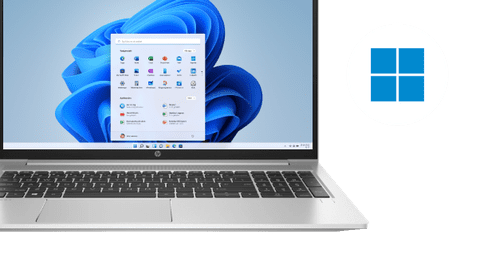
Windows laptops
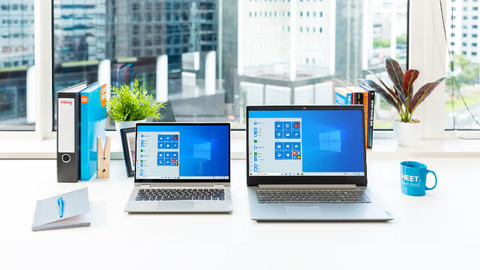
With the well-known Windows, you can use almost every application.Apple MacBook
Use macOS and work together with other Apple devices.Microsoft Surface
Microsoft Surface models for on the go or at homeQWERTY laptops
The QWERTY keyboard doesn't have umlauts and is great for English texts and international shortcuts.

Laptops for every usage situation
Laptops for home use
Browse the internet, watch series, send emails, and write texts with a laptop for home use. You can work in programs like Microsoft Word, Google Chrome, or Pages.Laptops for school
With a student laptop, you can write reports, make presentations, and work on all your assignments. Thanks to the compact size, you can easily bring it to lectures.Laptops for graphic design
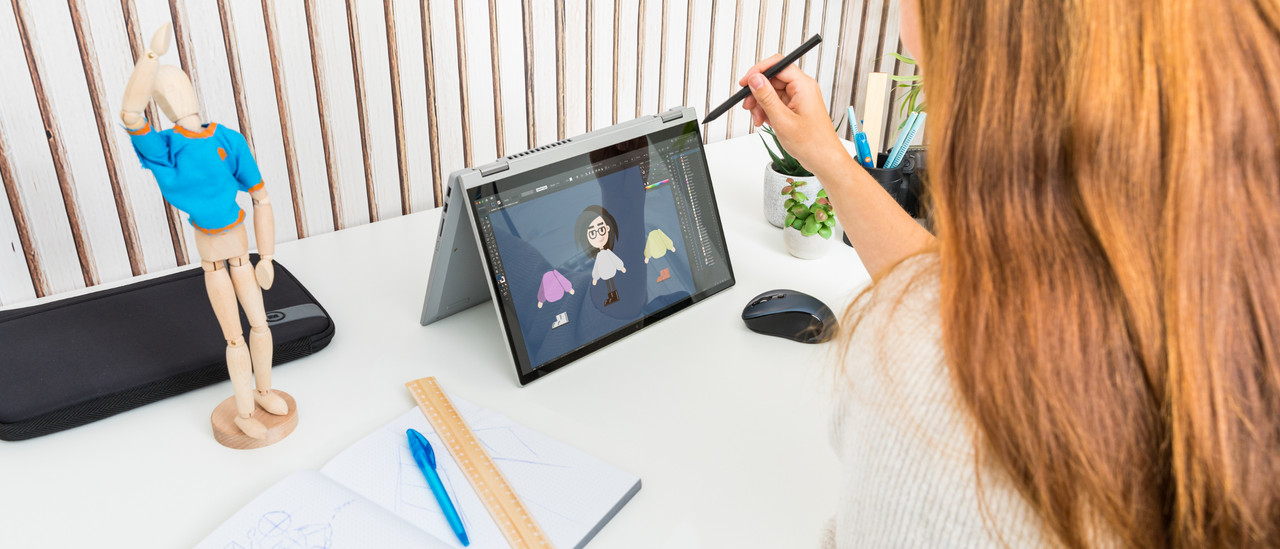
You can create and edit graphic design projects or edit photos and videos with Adobe Photoshop or Premiere Pro. Create designs in programs like AutoCAD or Blender.Laptops for gaming
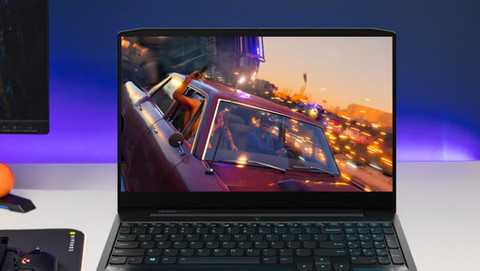
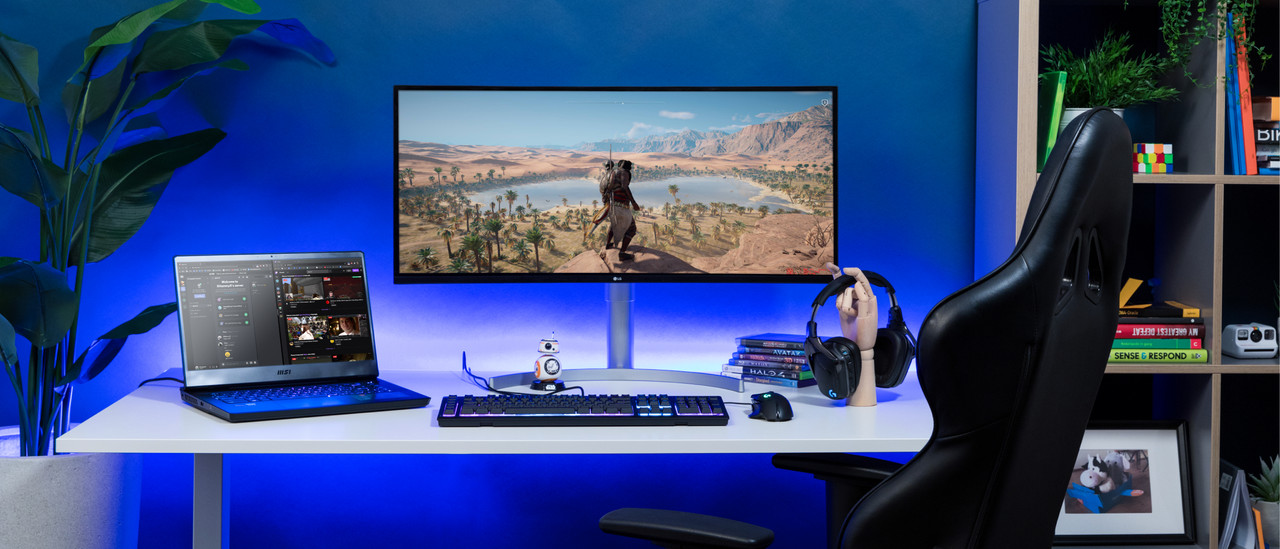
Play your favorite games in style with a gaming laptop. Defeat your opponents or build worlds while you game. You can play light, medium demanding, and demanding games.
Inspiration


Advice on laptops
Which laptop suits you?
Looking for a Windows laptop, MacBook, or Chromebook? You can find a model that suits your studies, work, or gaming here.Which laptop size suits you?
Small laptops are light and ideal for on the go. Large screen offer space for graphic applications or gaming. Choose the right size for you here.What's a Copilot+ laptop?
Copilot+ PCs support your daily life with AI. The battery lasts long and the system works quickly. Discover if this technology suits you here.What are QWERTY keyboards?
QWERTY keyboards don't have umlauts like Ä, Ö, and Ü. The layout is the worldwide standard, so it's ideal for international communication.


Frequently asked questions about laptops
Which operating system do I need?
Windows is the most well-known operating system and can be used for all kinds usage situations. For an operating system that's compatible with other Apple devices, use macOS. That's suitable for tasks from browsing the internet to 4K video editing. You use Chromebooks when you mostly make reports and presentations.
Which laptop is suitable for my studies?
We recommend a laptop with an Intel Core i5 or AMD Ryzen 5 processor for social, cultural, and economic degrees. For creative degrees, we recommend an Intel Core i7 or AMD Ryzen 7 processor. If you're a technical student, you need at least an Intel Core i7 or AMD Ryzen 7 processor and a dedicated video card.
What's the difference between QWERTY and QWERTZ?
QWERTZ is the German keyboard with Ä, Ö, and Ü. QWERTY is the worldwide layout without these keys. Many people use QWERTY for English texts or IT tasks. Choose the layout that suits you here at Coolblue.
How do I choose a Windows laptop?
To switch between programs like Chrome and Office, you need an Intel Core i5 or AMD Ryzen 5 processor. For demanding tasks like video editing, you need an Intel Core i7 or AMD Ryzen 7 processor. You perform the most demanding tasks with an Intel Core i9 or AMD Ryzen 9 processor.
How do I choose a MacBook?
There are 2 types of MacBook models: the Apple MacBook Air and the Apple MacBook Pro. The Apple MacBook Air is light and easy to take to school. The Apple MacBook Pro is better for demanding programs.
Which processor do I need?
To write reports and make presentations, you need an Intel Core i5 or AMD Ryzen 5 processor. When you work with demanding programs, an Intel Core i7 or AMD Ryzen 7 processor is necessary. For demanding graphic design edits, you need an Intel Core i9 or AMD Ryzen 9 processor.

BlueBuilt laptop accessories: 5-year warranty

Laptop sleeves
BlueBuilt laptop sleeves are made from sturdy materials and offer the best protection for your laptop. They're very sturdy and fit around your laptop perfectly, and the zipper goes over the short side of the sleeve as well. So you can take your laptop out of your bag, but leave the sleeve in it.
Mice
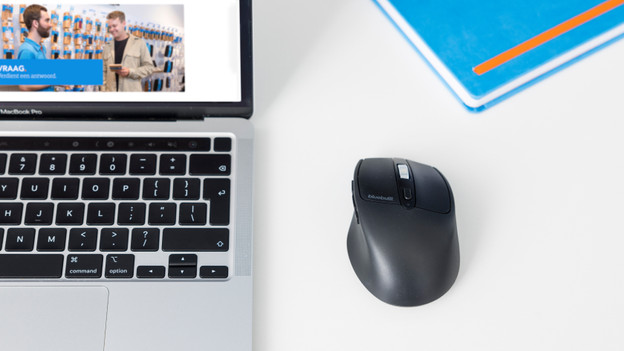
BlueBuilt mouses come in all shapes and sizes. For example, we have wireless mouses where you can also choose for the ergonomic version. This way, you'll assume a natural position and prevent RSI complaints. All BlueBuilt mouses have silent buttons that reduce the clicking sound.
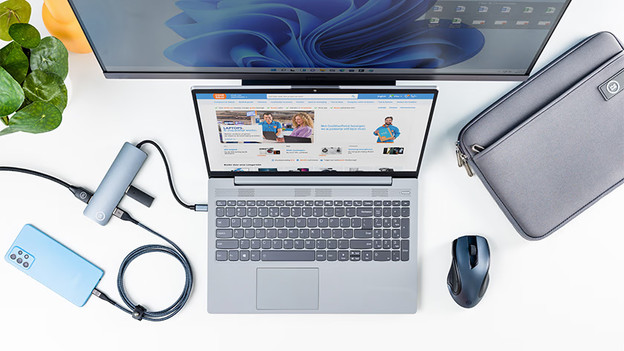
Docking stations
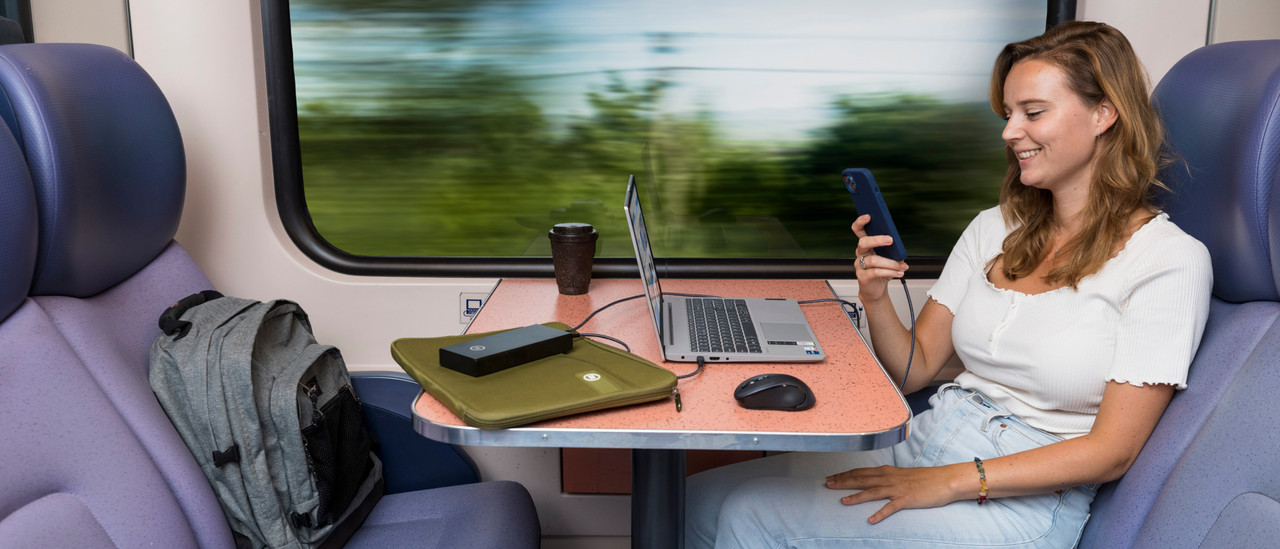
With BlueBuilt docking stations, you can connect all your peripherals to your laptop. The docking stations have multiple ports and are always compatible. This way, you can connect cables like HDMI, DisplayPort, Ethernet, and USB cables. Make sure the docking station has the ports you want before you buy it.

Advice on Laptops
Can't choose? View the advice from our expert.
