Logitech MX Brio Ultra HD 4K Webcam Gray
Similar webcams
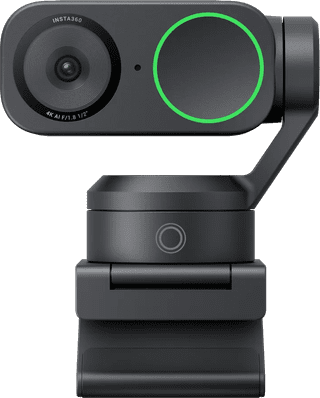
- 4K webcam
- AI functions
- Tilts automatically
€ 229,99
Delivered on Monday
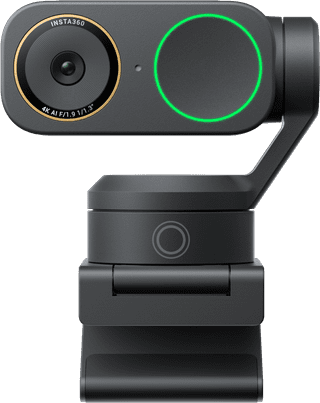
- 4K webcam
- AI functions
- Tilts automatically
€ 269,-
Delivered on Monday

€ 229,99
Delivered on Monday
€ 269,-
Delivered on Monday
With Coolblue Extended Warranty, you are protected against costs due to quality defects of your webcam for the next 4 years. During the entire term, we will reimburse up to the original purchase price. You can easily add the Extended Warranty in your shopping cart.
€ 19,99
one-timeAdd your webcam to your shopping cart. In the next step, you can add the Extended Warranty. You can exchange or return your purchase for free within 30 days.
Product number | 944913 | |
|---|---|---|
Manufacturer code | 960-001554 | |
Brand | Logitech VC | |
Warranty | 2 years | |
Processing of your defect | Via Coolblue |
Plug and Play | ||
|---|---|---|
Sharpness | 4K Cinema | |
Maximum fps in Full HD (1080p) | 60 fps | |
Maximum fps in Ultra HD (4K) | 30 fps | |
Autofocus | ||
Wide-angle | ||
Automatic brightness adjustment | ||
Coverable lens |
Built-in microphone | ||
|---|---|---|
Microphone recording type | Omnidirectional | |
Microphone noise suppression | ||
Infrared (IrDA) | ||
Tiltable | ||
Type of webcam holder | Universal clip |
Width | 9,8 cm | |
|---|---|---|
Depth | 5,22 cm | |
Height | 6,16 cm | |
Weight | 0,17 kg | |
Color | Gray | |
Material | Plastic | |
Finish | Matte |
Type of USB port | USB-C | |
|---|---|---|
Connection type | Wired | |
Bluetooth | ||
Cable length | 1,5 m |
anything for a smile
Current product

Retail price
€ 199,99€ 168,90
€ 229,99
€ 269,-
€ 169,99
€ 219,-
4K Cinema
4K Cinema
4K Cinema
4K Cinema
4K Cinema
According to our webcam expert
Thanks to the 4K images of 30 fps and 1080p images at 60 fps, you're always clearly visible during video calls.
The brightness automatically adjusts itself at little light, so you can also make video calls in badly lit rooms.
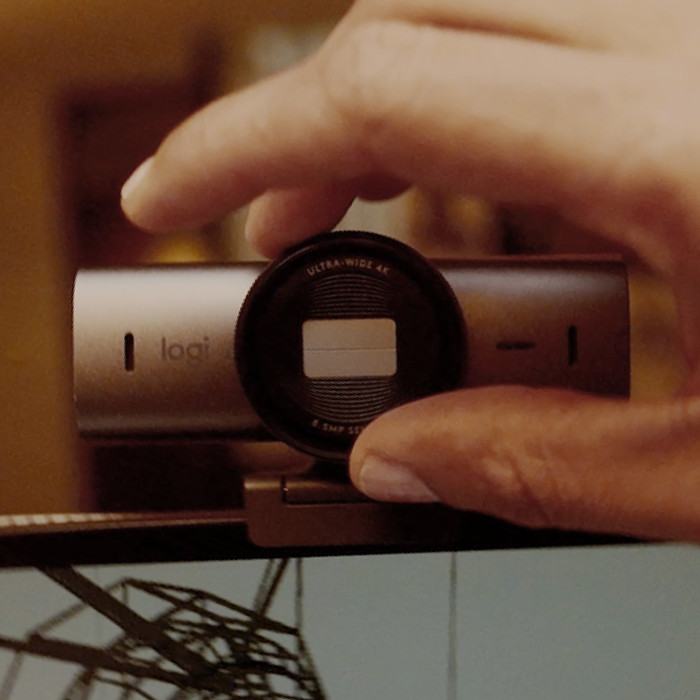
Because the lens can be covered, you can protect your privacy and you're not bothered by unwanted viewers.
You need to place a wired webcam near your computer.
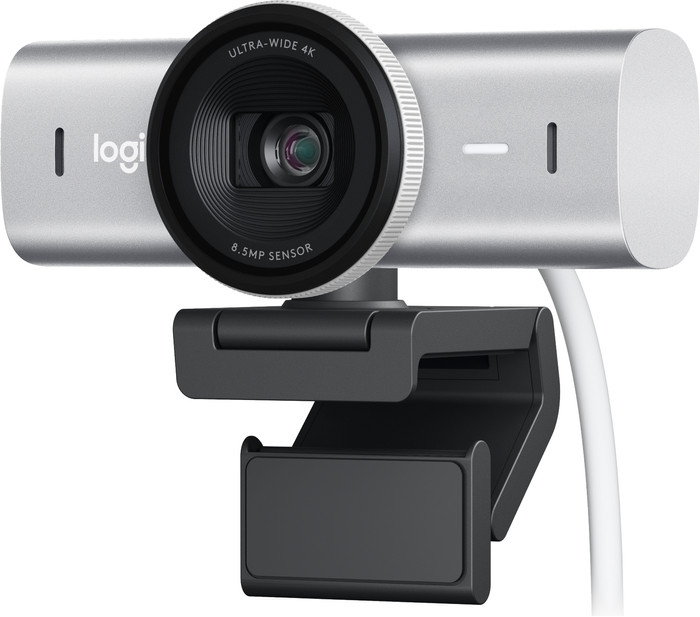
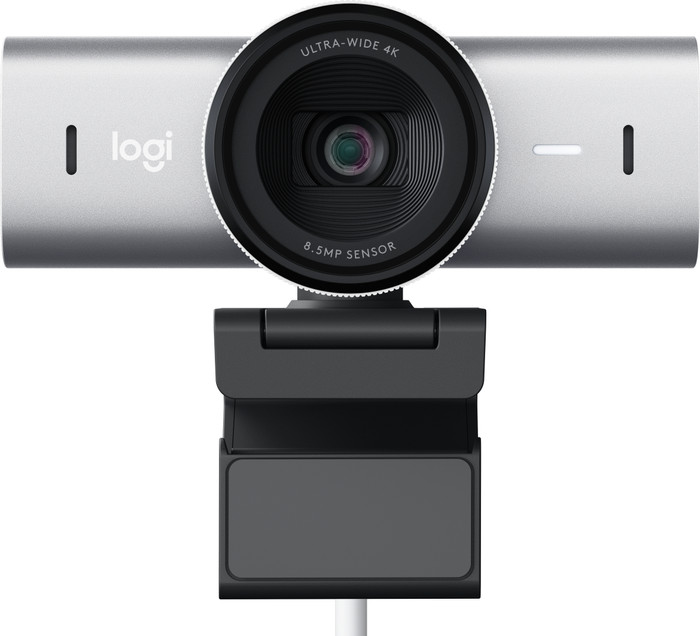
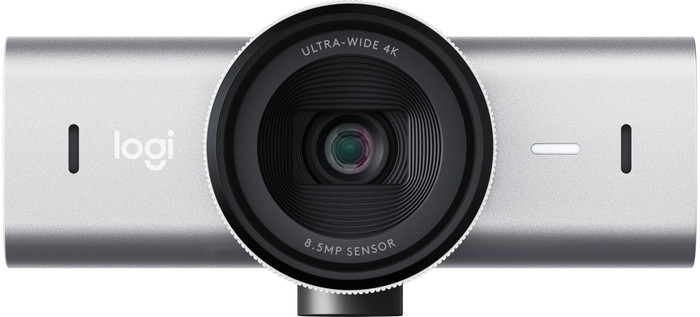
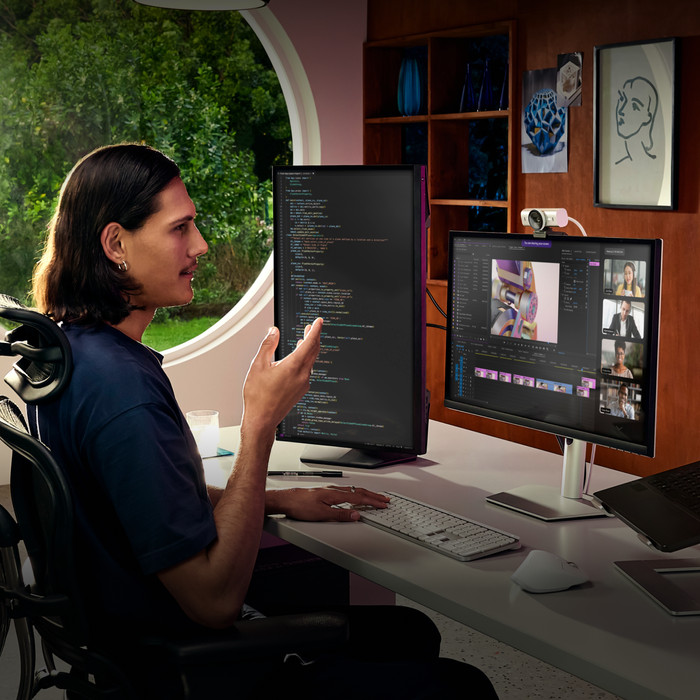
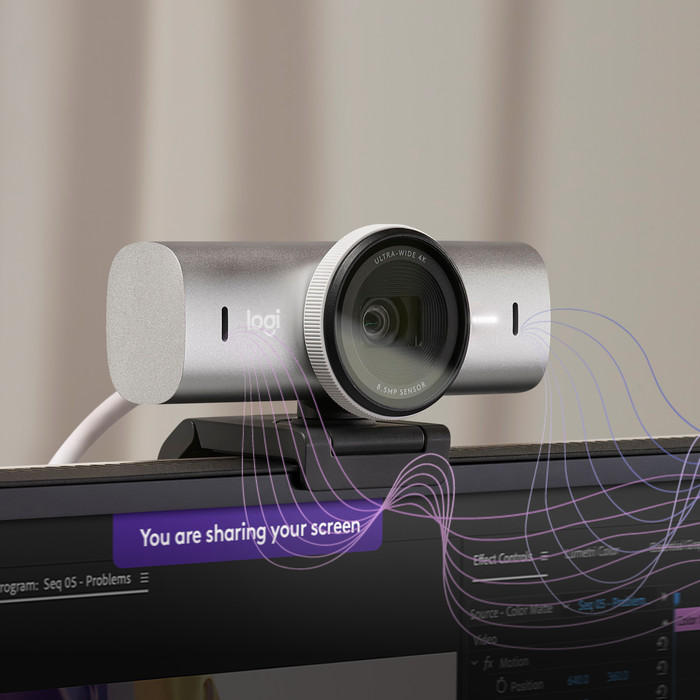
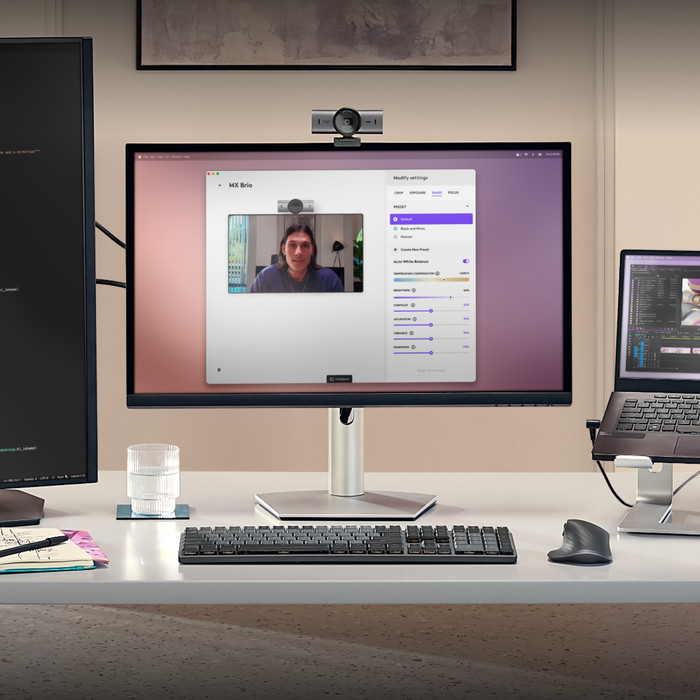
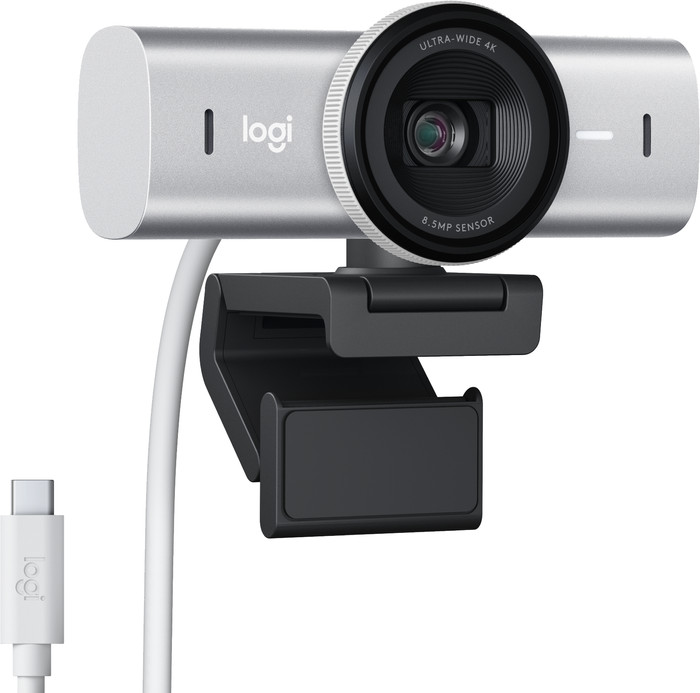
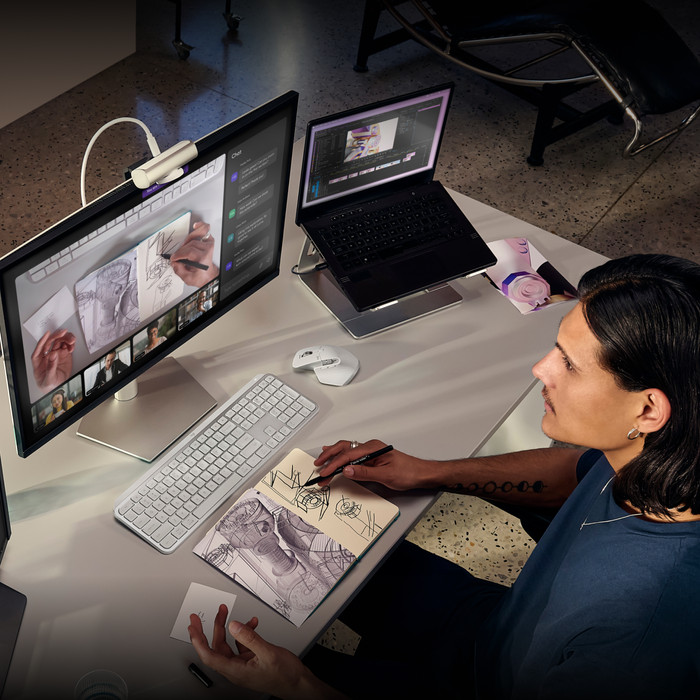
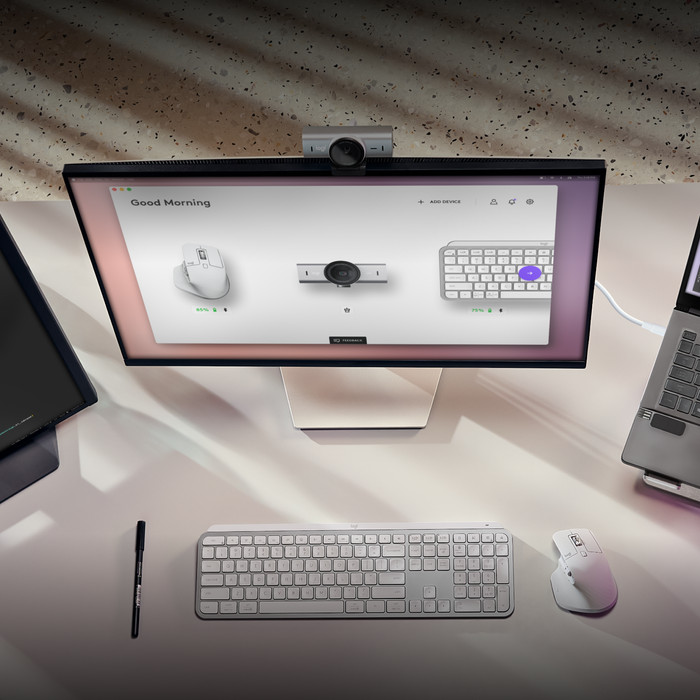
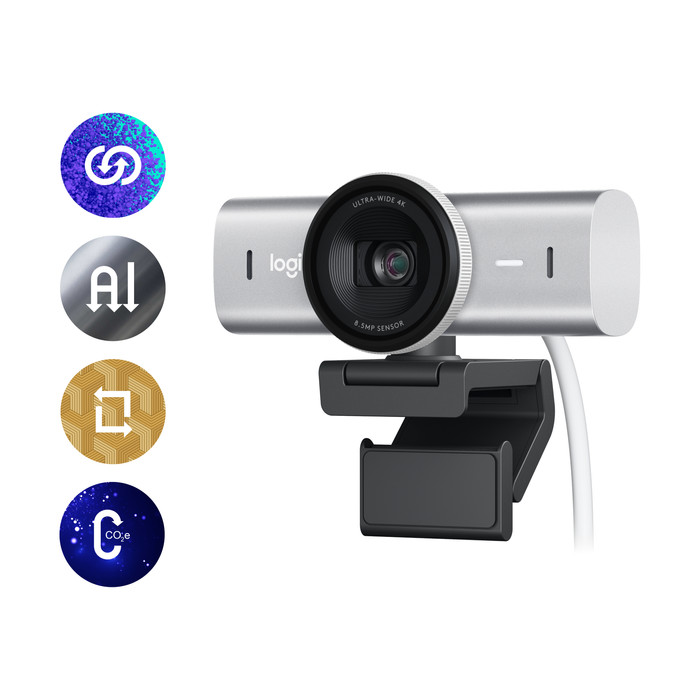
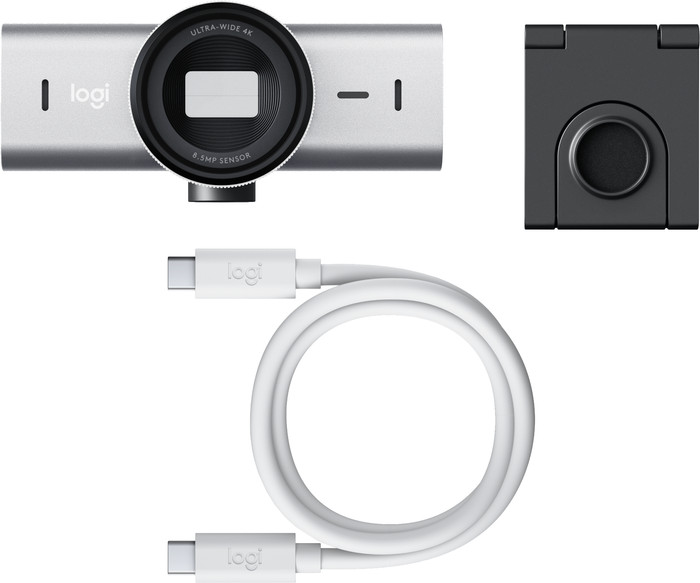
With the Logitech MX Brio Ultra HD 4K Webcam Gray, you look razor-sharp during meetings and streams. This USB-C webcam has a 4K resolution at 30 fps or 1080p at 60 fps. The image quality of the MX Brio was improved by AI. For example, the automatic lighting and white balance are improved so you're also clearly visible in badly lit rooms. Thanks to the built-in noise-suppressing microphones, background noise isn't audible for your conversation partner. This allows you to keep talking without distractions. With the Show Mode, you can easily tilt the webcam and show your notes on your desk. You also don't have to worry about your privacy with the Logitech MX Brio. It protects you via the built-in privacy switch. This webcam works with Zoom, Teams, Skype, Google Meet, and other programs. Do you have multiple Logitech MX products? Control your streams via your MX keyboard and mouse.
Installation
Quality
Options
A known problem with this camera appears to be that MS Teams does not recognize it properly and uses the lowest resolution. For a description of the issue, search for "Logitech 4K Poor Quality Video In Teams Desktop App", so this is a known issue that has not been resolved for a year.
AJ
5 July 2024
Automatically translated from Nederlands
Finally a webcam with really good image quality. Plug it in, hang it up and you're done right away. You may not need 4K, but it does allow you to zoom in a bit and it will still be sharp. Ambient light doesn't matter that much anymore. Feel free to sit by a window - this thing will correct it, so you're always in the picture. Microphone is mediocre, but if you want good sound quality, just buy a separate USB microphone.
Rom
26 March 2024
Automatically translated from Nederlands
I work from home 3-4 days a week, often via Teams. I had a Logitech Brio webcam and was very satisfied with it, but the Show Me function of this new one is super useful for me. Unfortunately I had not noticed that it does not support Windows Hello, which is a shame.
Steven
4 April 2024
Automatically translated from Nederlands