
anything for a smile
Pencil Pro | The most functions, for the latest iPad models
Our choice for an Apple pen for the iPad mini, iPad Air, and iPad Pro
Choose your Apple Pencil

Quality
Design
Options
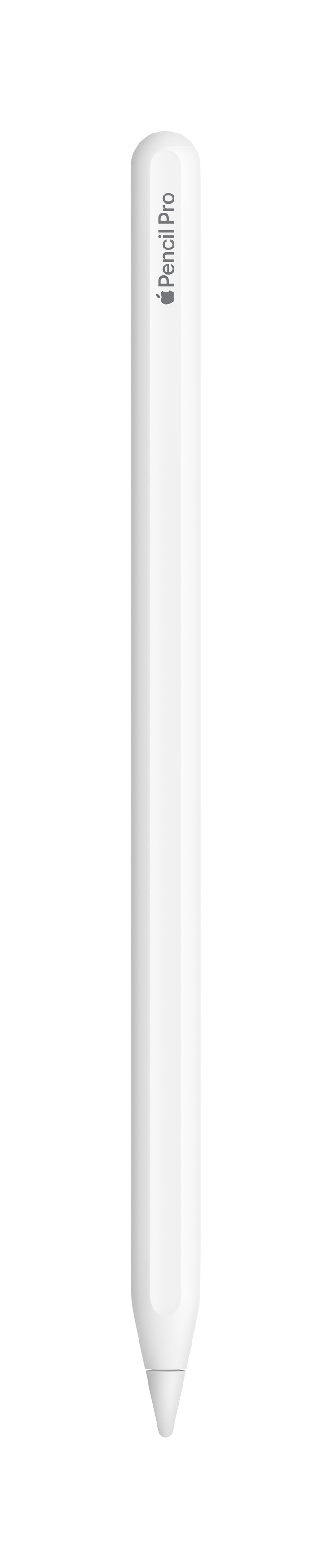
Apple Pencil Pro is the most comprehensive Apple Pencil, featuring the most professional functions. With it, I draw and write quickly and smoothly on my Apple iPad, although it does take a while to master all the Pencil's functions.
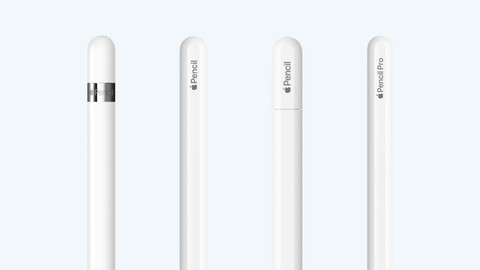
Comfortable to hold In terms of design, Apple Pencil Pro closely resembles its predecessors, Apple Pencil 2 and Apple Pencil with USB-C. This is especially noticeable on the flat side: this prevents the Pencil from rolling away when you place it on a table. Apple Pencil Pro also feels very comfortable in the hand. It is not too heavy, but it certainly doesn't feel light or fragile either. This allows me to work with it easily for extended periods.
Working with my iPad I use Apple Pencil Pro together with an iPad Air (2026) that I am currently testing. These devices work very well together, and you notice that immediately. When I take Apple Pencil out of the box for the first time, I magnetically attach it to my iPad. The pen is then connected instantly, after which I immediately start drawing and writing. Charging is also entirely magnetic, meaning I don't need any cables. And because I store the Pencil by clicking it onto the iPad, the battery is always 100 percent charged when I start drawing.
Many professional features With Apple Pencil Pro, I get access to a number of features that I don't have on other Apple Pencil models. For instance, I squeeze the Pencil to see all my drawing tools, and the pen vibrates when I select a new tool. With Apple Pencil Hover, I see where I am going to draw on the screen even before the Pencil touches the screen. This ensures I don't draw any wrong lines. Additionally, I can rotate and tilt the Pencil to create exactly the line I want.
I decide to put my drawing talent to work and test Apple Pencil by making a drawing. While drawing, I notice that I really have to get used to all the extensive features. For instance, I sometimes accidentally select the eraser, or suddenly switch to a different brush. Then I have to stop for a moment and undo my mistake, which costs me time and focus. But once I finally master the features, I work smoothly on my beautiful artwork.
Stefan. Apple iPad Specialist.
9 April 2026
Automatically translated from Nederlands
I bought the Apple Pencil Pro because I wanted to get back into drawing and digital drawing seemed like an effective entry point.
Since receiving it, I have created a few personal works that I am quite happy with. The Pencil gives you much more refinement than your fingers. Unfortunately, I cannot compare it to the regular Apple Pencil due to lack of experience.
For people who draw professionally, the iPad with nanoglass may be the better surface. My only frustration while drawing was the slippery surface of my iPad Air.
Gersom
17 August 2024
Automatically translated from Nederlands
Pencil works well, nice to work with.
Max
2 December 2024
Automatically translated from Nederlands
Number of styli | 1 | |
|---|---|---|
Pen functionality | ||
Made for brand | Apple | |
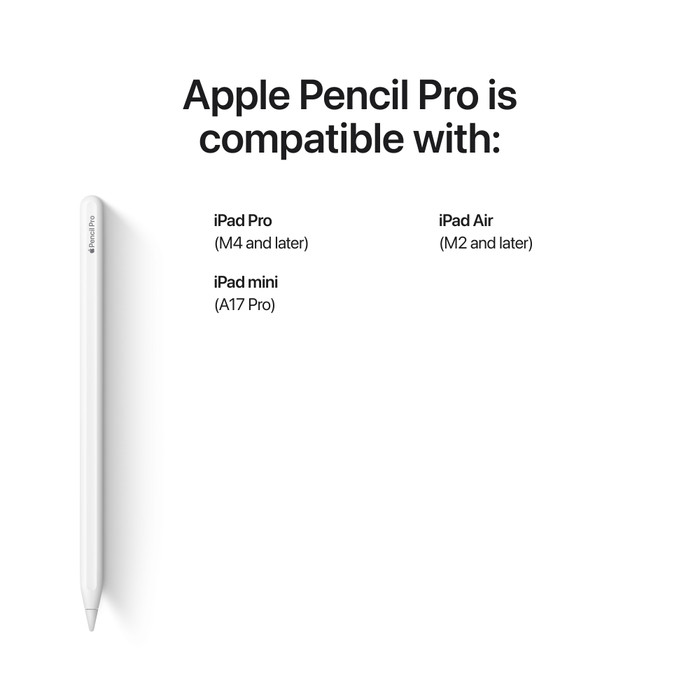
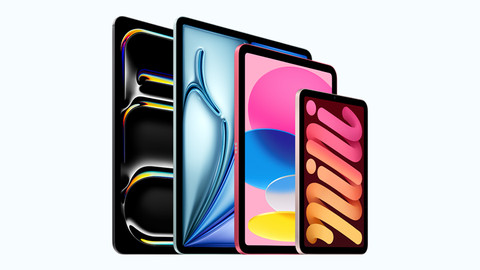
Suitable for model | Apple iPad Air (2024), Apple iPad Air (2025), Apple iPad Air (2026), Apple iPad Mini 7 (2024), Apple iPad Pro (2024), Apple iPad Pro (2025) |
According to our stylus expert
Add more depth to your drawing: the tilt-sensitive tip lets you create broad strokes and shadows.
Get creative on your iPad: you can work on creative projects on your iPad with this stylus.
Take accurate notes: thanks to the pen functionality, you can take more accurate notes.
Only for certain iPad models: you can only use this stylus with certain iPad models.
Retail price
€ 149,-€ 144,95
Retail price
€ 149,-€ 144,95
Product number | 948935 | |
|---|---|---|
Manufacturer code | MX2D3ZM/A | |
Brand | Apple | |
Warranty | 2 years | |
Processing of your defect | Carry-in warranty |
Material | Plastic | |
|---|---|---|
Color | White |
Number of styli | 1 | |
|---|---|---|
Pen functionality | ||
Capacitive Stylus | ||
Made for brand | Apple | |
Compatible with product type | Tablet | |
Suitable for model | Apple iPad Air (2024), Apple iPad Air (2025), Apple iPad Air (2026), Apple iPad Mini 7 (2024), Apple iPad Pro (2024), Apple iPad Pro (2025) | |
Tilt sensitive |
Delivered on Monday
Coolblue takes care of everything, from taking out an insurance to repairs
For almost all accidents
More coverage in case of damage than your standard warranty
No deductible
First, add your stylus to your shopping cart. On the next page, choose one of the Protection Plans below. You always have a 30-day return window and pay no deductible in case of damage or theft.
2-year Protection Plan
€ 16,99
one-time2-year Protection Plan with theft cover
€ 18,99
one-time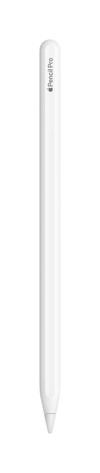
Delivered on Monday