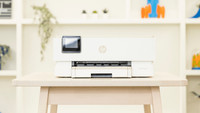
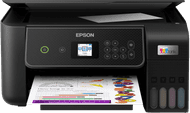
Epson EcoTank ET-2950

anything for a smile
Black
|
No extra ink

Better model
5 stars
12
4 stars
15
3 stars
1
2 stars
1
1 star
0
Installation ease
Options
Print quality
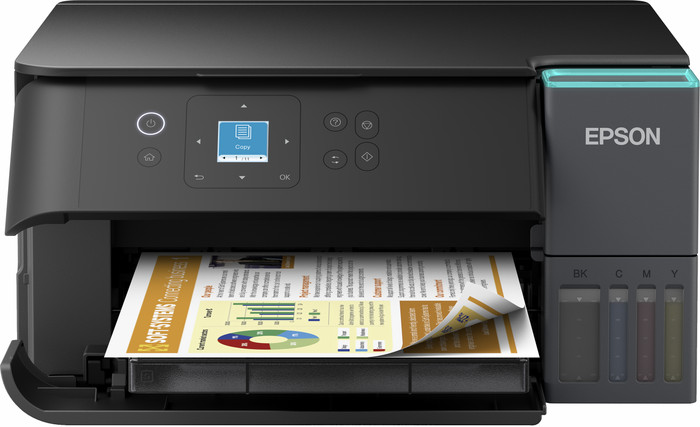
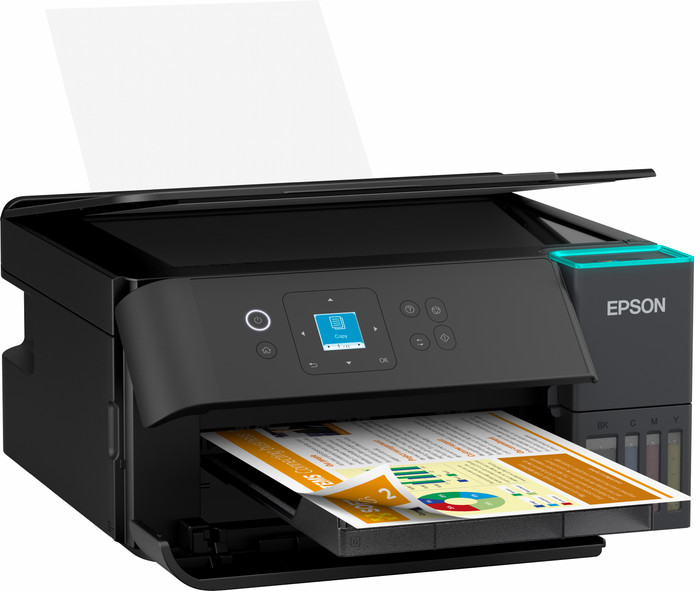
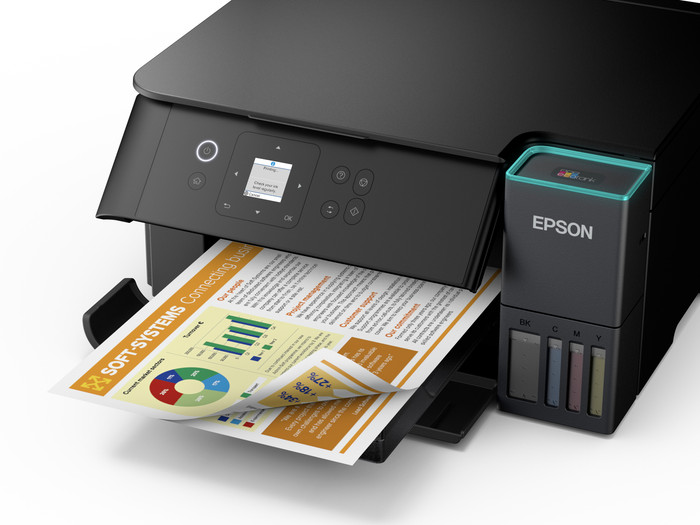
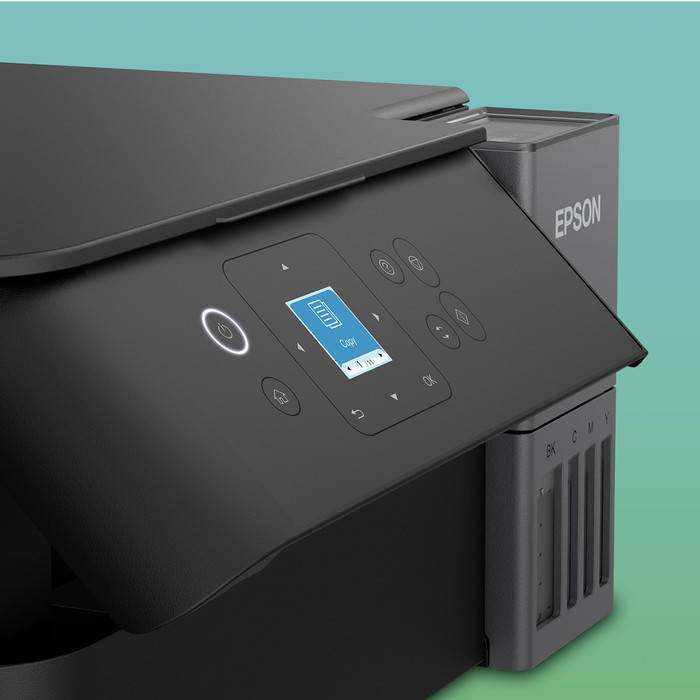
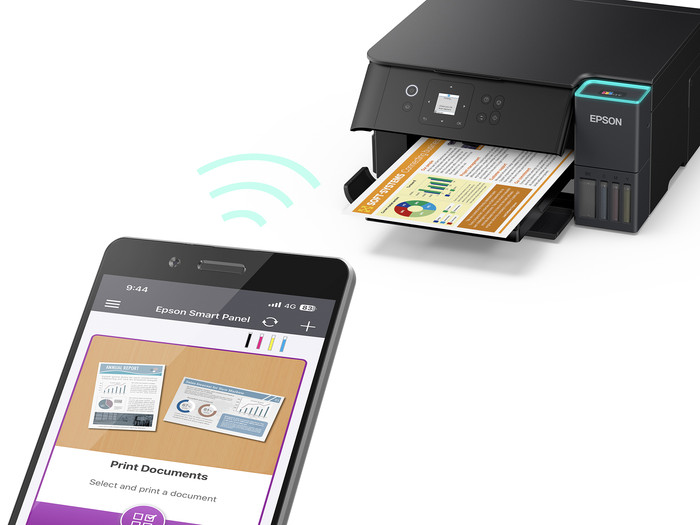
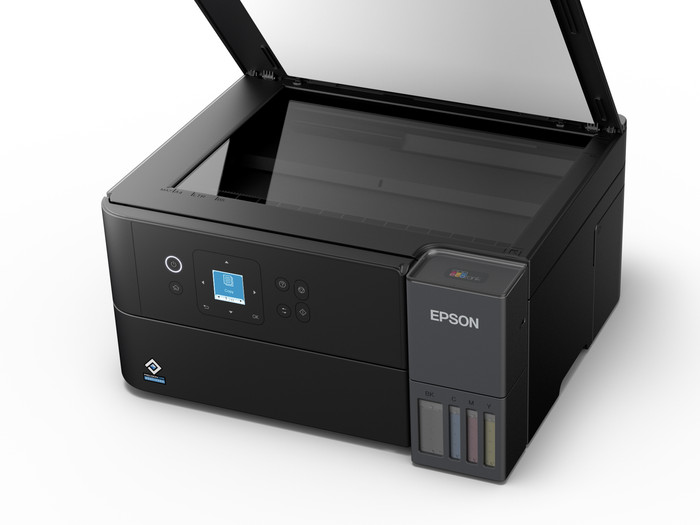
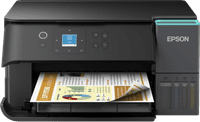
The Epson EcoTank ET-2950 is a great home printer that I use to print all my documents and the occasional vacation photos. Installation is easy, and I can quickly operate the printer via the color screen or the Epson Smart Panel app on my phone. I do find it a shame, however, that the printer doesn't have an ADF.
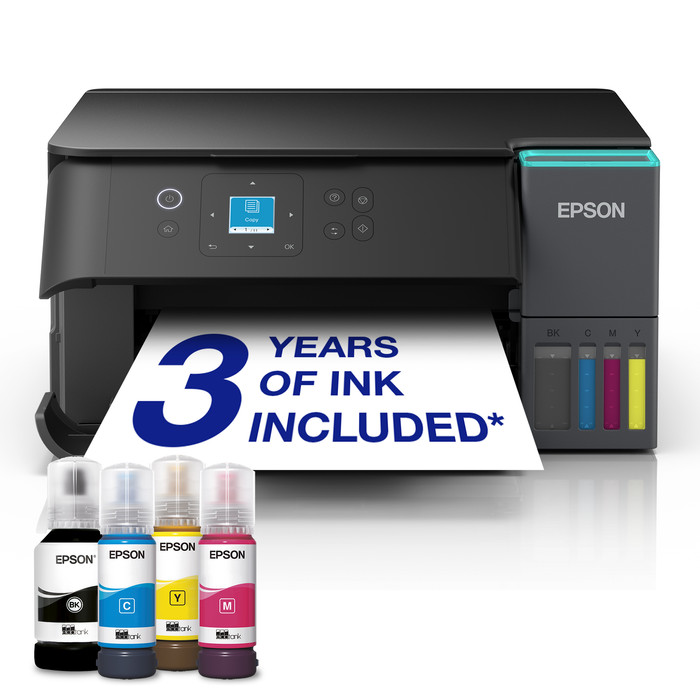
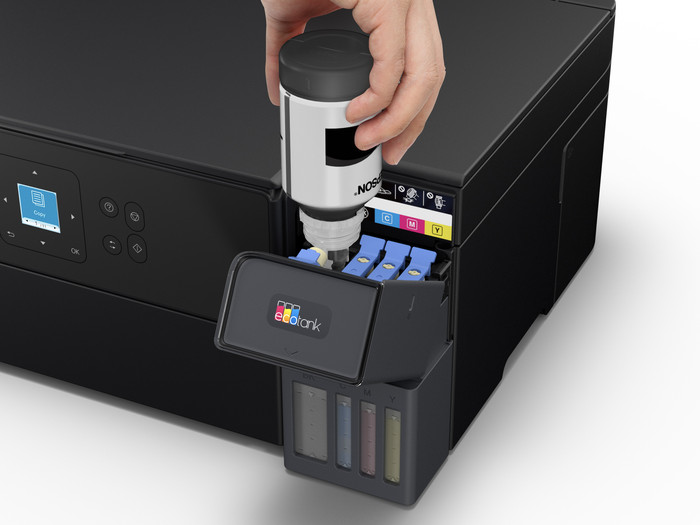
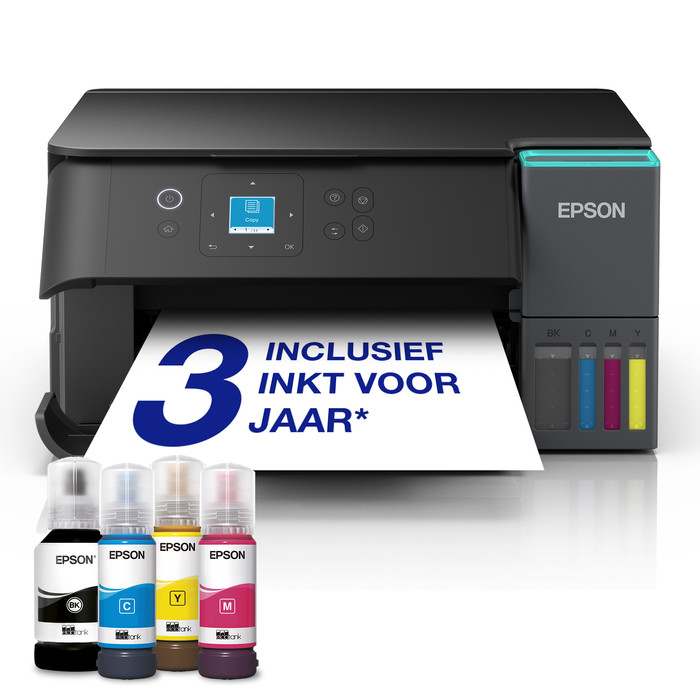
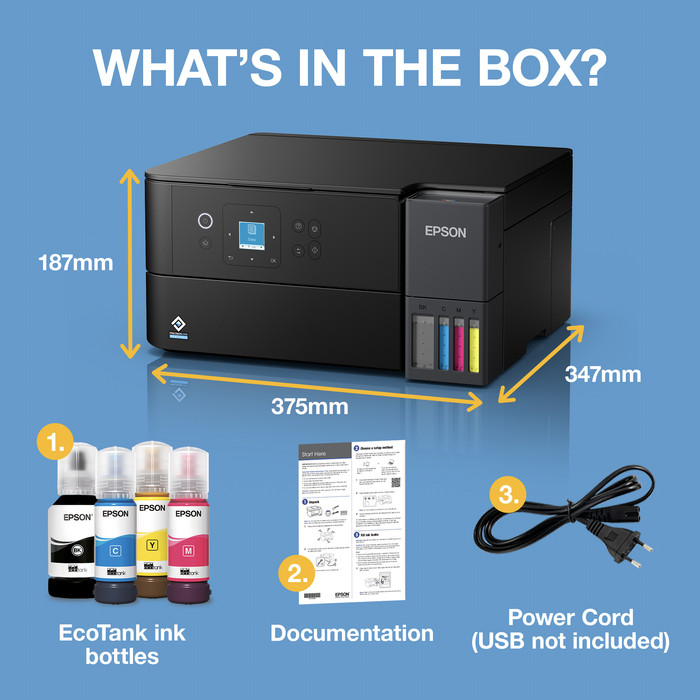
Easy Ink Refills In the box, I find the printer, the manual, four ink bottles, and a power cord. The printer is in a plastic bag with handles, allowing me to safely lift it out of the box. I remove all the adhesive strips and open the ink reservoir. I carefully place an ink bottle upside down on the correct reservoir, allowing the ink to flow into the printer. Now that the reservoir is full, no more ink comes out of the bottle, and I remove it without spilling any remaining ink. I'm not worried about new ink for now, because the included ink will last me up to three years. On the back of the printer, I open the paper support, place a stack of A4 paper on it, and adjust the guides. The printer is small, but the protruding paper stack prevents it from fitting tightly against a wall or cabinet.
Fast Wi-Fi Direct Connection I operate the printer via the built-in color screen with easy-to-use buttons. After the printer initializes and I've customized the basic settings to my liking, I connect it to my phone. I do this via Wi-Fi Direct, so I don't need a router for a stable Wi-Fi connection. In my phone's Wi-Fi settings, I select the printer and enter the password the printer displays on the screen. The printer is now connected to my phone.
Printing via the Epson Smart Panel App With the Epson Smart Panel App, I easily print photos from my gallery or documents from my phone. I hardly ever use my laptop anymore when I print. The same goes for scanning. The result appears immediately on my phone as a PDF or JPG. I also use the app to make copies.
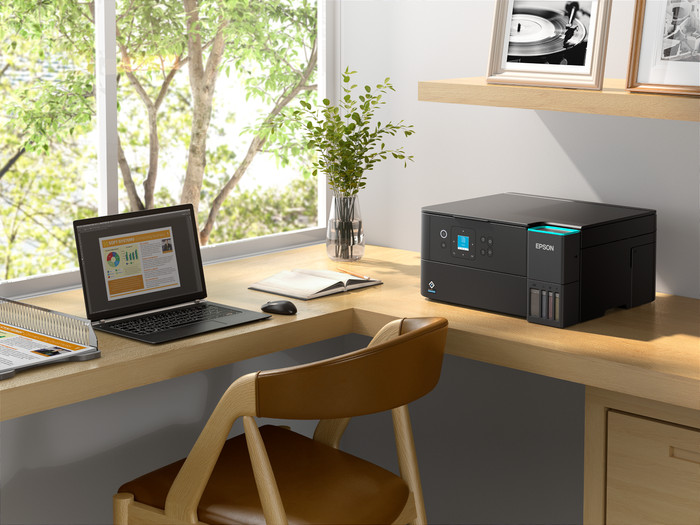
Suitable for home use My text documents look sharp and I often print double-sided. I also occasionally print photos, but these obviously don't have the same quality as those from a photo printer. This printer is more than suitable for vacation photos or mementos for my pinboard.
Rowan. Printer specialist.
12 March 2026
Automatically translated from Nederlands
This printer does not seem to be able to handle SSIDs that transmit both a 2.4 and a 5GHz signal. The printer detects both SSIDs but never manages to establish a connection. If I turn off the 2.4 GHz signal in the router, the printer can connect to the 5GHz network. That is why it was returned.....
Wouter
11 June 2026
Automatically translated from Nederlands
The installation was difficult. I kept getting error message 000041. Something to do with the paper transport, but that wasn't it. It took 12 hours for the ink to properly enter the system. After that, the installation went perfectly. So just be patient. Wait 12 hours after filling the ink before proceeding with the installation.
Rinus
1 May 2026
Automatically translated from Nederlands
Print technology | Ink tank | |
|---|---|---|
Printer type | All-in-one | |
Color printer | ||
Automatic duplex printing | ||
Maximum print size | A4 | |
Automatic document feeder (ADF) | ||
WiFi direct |
According to our printer expert
Save paper: the printer automatically prints on both sides of the paper, so you use fewer sheets.
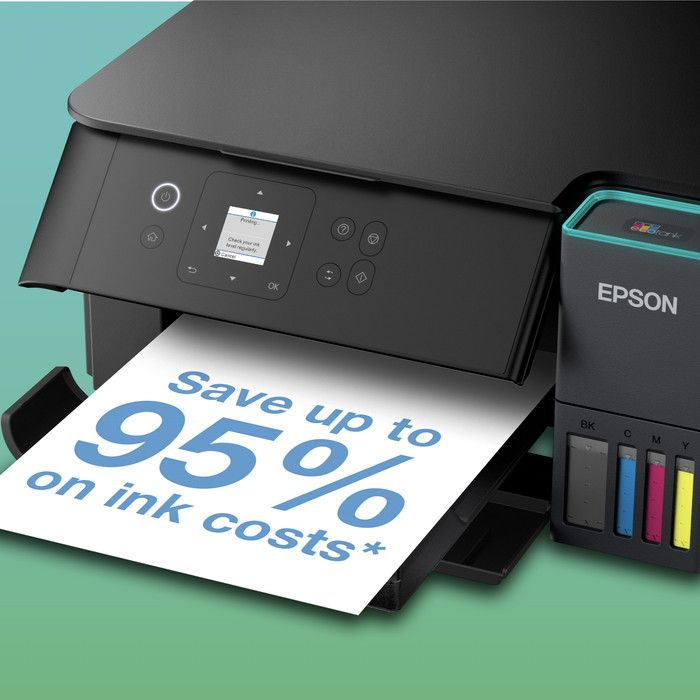
Print thousands of pages: with the ink bottles, you can print thousands of pages at a low cost.
Print in color: you can also print images, tables, and graphs in color.
No ADF: without an automatic document feeder, you’ll scan or copy larger documents page by page.
No larger than A4: you can’t print documents on A3 or A3+ paper.
Retail price
€ 299,-€ 229,90
Retail price
€ 299,-€ 229,90
Product number | 969987 | |
|---|---|---|
Manufacturer code | C11CL41404 | |
Brand | Epson | |
Warranty | 2 years | |
Processing of your defect | Via Coolblue |
Printer size | Small | |
|---|---|---|
Width | 37,5 cm | |
Depth | 34,7 cm | |
Height | 18,7 cm | |
Color | Black | |
Weight | 5,2 kg |
Printer type | All-in-one | |
|---|---|---|
Photo printer | ||
Print quality photos | Stand | |
Portable (mobile use) | ||
Recommended for use printers | Printing at home, Printing photos |
Ink bottle series | Epson 102 | |
|---|---|---|
Usage costs for 1 page | 1 eurocent | |
Print technology | Ink tank | |
Type of ink | Ink bottles | |
Number of cartridges/toner cartridges | 4 | |
Color printer | ||
Print speed black (ISO) | 15 ppm | |
Print speed color (ISO) | 8 ppm | |
First black page ready after | 9 seconds | |
Speed class | Good | |
Maximum print resolution height | 1200 dpi | |
Maximum print resolution width | 4800 dpi | |
Maximum print size | A4 | |
Automatic duplex printing | ||
Borderless printing | ||
Maximum print size duplex printing | A4 |
Scan functionality | ||
|---|---|---|
Automatic duplex scanning | ||
Maximum optical scan resolution width | 1200 dpi | |
Maximum optical scan resolution height | 2400 dpi | |
Scanner type | Flatbed scanner | |
Maximum scan size | A4 (21x29.7cm) | |
Automatic document feeder (ADF) | ||
Scan sizes | A4, A5, A6, A7 | |
Scan speed (PPM) | 6 ppm | |
Color depth output | 24 bpp | |
Scan to | App, Application, Cloud, Dropbox, Email, Email address, Email server, Evernote, FTP, File, Folder, Folder with images, Google Docs, Image, Microsoft Excel, Microsoft PowerPoint, Microsoft SharePoint Connector, Microsoft Word, Network, PC (local), PC (network), PDF, PDF/A, Searchable PDF, Secured PDF, USB | |
OCR |
Copying functionality | ||
|---|---|---|
Copy speed black (ISO) | 11 ppm | |
Copy speed color (ISO) | 6 ppm | |
Maximum copy resolution height | 1200 dpi | |
Maximum copy resolution width | 4800 dpi |
Fax functionality |
|---|
Built-in screen | ||
|---|---|---|
Color screen | ||
Touchscreen |
German awards | ||
|---|---|---|
Awards DE | Stiftung Warentest | |
Result Stiftung Warentest | Good |
Compatible with operating system | Android, ChromeOS, Linux, Windows, Windows Phone, iOS, macOS | |
|---|---|---|
Connection type | Wired, Wireless | |
Apple AirPrint | ||
Email print | ||
WPS (Wireless Protected Setup) | ||
Female standard USB-A port version | 2.0 | |
Ethernet port | ||
NFC | ||
Built-in WiFi | ||
WiFi frequency printers | 2.4GHz, 5GHz | |
WiFi direct | ||
Bluetooth | ||
USB port |
Location paper input | Back | |
|---|---|---|
Manual input tray | ||
Photo paper drawer | ||
Output capacity output drawer | 30 | |
Maximum print size standard paper tray | A4 | |
Input capacity standard paper tray | 100 | |
Number of standard paper trays | 1 |
Memory card reader |
|---|
Receive a cashback up to € 150 when you purchase a participating product. The promotion runs up to 30 September 2026. Register your Epson printer within 30 calendar days after purchase to ensure your cashback. Read how this works in the promotional Terms and Conditions.

Current product

Ink tank
Ink tank
Ink tank
Ink tank
Ink tank
All-in-one
All-in-one
All-in-one
All-in-one
All-in-one
Retail price
€ 299,-€ 229,90
€ 229,-
€ 199,-
Retail price
€ 429,-€ 329,90
Retail price
€ 229,-€ 206,90
Delivered tomorrow
Delivered tomorrow
With Coolblue Extended Warranty, you are protected against costs due to quality defects of your printer for the next 4 years. During the entire term, we will reimburse up to the original purchase price. You can easily add the Extended Warranty in your shopping cart.
€ 39,99
one-timeAdd your printer to your shopping cart. In the next step, you can add the Extended Warranty. You can exchange or return your purchase for free within 30 days.