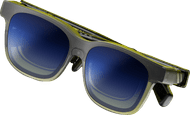
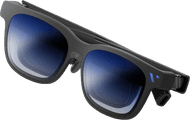
VITURE Beast XR Glasses



anything for a smile
Retail price
€ 599,-€ 593,95
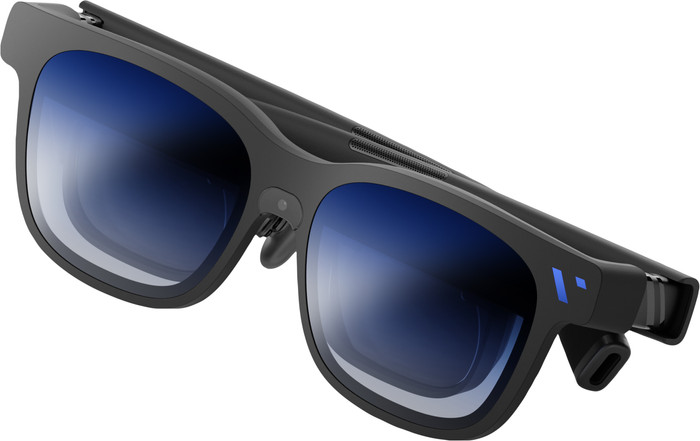
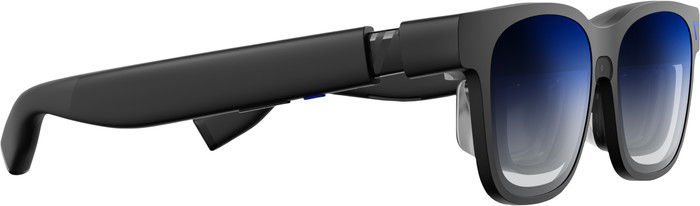
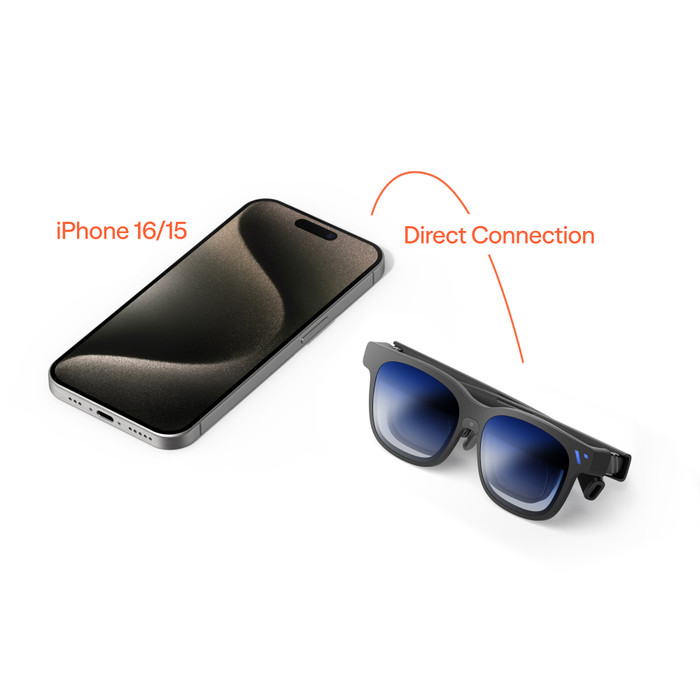
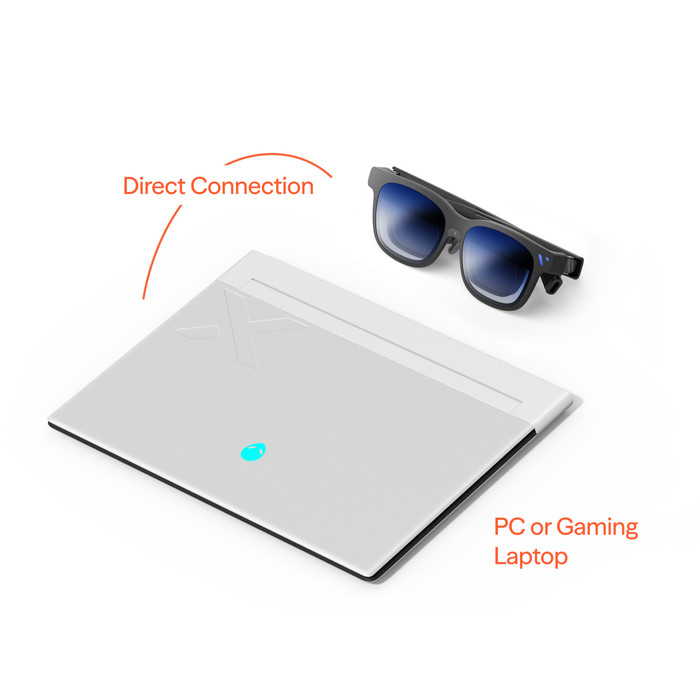
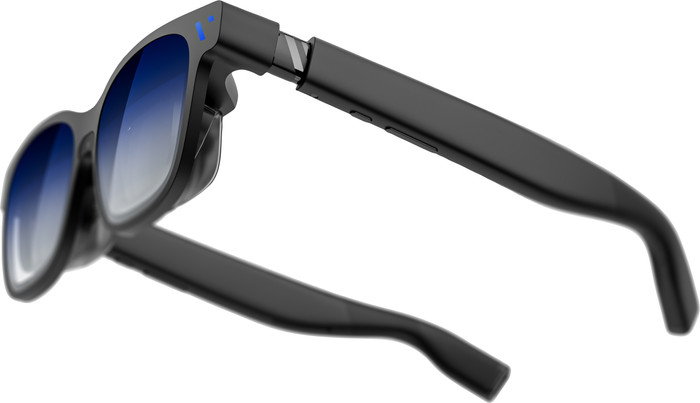
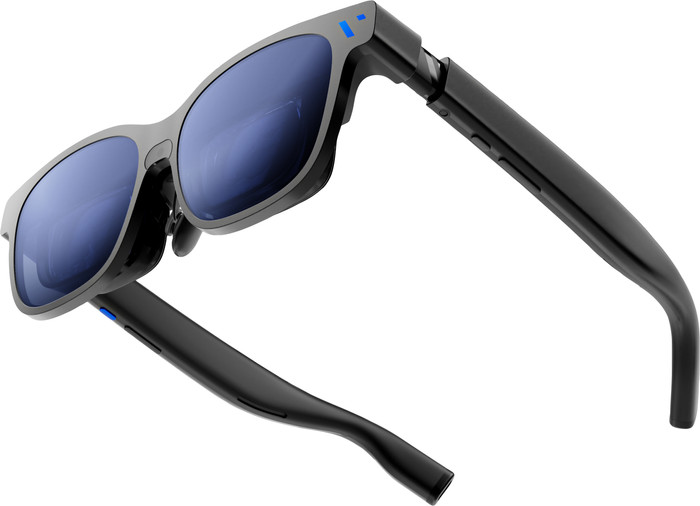
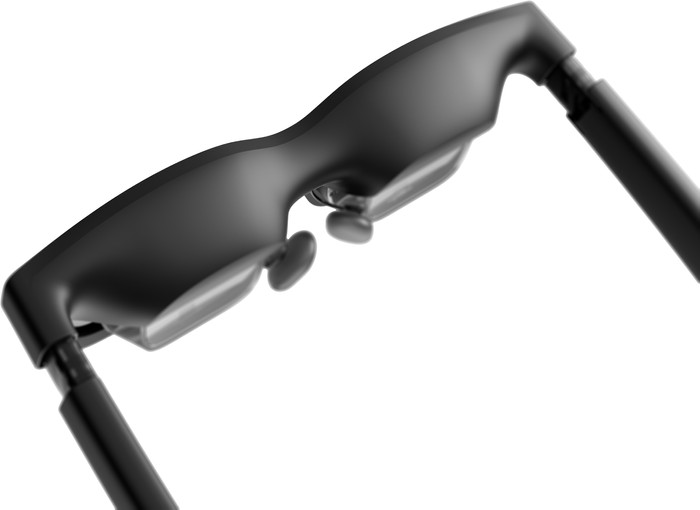
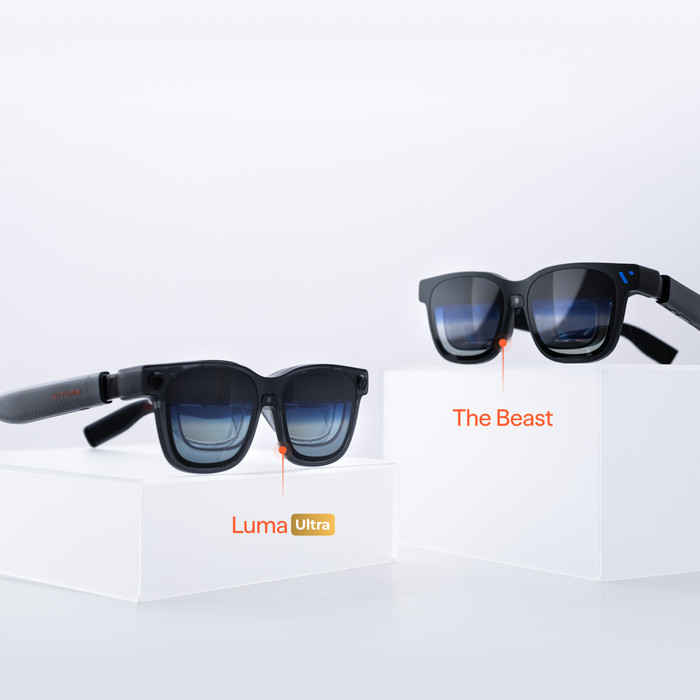
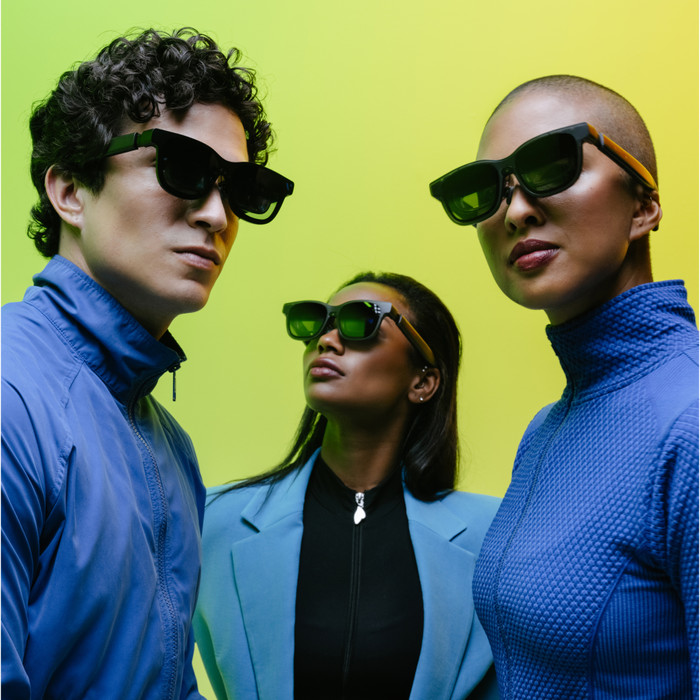
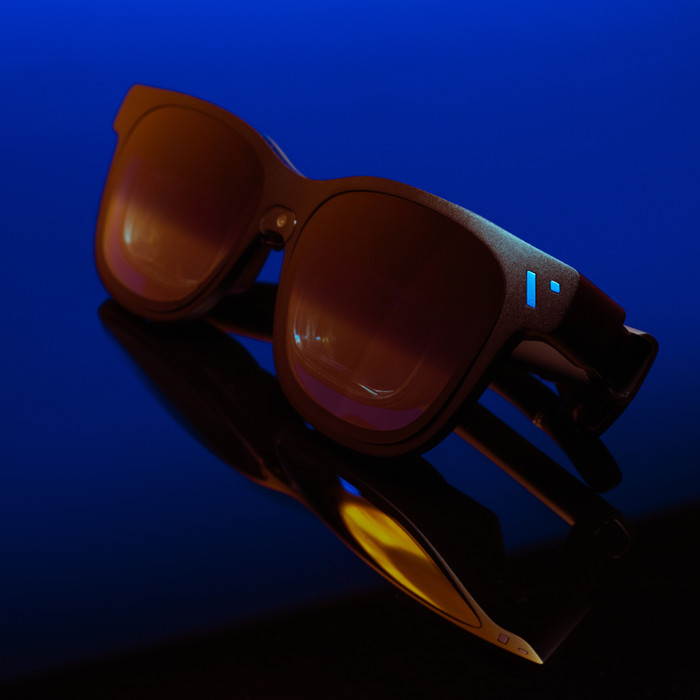
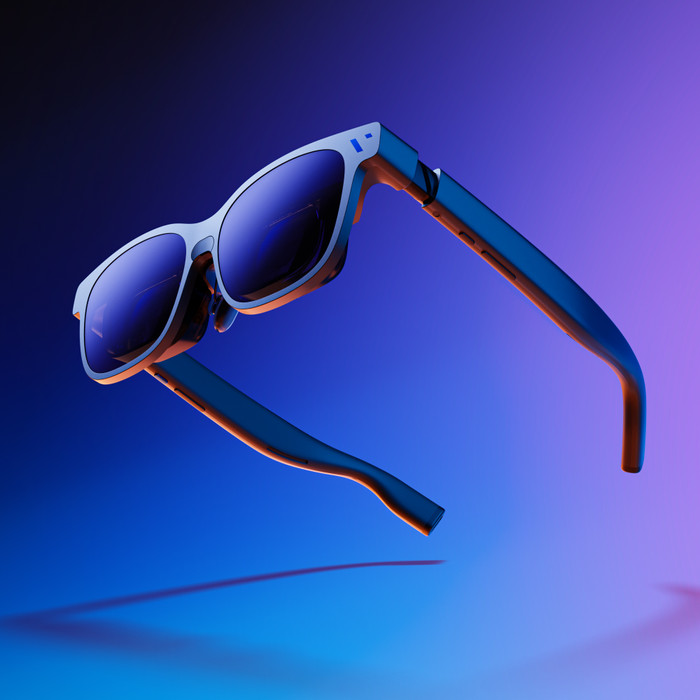
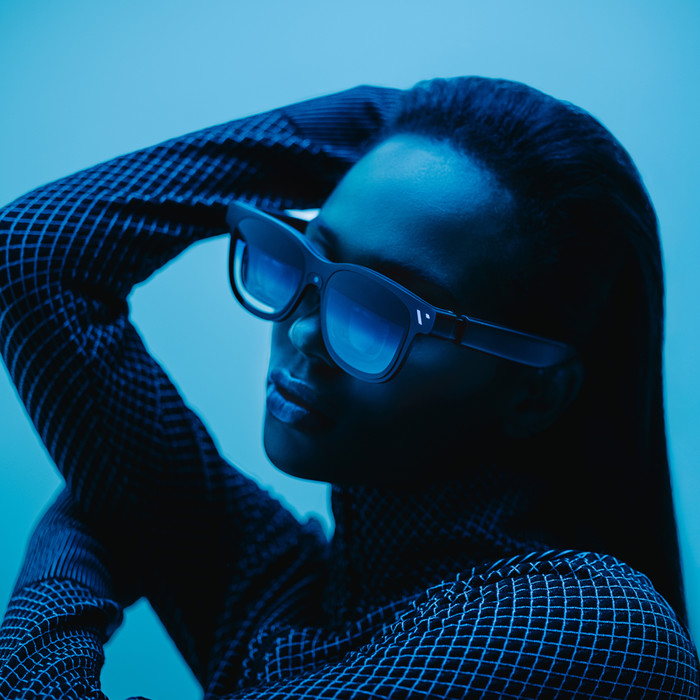
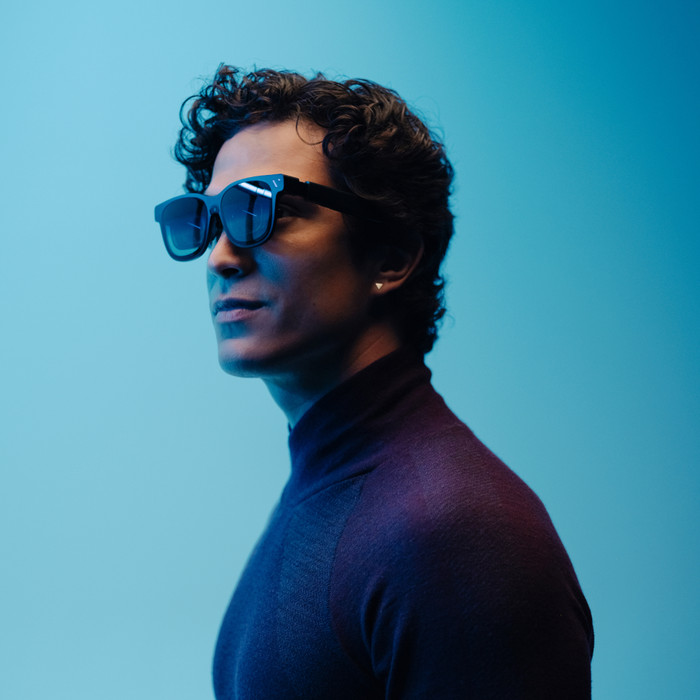
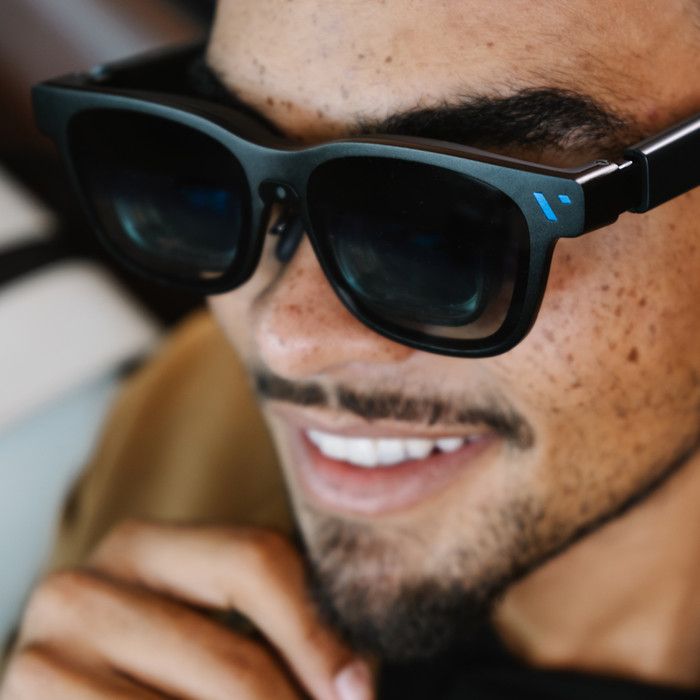
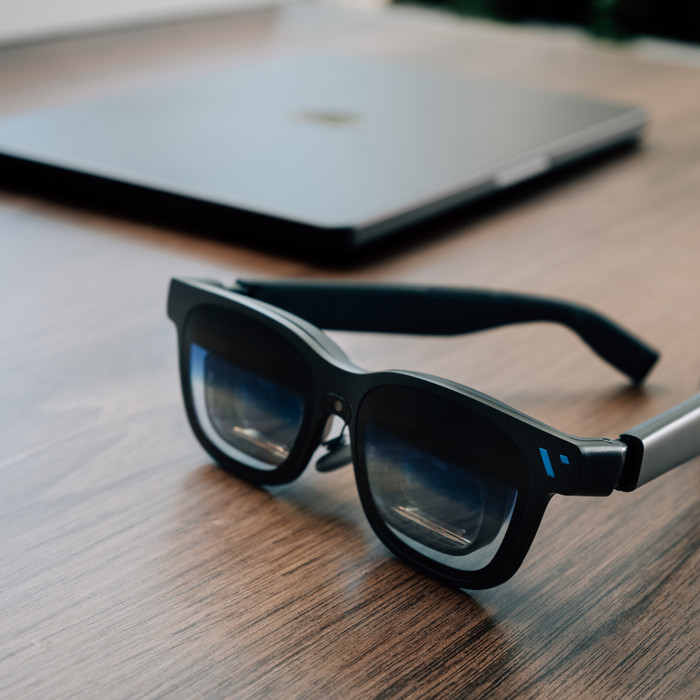
I use the VITURE Beast XR headset when I want a virtual screen for gaming, movies, and series while on the go or at home. The headset feels modern and has convenient buttons on both sides. The box contains the headset itself, a manual, a lens frame for prescription lenses, and 3 pairs of magnetic nose pads.
Installation with instructions The installation requires some attention at the beginning. Upon startup, I also receive an explanation of what each button does. This allows me to get started quickly and discover step by step how the headset works. The SpaceWalker app then helps me with additional functions and settings. This allows me to get more out of the headset. Thanks to my Samsung phone, I automatically use Samsung DeX as a touchpad. That works well and provides extra control during use.
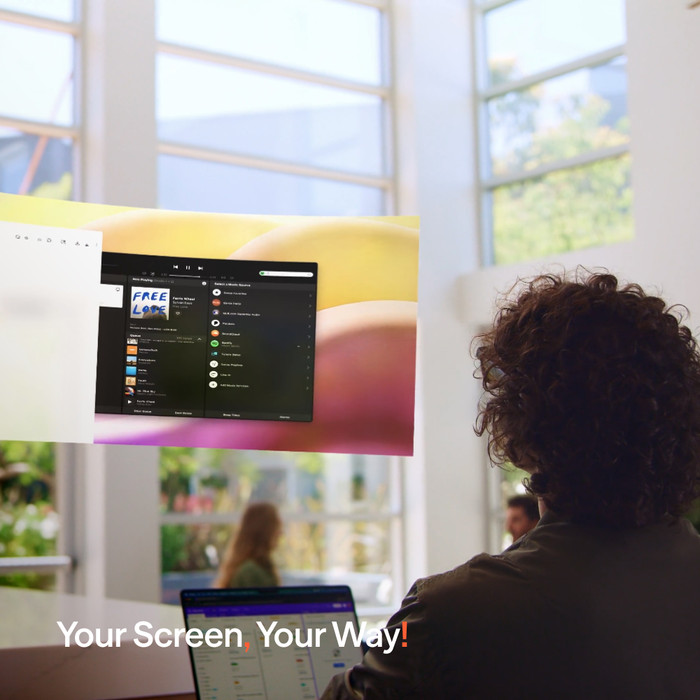
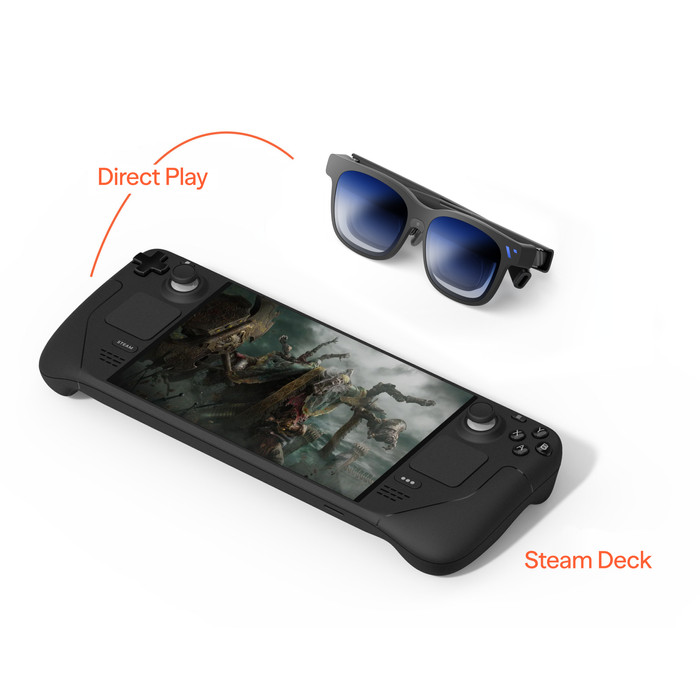
Practical use What I like is that I use it in different ways. I use it for gaming on the go, for movies and series on the couch, and as an extra screen via my phone. As a result, the headset feels like a portable large screen to me. This is a big plus, especially when I am on the go or prefer to watch on a small device. Clear image and good sound The micro OLED screens provide a bright and sharp image. As a result, games and videos look good. The sound is also clear. This allows me to enjoy my movie without extra accessories. If I turn the volume up high, people around me can hear the sound too.
Screen modes What I really like about these glasses is that I can use the screen in different ways. I choose from 0DOF, smooth follow, and anchor mode. In 0DOF, the screen follows my head directly. Smooth follow feels calmer because the screen moves more correctly with me. I like anchor mode when I want to keep the screen in a fixed position. I also place the screen at a corner of my view. That is handy if I want to maintain an overview or keep background content in view.
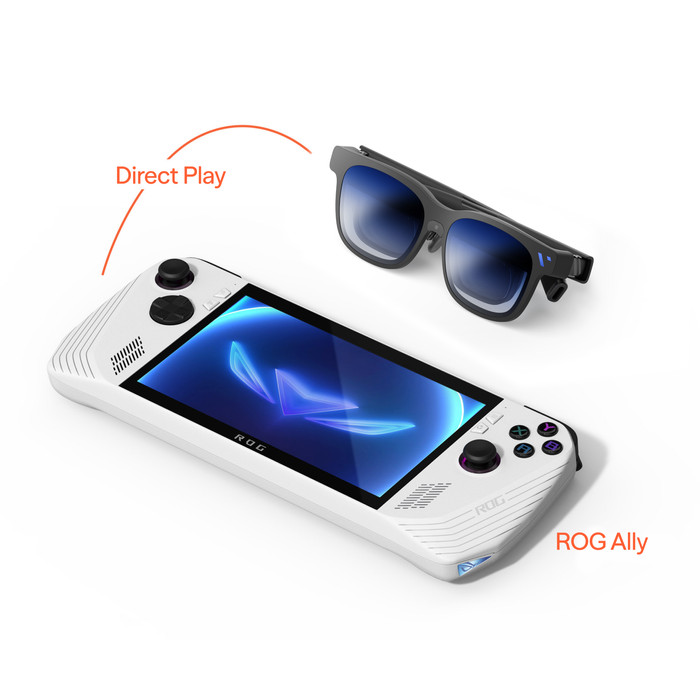
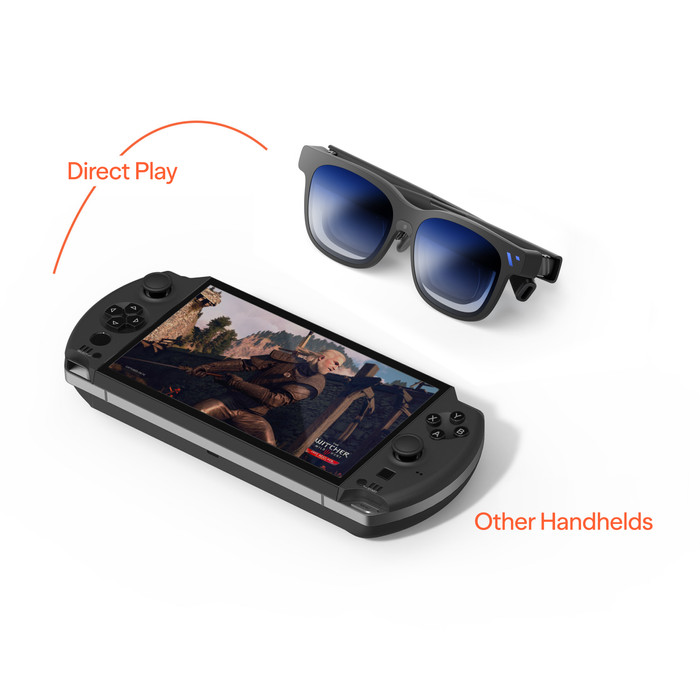
Settings and usage I adjust many things via the settings on the glasses themselves, such as the refresh rate, resolution, and screen size. I also set the screen brightness and lens darkness. I find that convenient, because it allows me to easily adjust the glasses to my surroundings and preference. If I am looking in a brighter room, I make the screen brighter or darker. During use, I notice that the glasses get a bit warmer at the top. I do need an extra accessory to connect them to my Nintendo Switch 2.
Prescious. Gaming specialist.
27 May 2026
Automatically translated from Nederlands
I travel regularly for work and had therefore been looking for a good, compact solution for a while to comfortably watch movies or possibly work on the go.
I had already read a bit about the launch of the Beast, and that made me curious. The idea of a screen on the go appealed to me immediately, especially for use on a plane.
What really positively surprised me is how fast everything works. It is simply plug & play. Connect it, and within less than a minute, everything works as it should. No hassle, no settings; that made it immediately very accessible to me. The image quality is also really strong. It feels like you have a large screen in front of you. Especially when you can quietly isolate yourself for a moment, it really provides a cinema experience. You are completely immersed in your own world, which can make traveling a lot more pleasant.
What I also find really cool is the 3DOF system. You can essentially fix the screen in the room and also look away from it. That sounds simple, but it really makes a difference. You can watch for much longer without getting tired, which is ideal for longer movies or series.
In short, for anyone who is often on the go and is looking for a practical solution to have a screen with them everywhere, this is highly recommended.
Oriana
5 May 2026
Automatically translated from Nederlands
I have had the Viture Pro since August 2024. This new Beast has a slightly higher resolution of 1920x1200 1200P (Pro=1920x1080 1080P) and, according to the supplier, a FOV of 58 degrees (Pro=46). The nits are also somewhat higher at 1250 (Pro=1000). Compared to other brands such as Xreal/Nreal and RayNeo, it is better in many respects.
I was also very pleased with it, but unfortunately, I had to return it. Because this Beast uses prism-like lenses, there was no room left for the myopia (nearsightedness) adjustment wheels. And I happen to need those! You can partially solve this with insert lenses, but that apparently results in a loss of quality, plus you have to take the (included) lenses to an optician to have them ground to size. Other glasses, such as the Viture Ultra, my older Pro, and other brands, almost all use birthbath lenses. That leaves more room for myopia settings.
Despite the better image quality and larger field of view overall compared to my Pro, I unfortunately couldn't use the Beast for extended periods. My eyes constantly had to struggle to focus properly.
If you don't have a predecessor or another brand yet, I would definitely recommend this Beast.
With the caveat of the nearsightedness limitation, it is a very nice pair of XR glasses!
You could also choose the Lumia Ultra or the cheaper Pro or Cyberpunk.
They are the same in terms of resolution (1200p) but have a slightly lower FOV (52 degrees), though they do have that myopia setting.
Personally, I would choose the (second-hand) Cyberpunk version. It has the shape of the Lumia Pro but the technology of the Ultra.
For me, the difference in technology between my old Pro and a Cyberpunk is too small for the amount I am willing to pay.
Patrick
12 June 2026
Automatically translated from Nederlands
Functioning independently | ||
|---|---|---|
Type of smart glasses | XR glasses | |
Display | ||
Virtual screen size | 174 inches | |
Automatic brightness adjustment | ||
Freedom of movement | 0DoF, 3DoF, 6DoF | |
Refresh rate | 120 Hz | |
Screen type | Micro OLED |
According to our smart glasses expert
The large 173-inch virtual screen makes you feel like you're in a movie theater.
Thanks to the micro OLED display with RGB subpixels, you can see vibrant colors and deep contrasts.
With VisionPair, you can adjust the screen position and size to your preference.
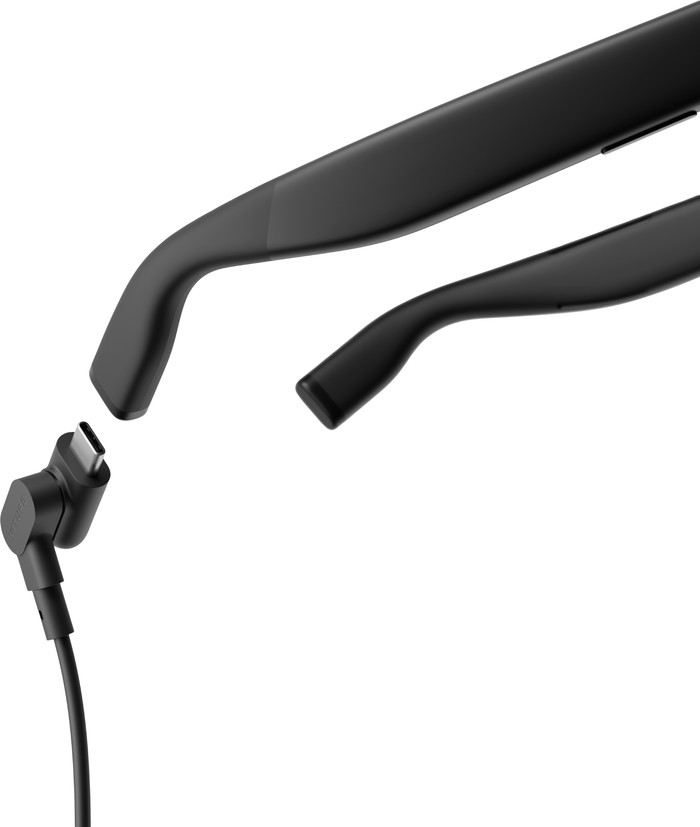
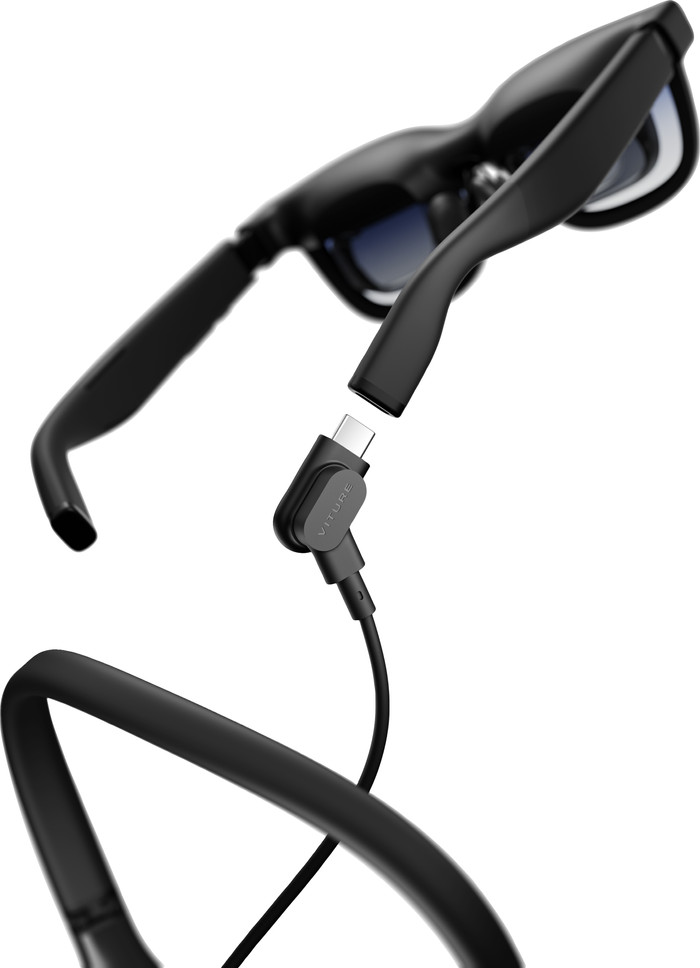
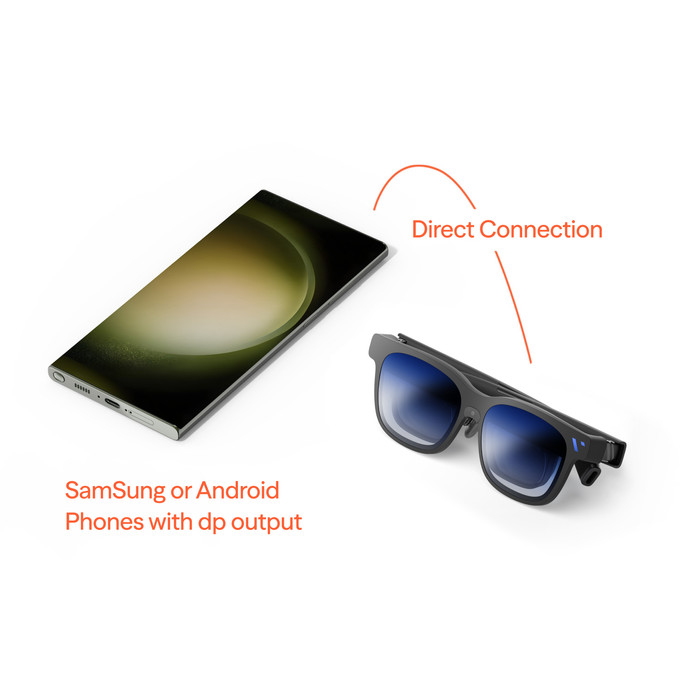
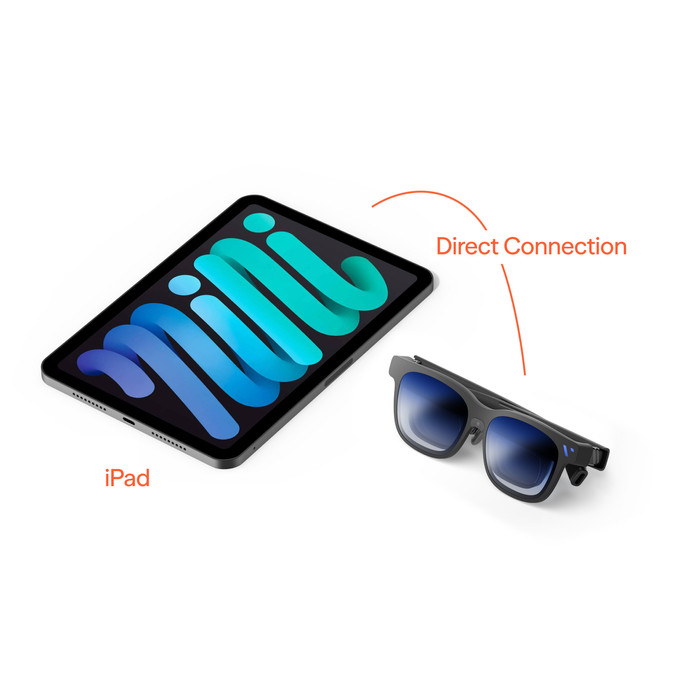
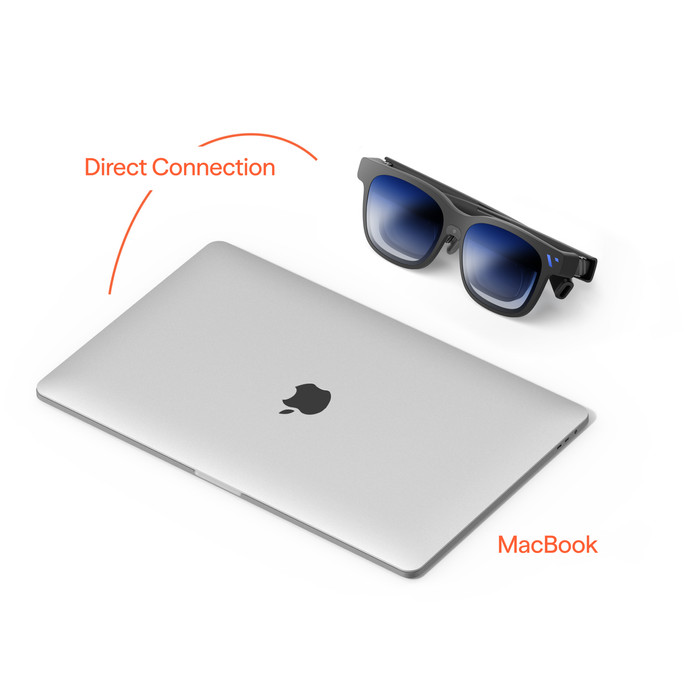
The VITURE Beast is only suitable for devices with a USB-C connector with DP Alt Mode.
These glasses don't work on their own.
Product number | 970631 | |
|---|---|---|
Manufacturer code | V1254 | |
Brand | Viture | |
Warranty | 2 years | |
Processing of your defect | Carry-in warranty |
Type of glasses | Sunglasses | |
|---|---|---|
Type of smart glasses | XR glasses | |
Lens types | Transparent | |
Foldable | ||
Electrochromatic dimming | ||
Display | ||
Screen type | Micro OLED | |
Dioptric correction | ||
IPD adjustable | ||
Minimum IPD setting | 58 mm | |
Maximum IPD setting | 70 mm | |
Virtual screen size | 174 inches | |
Resolution width | 3840 pixels | |
Resolution height | 1200 pixels | |
Refresh rate | 120 Hz | |
Brightness | 1250 cd/m2 | |
Automatic brightness adjustment | ||
Maximum projection distance | 4 m | |
Field of view (degrees) | 58 ° | |
2D to 3D conversion | ||
Functioning independently | ||
Built-in camera |
Connection type | Wired | |
|---|---|---|
USB port | ||
Type of USB port | USB-C | |
Built-in speakers | ||
Sound system | Harman AudioEFX | |
Volume control speaker(s) |
Wrist Detection | ||
|---|---|---|
Freedom of movement | 0DoF, 3DoF, 6DoF | |
Required for 3DoF | App | |
Required for 6DoF | App | |
Picture modes | Follows head (Head Follow), Pinned down (Body Anchor), Side view (Side View), Smooth (Smooth Follow) | |
Eye tracking | ||
Hand tracking |
Power supply type | Via a different product |
|---|
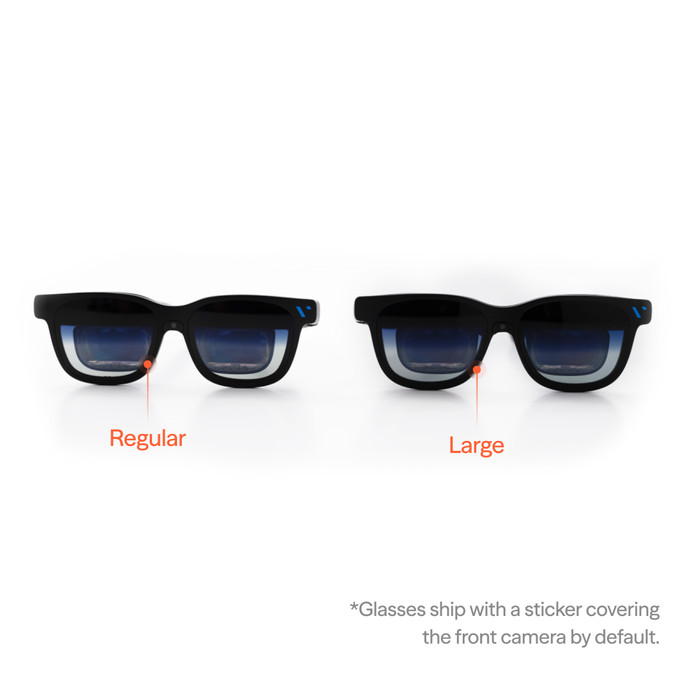
Size | M | |
|---|---|---|
Color | Black | |
Weight | 0,088 kg | |
Height | 5 cm | |
Width | 5,7 cm | |
Depth | 15,5 cm |
AI assistant | ||
|---|---|---|
Conversation focus |
Retail price
€ 599,-€ 593,95
Current product
Micro OLED
Micro OLED
Micro-LED
Micro-LED
Micro-LED
1250 cd/m2
1500 cd/m2
1500 cd/m2
1200 cd/m2
1200 cd/m2
Delivered on Monday
Retail price
€ 599,-€ 593,95
€ 599,-
€ 699,-
€ 699,-
€ 699,-
Delivered on Monday