






anything for a smile
Retail price
€ 159,99€ 150,90
Delivered tomorrow
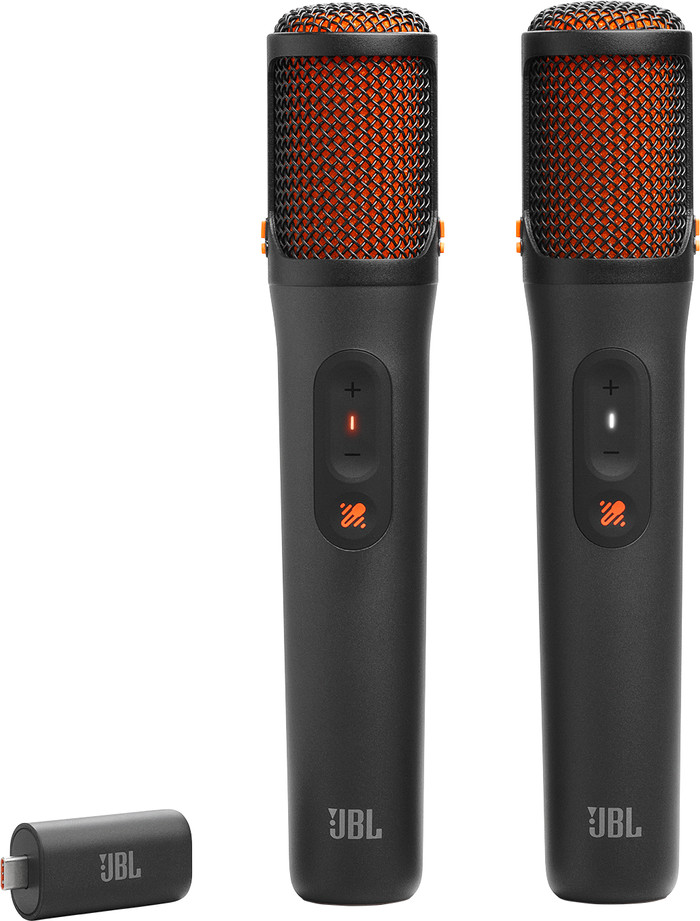
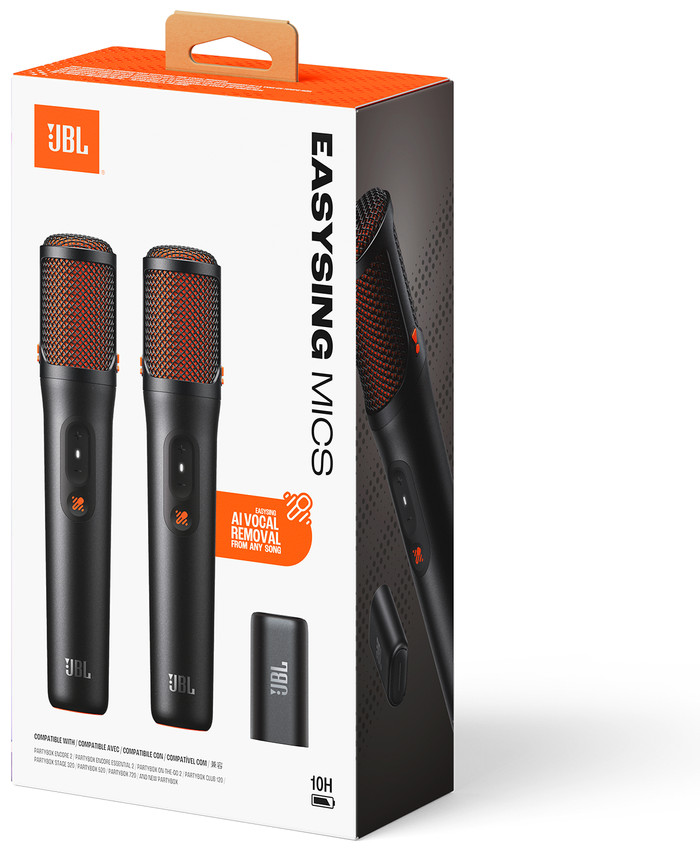
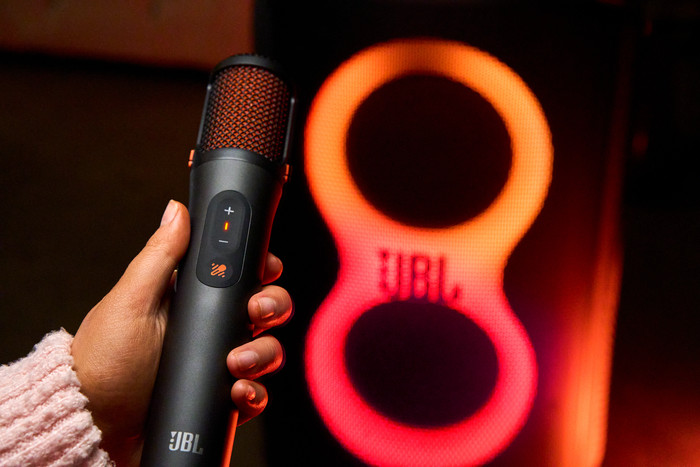
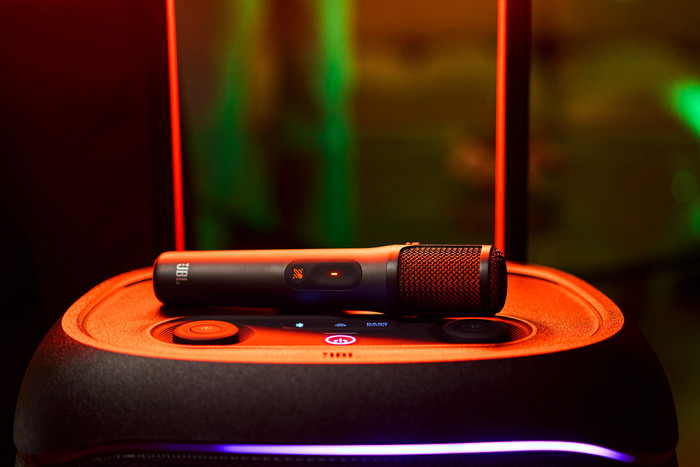
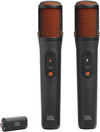
With the JBL Easysing Mics, I make every karaoke night more fun. I install the microphones quickly and easily. Thanks to AI voice removal, I am left with only the backing music, so I can sing along with every song and don't need karaoke tracks. I shouldn't hold the microphones too close together, because then I hear a high-pitched squeal.
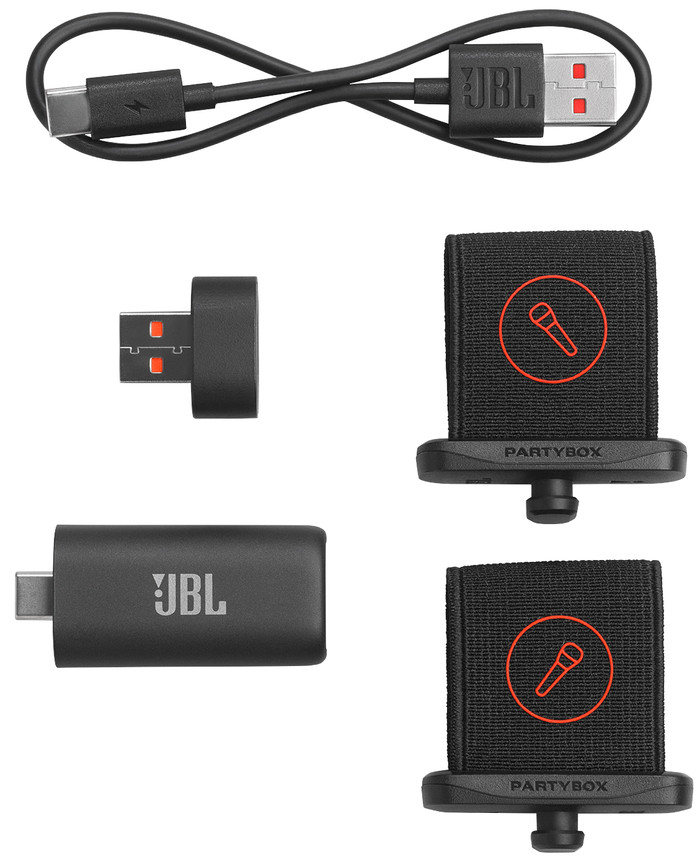
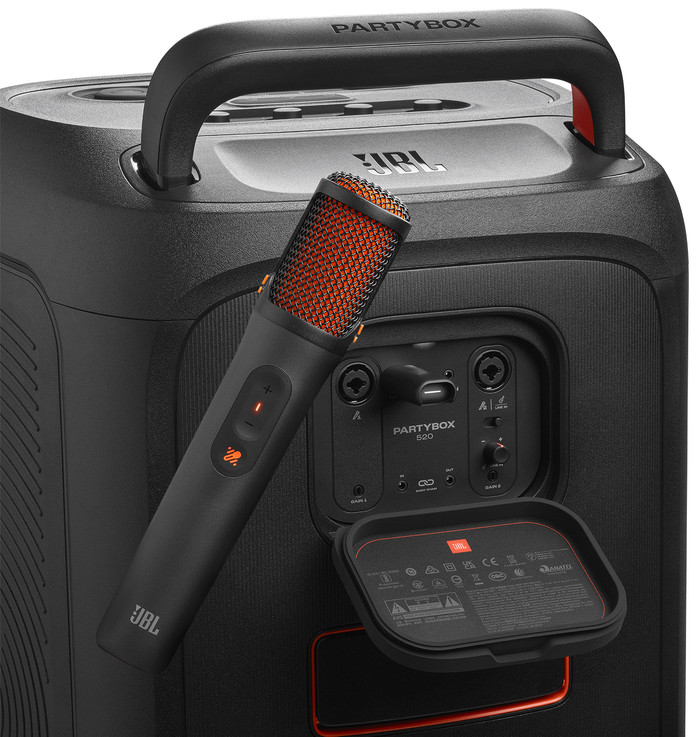
Easy installation The speaker comes with a receiver that I attach to the back of the speaker. The power button is located on the bottom of the microphones. I press and hold it until I see a light come on. The microphones connect automatically to the receiver inside the speaker. I wait about 10 seconds and then hear my voice when I speak into the microphone.
Clear sound My voice sounds clear through the microphone. I hear a slight echo, but I don't find that bothersome. Because of this, my singing doesn't sound flat, and I can get away with minor mistakes. I hold the microphone close to my mouth so that my voice is clearly audible. With the microphone volume at one-third, I hear my voice clearly, but not overpoweringly, while singing along. When I speak and want to be understood, I turn the microphone volume up to two-thirds. This way, my voice stands out clearly above the music. If the microphones get too close together, the sound can feedback and I hear a high-pitched squeal.
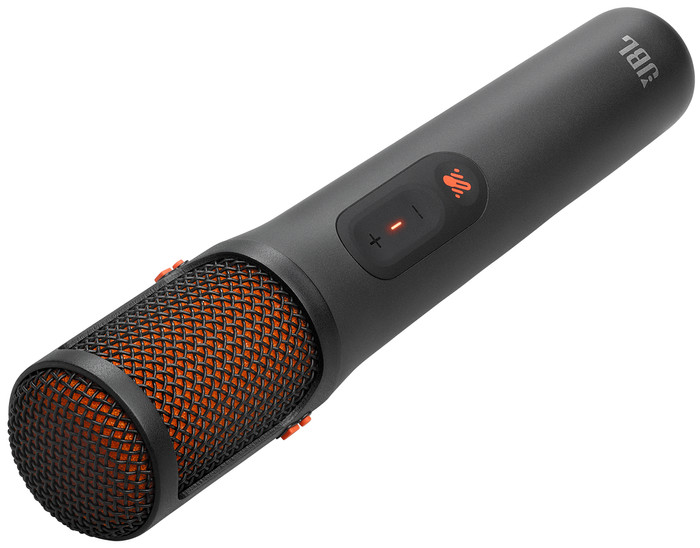
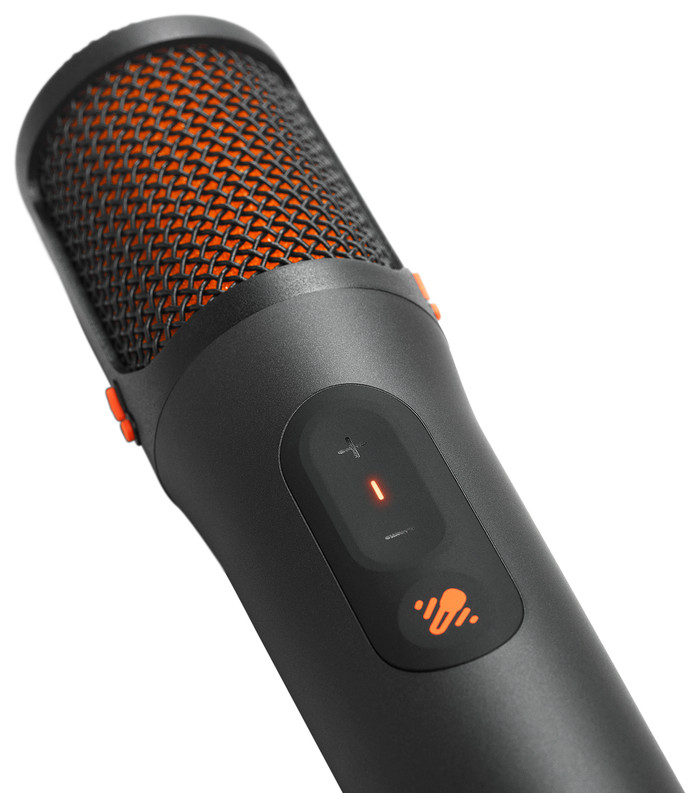
AI voice removal The microphones have a button that allows me to remove the vocal part of the song. This leaves me with only the backing music, so I only hear my own voice when I sing along. Personally, I like to keep some of the original vocal accompaniment. Therefore, I choose to set the original vocals to 25%, 50%, or 100% volume. I think this is a cool feature, because now I sing along with every song and no longer have to search for karaoke tracks.
Linde
20 May 2026
Automatically translated from Nederlands
Awesome! From now on, you can turn any song into a karaoke version—from the radio, Spotify, MP3 stick, whatever you want. You can also choose in 4 steps how much you want the vocals filtered out.
The MICS are compatible with: PartyBox Encore 2, PartyBox Encore Essential 2, PartyBox On-The-Go 2, PartyBox Club 120, PartyBox Stage 320, PartyBox 520, PartyBox 720—please note this.
An adapter is also included to convert from USB-C to USB-A; this is for the transmitter that goes into the back of your BOX.
Twan
23 March 2026
Automatically translated from Nederlands
Application microphone | Karaoke, Stage vocals | |
|---|---|---|
Type of microphone connection | Wireless |
According to our studio microphone expert
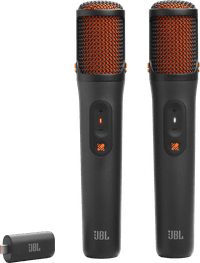
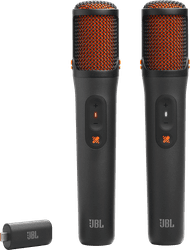
Thanks to the AI voice removal, you¿ll only hear the instruments and sing your favorite songs without interruptions.
The microphones work wirelessly, so you can move freely while you sing.
Your singing sounds clear and free of background noise thanks to the shock mount system and the pop filter.
You can only use the microphone with an JBL PartyBox.
Retail price
€ 159,99€ 150,90
Delivered tomorrow
Product number | 976792 | |
|---|---|---|
Manufacturer code | JBLEASYSINGMICS | |
Brand | JBL | |
Warranty | 2 years | |
Processing of your defect | Carry-in warranty |
Application microphone | Karaoke, Stage vocals | |
|---|---|---|
Wireless microphone system |
Mute button |
|---|
Type of microphone connection | Wireless |
|---|
Height | 22,4 cm | |
|---|---|---|
Width | 4,5 cm | |
Depth | 4,2 cm | |
Weight | 195 g | |
Material | Plastic |
Current product
Wireless
2.5mm jack
Wireless
USB, Wireless
Retail price
€ 159,99€ 150,90
Retail price
€ 149,-€ 136,90
Retail price
€ 129,99€ 124,90
Retail price
€ 149,-€ 125,99
With Coolblue Extended Warranty, you are protected against costs due to quality defects of your studio microphone for the next 4 years. During the entire term, we will reimburse up to the original purchase price. You can easily add the Extended Warranty in your shopping cart.
€ 9,99
one-timeAdd your studio microphone to your shopping cart. In the next step, you can add the Extended Warranty. You can exchange or return your purchase for free within 30 days.