Written by Steven
Edited on
18 November 2022
·
15:05
The differences between Samsung T7 and T5 Portable SSD
The time has come. The successor of the popular Samsung Portable T5, the Samsung Portable T7, is here. This small SSD is faster, thinner, and safer than it's predecessor. If you choose the T7 Touch, the device also has a useful fingerprint sensor. We'll explain to you what the differences between the T7 and T5 are.
Dear customer
In 2022, the Samsung Portable SSD T5 will no longer be available. It'll be permanently replaced with the Samsung Portable SSD T7, which is its successor and is almost 2 times faster. Looking for a new external Samsung SSD? We recommend viewing the Samsung T7 models.
Comparison Samsung T7 (touch) and Samsung T5
| Samsung T7 (Touch) | Samsung T5 | |
|---|---|---|
| Read speed | 1050Mb/s | 540MB/s |
| Write speed | 1000Mb/s | 515 MB/s |
| Security | Data encryption, password, number lock | Data encryption, password |
| Fingerprint scanner | Optional | No |
| Dimensions | 8.5x5.7x0.8cm | 7.4x5.7x1cm |
| Colors | Blue, gray, red, silver, black | Blue, gold, red, black |
Speed
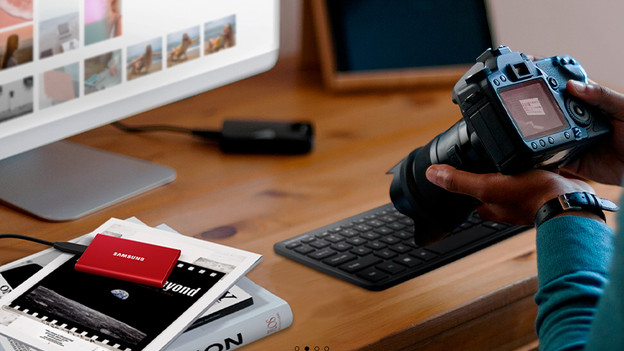
T7: up to 1050MB/s
The largest difference between the T7 and T5 is the speed. The Samsung T7 is almost twice as fast. Thanks to the 1050MB/s read speed, you can open files very quickly. Downloading or transferring to the SSD also doesn't take much time, thanks to the 1000MB/s write speed. This makes it ideal for designers, video editors, or photographers, for example.
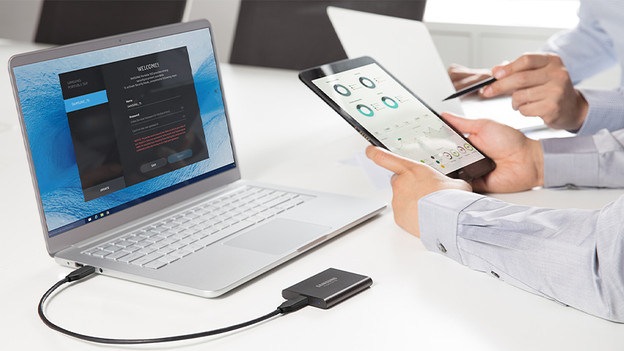
T5: up to 540 MB/s
With a read speed of 540 and a write speed of 515MB/s, you can't call the T5 slow, but the T7 is just a lot faster. A 10GB movie will be on your T5 in at least 20 seconds. With the T7 this takes at least 10 seconds.
Security and fingerprint sensor
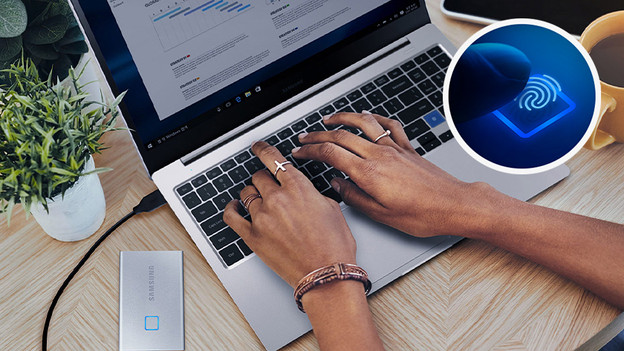
T7: data encryption, password, number lock, and fingerprint sensor
Every Samsung Portable T7 SSD has AES data encryption. This encrypts your files, so they can't be read by people with bad intentions. You can also set a password or a number lock, so only you'll be able to see the content of the SSD. If you choose the Samsung T7 Touch, the device also has a fingerprint sensor. That's not only a fun feature, but very useful as well. You'll unlock the SSD in the blink of an eye.
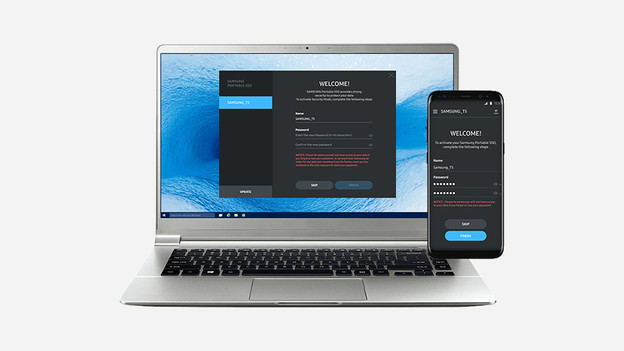
T5: data encryption and password
WIth a Samsung Portable T5 SSD, your files are encrypted as well. You can also set a password, like with the T7. The T5 doesn't have a fingerprint sensor. That's unfortunate, since this means you need to be close to a computer to enter your password. That's especially difficult when you connect the SSD to a public computer, because you need to install software to use it.
Casing and size
T7: thinner and more colors
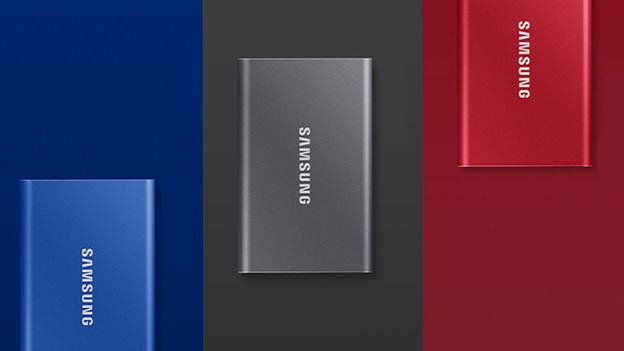
The Samsung T7 is 20% thinner than the Samsung T5. This means it's easier to put it in your pocket, bag, or inner pocket. It's 1cm longer than its predecessor though. The T7 and the T5 are both very sturdy, thanks to the aluminum casing. Don't panic when it falls from a table once. The T7 is available in 5 colors, blue, dark gray, red, silver, and black.
T5: shorter and less colors
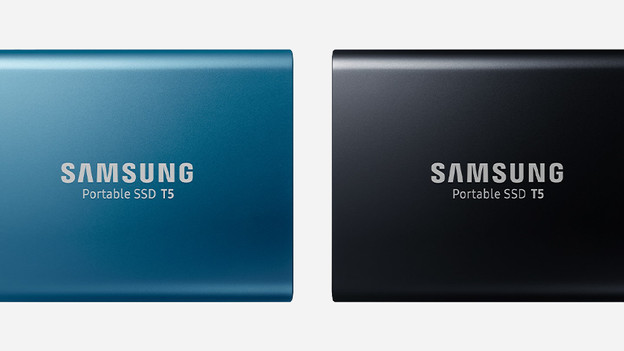
The Samsung T5 is a bit thicker, but also shorter than the Samsung T7. Due to the thickness, the T5 is a bit more in the way when you put it in your pocket. Besides that, both SSDs are very compact and easy to take with you. Both the T5 and the T7 are very sturdy thanks to the aluminum casing. The Samsung T5 doesn't have a dark gray or silver SSD, but it does have a gold one.
Conclusion
The Samsung T7 and Samsung T7 Touch are better than the Samsung T5 in every way. The T7 is faster, safer, more practical, thinner, and available in more colors. This does make it more expensive and the Samsung T5 is by no means a bad product. Choose the Samsung T7 if you want the best of the best and choose the Samsung T5 if you want a good product for a good price.
