Welcome to your environment! You can order everything from your assortment with your personal budget here.

You can always return to the normal Coolblue website by clicking here.

Your outstanding budget (incl. VAT) is always visible here, so you know exactly how much you can spend.

Coolblue home

Die Website ist auf Englisch, möchtest du sie auf Deutsch ansehen?

Help with your product
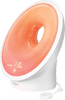
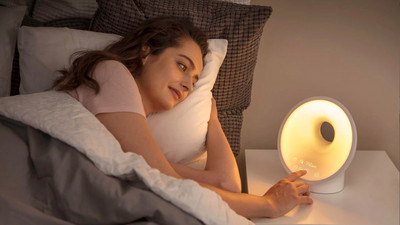
Philips Connected Somneo Sleep&Wake-up Light HF3672/01
Type of alarm clock:
Wake-up light
Radio reception type:
FM
Number of alarms:
2

Read all tips here

3 tips when your Philips Wake Up Light won't connect to the app

Want to use your Philips Wake Up Light with the accompanying SleepMapper smartphone app? It's important that your light alarm clock and your phone are connected to the same WiFi network. So check your WiFi router and the signal it transmits first. After that, make sure your phone isn't using internet via 4G or 5G. It should be connected to WiFi. In this article, we'll explain exactly how to do that.

2 tips for when your alarm clock doesn't go off

The purpose of an alarm clock is for it to wake you up on time so you don't oversleep. That's why it's very annoying if your alarm clock doesn't go off or if you don't hear it. The issue is often the volume button. If you have a radio alarm clock, you might have set the wrong channel or no channel at all. We'll explain how to solve that, so you can start your day well.

Didn't find your answer?

Find an answer to your question quickly and easily via our customer service.

Coolblue specialist
Personal chat Digitalk.
You're now chatting with Coolblue customer service
This chat is closed
foo
Oeps File size is larger than 5MB. Upload a smaller file.