Welcome to your environment! You can order everything from your assortment with your personal budget here.

You can always return to the normal Coolblue website by clicking here.

Your outstanding budget (incl. VAT) is always visible here, so you know exactly how much you can spend.

Coolblue home

Die Website ist auf Englisch, möchtest du sie auf Deutsch ansehen?

Help with your product

Samsung 870 QVO 1TB Duo Pack
0 reviews

Note: these 2.5-inch SSDs have a SATA interface and only work if your system supports SATA. Check if this is the case in the manual of your laptop or motherboard. With the Samsung 870 QVO 1TB Duo Pack, you expand the storage of your PC or laptop. You bring home 2 internal 2.5-inch SSDs of 1TB with this bundle. With a total storage capacity of 2TB, you have enough space for 200 Full HD movies of 2 hours or 200,000 photos, for example. Thanks to the 530MB/s write speed, you can transfer a 10GB folder in 2 seconds. If you store your operating system on one of the SSDs, your computer will boot within 15 seconds. That's because of the 560MB/s read speed. The extra SSD ensures that you have enough space for all your files and applications. Does your laptop only have one 2.5-inch slot? Use the second SSD as a backup drive. You get a 3-year warranty from Samsung on this bundle.

Read all tips here

How do I clone my current hard drive to my SSD?

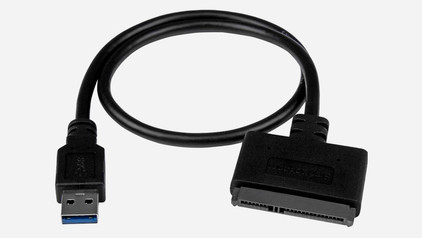
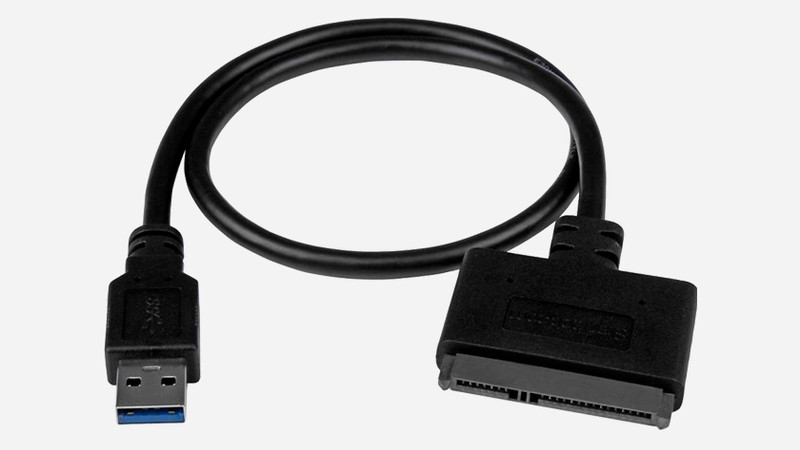
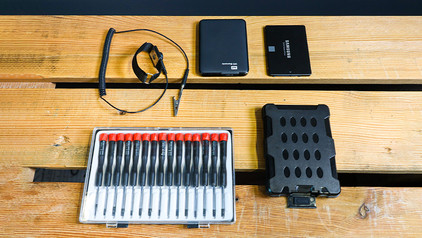
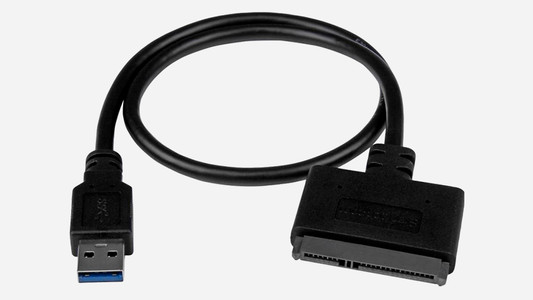
Have you purchased a new 2.5-inch SSD and do you want to transfer the data from your current SSD? We also call this process cloning or migrating. In this article, we explain how to transfer the data from your old SSD to your new SSD. The same steps also work if you want to transfer data from an old SSD to a hard drive (HDD). You can continue on your new drive with a one-on-one Windows copy.


How do you prevent a static shock while building your PC?

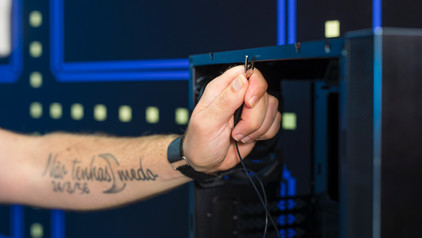
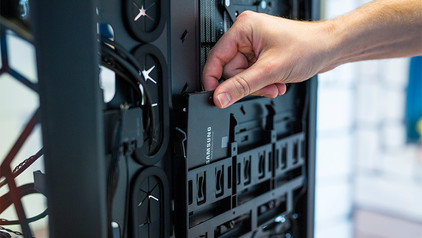
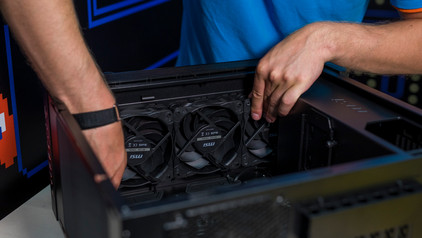
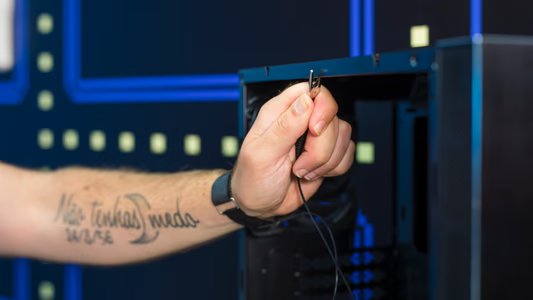
When you're building your PC, static shocks could be dangerous for your computer parts. A small static shock is enough to destroy your parts. Luckily, there are things you can do to safely work in your PC. Wear a antistatic wrist strap and work on a solid surface, for example. In this article, we'll explain what you should and shouldn't do when building your PC.

How do you prevent a static shock while building your PC?

When you're building your PC, static shocks could be dangerous for your computer parts. A small static shock is enough to destroy your parts. Luckily, there are things you can do to safely work in your PC. Wear a antistatic wrist strap and work on a solid surface, for example. In this article, we'll explain what you should and shouldn't do when building your PC.

How do I clone my current hard drive to my SSD?

Have you purchased a new 2.5-inch SSD and do you want to transfer the data from your current SSD? We also call this process cloning or migrating. In this article, we explain how to transfer the data from your old SSD to your new SSD. The same steps also work if you want to transfer data from an old SSD to a hard drive (HDD). You can continue on your new drive with a one-on-one Windows copy.

How do you prevent a static shock while building your PC?

When you're building your PC, static shocks could be dangerous for your computer parts. A small static shock is enough to destroy your parts. Luckily, there are things you can do to safely work in your PC. Wear a antistatic wrist strap and work on a solid surface, for example. In this article, we'll explain what you should and shouldn't do when building your PC.

How do you prevent a static shock while building your PC?

When you're building your PC, static shocks could be dangerous for your computer parts. A small static shock is enough to destroy your parts. Luckily, there are things you can do to safely work in your PC. Wear a antistatic wrist strap and work on a solid surface, for example. In this article, we'll explain what you should and shouldn't do when building your PC.

Didn't find your answer?

Find an answer to your question quickly and easily via our customer service.

Coolblue specialist
Personal chat Digitalk.
You're now chatting with Coolblue customer service
This chat is closed
foo
Oeps File size is larger than 5MB. Upload a smaller file.