Welcome to your environment! You can order everything from your assortment with your personal budget here.

You can always return to the normal Coolblue website by clicking here.

Your outstanding budget (incl. VAT) is always visible here, so you know exactly how much you can spend.

Coolblue home
Check how fast we can deliver to you
Enter your postal code

Die Website ist auf Englisch, möchtest du sie auf Deutsch ansehen?

Help with your product
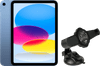
Apple iPad (2022) 10.9 inches 64GB WiFi Blue + Caliber CNC16 Universal Tablet Mount
0 reviews

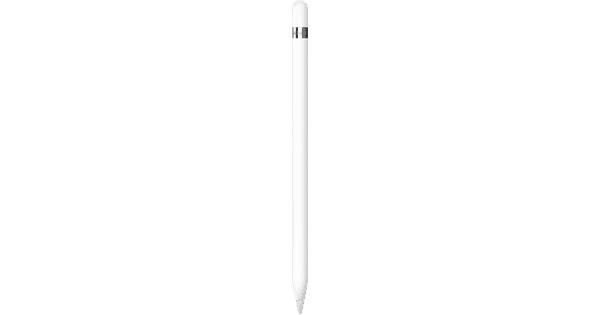
With the combination of the Apple iPad (2022) 10.9 inches 64GB WiFi Blue and the Caliber CNC16 universal tablet mount, you can watch your favorite series while cooking. For on the go, you can attach your Apple iPad with the tablet mount to the windshield and use it for navigation. Are your children on the backseat bored? You can keep your children occupied with the tablet thanks to the head rest mount. Thanks to TrueTone display technology, colors look very natural on the 10.9-inch Liquid Retina display. In addition, the A14 processor is 20% faster than its predecessor. Thanks to this, apps load faster and you can easily switch between apps. There's no home button anymore, so unlock this tablet with your fingerprint via Touch ID. You can charge your Apple iPad with a USB-C cable, which is different from before. Note: the Apple Pencil (1st generation) isn't included by default.
Read all tips here

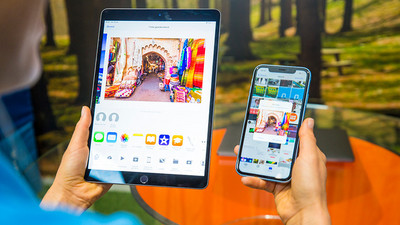
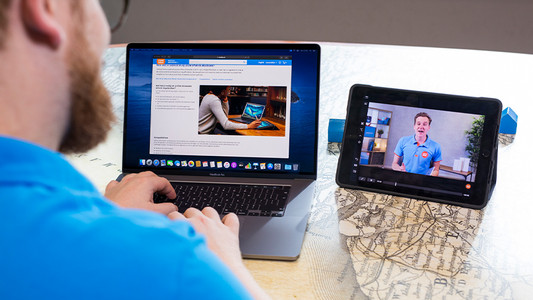
How do you connect an Apple iPad to a TV, monitor, or projector?

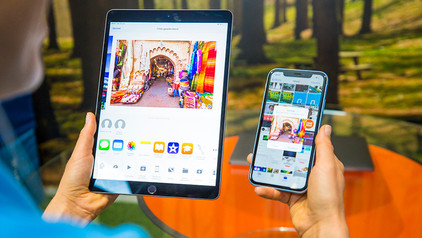
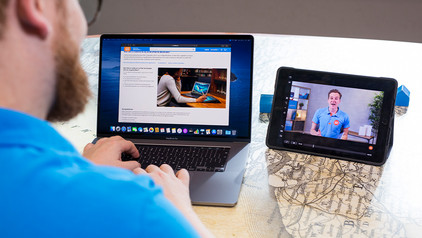
A second screen next to your iPad can be useful if you want to give a presentation via your iPad or if you want to show your friends and family your holiday photos. That's why we'll explain how to connect your iPad to a television, external monitor, or projector in this article. We'll also tell you how to use the iPad as the second screen

5 apps that let you edit photos on your iPhone or iPad

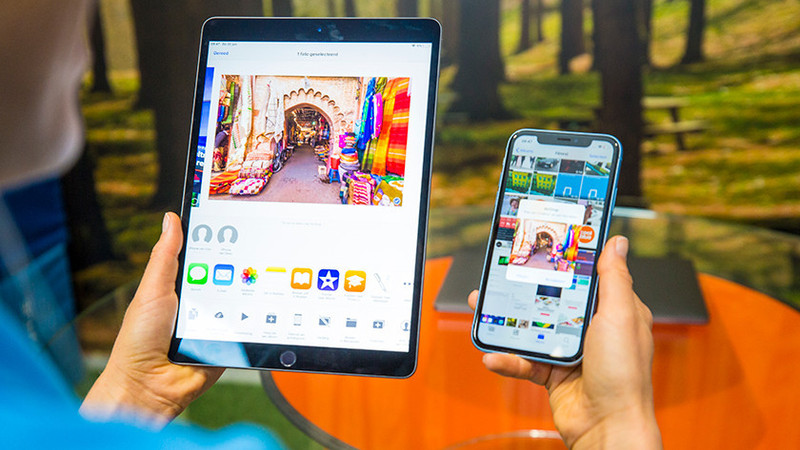
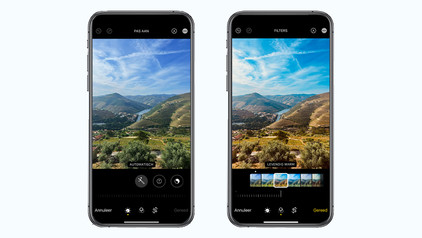
Want to edit a photo? With all the possibilities on the iPhone and iPad, you no longer need a laptop for this. You can replace your digital camera with your portable iPhone and edit your photo on the same device or on the larger screen of your iPad. There are so many photo editing apps out there that it can be hard to choose one. We'll list a few.

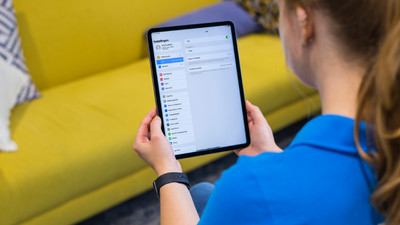
How do you make iPad child-friendly?

As a parent, you don't want your child to watch videos or apps that aren't suitable for them. Apple has made a useful setting for this. With the 4 tips below, you can determine the screen time and what your child sees, for example.

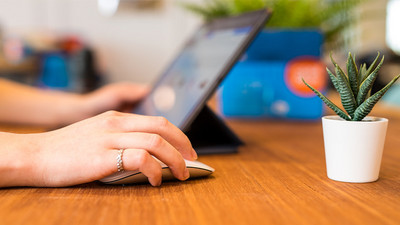
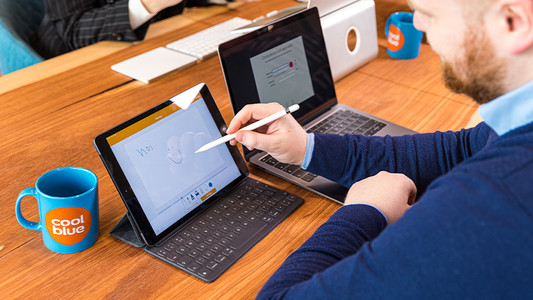
What do you need to use the Apple iPad for business?

The Apple iPad has a compact size and many productivity apps, which is what makes it suitable for business use. And if you add accessories, you can create an alternative for your laptop and increase your working comfort. Read how to use your iPad for business below.

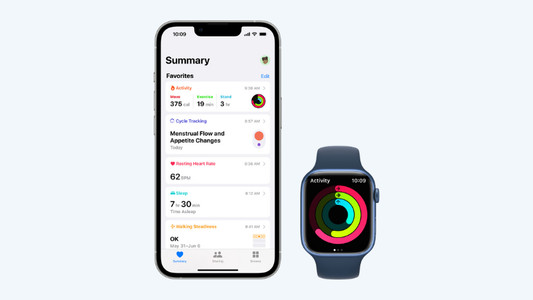
Get started with the Apple health functions

Want to be healthier? The health functions on your Apple devices will be useful. These allow you to track your exercise and heart rate with your Apple Watch and receive notifications if you're not so healthy. In this article, you can read all about the Apple health functions.

How do you connect an Apple iPad to a TV, monitor, or projector?

A second screen next to your iPad can be useful if you want to give a presentation via your iPad or if you want to show your friends and family your holiday photos. That's why we'll explain how to connect your iPad to a television, external monitor, or projector in this article. We'll also tell you how to use the iPad as the second screen

5 apps that let you edit photos on your iPhone or iPad

Want to edit a photo? With all the possibilities on the iPhone and iPad, you no longer need a laptop for this. You can replace your digital camera with your portable iPhone and edit your photo on the same device or on the larger screen of your iPad. There are so many photo editing apps out there that it can be hard to choose one. We'll list a few.

How do you make iPad child-friendly?

As a parent, you don't want your child to watch videos or apps that aren't suitable for them. Apple has made a useful setting for this. With the 4 tips below, you can determine the screen time and what your child sees, for example.

What do you need to use the Apple iPad for business?

The Apple iPad has a compact size and many productivity apps, which is what makes it suitable for business use. And if you add accessories, you can create an alternative for your laptop and increase your working comfort. Read how to use your iPad for business below.

Get started with the Apple health functions

Want to be healthier? The health functions on your Apple devices will be useful. These allow you to track your exercise and heart rate with your Apple Watch and receive notifications if you're not so healthy. In this article, you can read all about the Apple health functions.

Subjects

Didn't find your answer?

Find an answer to your question quickly and easily via our customer service.

Coolblue specialist
Personal chat Digitalk.
You're now chatting with Coolblue customer service
This chat is closed
foo
Oeps File size is larger than 5MB. Upload a smaller file.