Welcome to your environment! You can order everything from your assortment with your personal budget here.

You can always return to the normal Coolblue website by clicking here.

Your outstanding budget (incl. VAT) is always visible here, so you know exactly how much you can spend.

Coolblue home

Help with your product
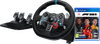
F1 23 PS4 + Logitech G29 Driving Force
0 reviews

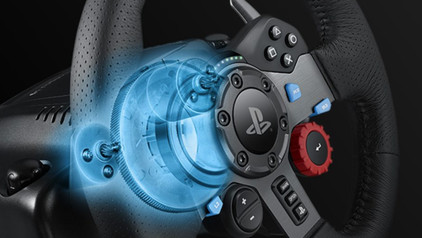
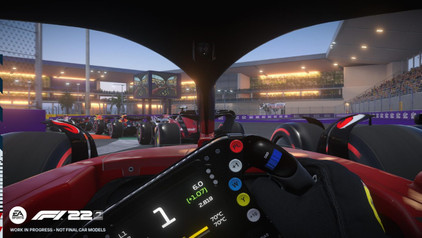
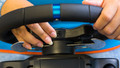
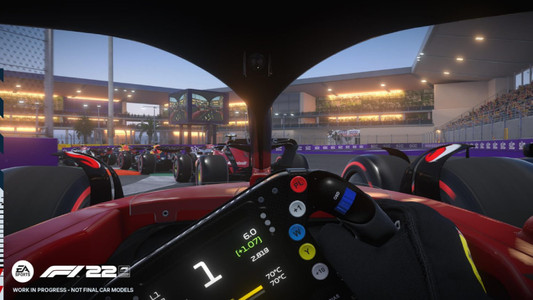
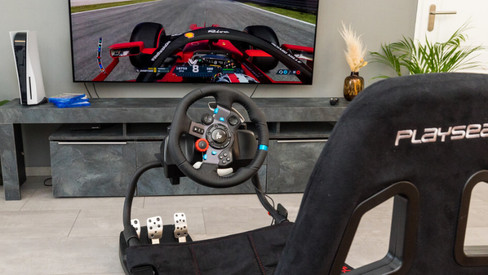
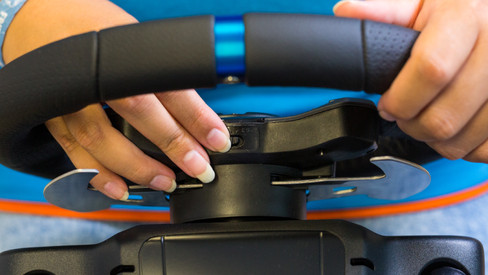
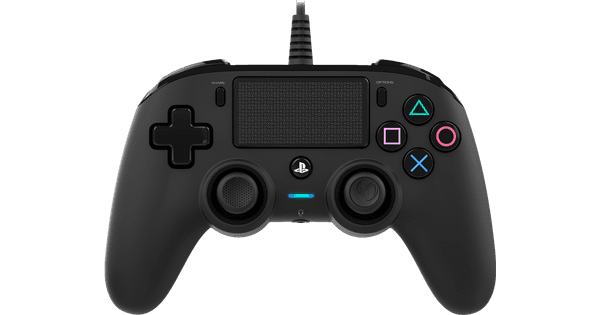
Get in your Formula 1 car and race to the finish line in F1 23 for the PlayStation 4. Want to make your racing experience even more realistic? A Logitech G29 racing wheel is included with this bundle. This way, you can replace your controller with a real racing wheel. F1 23 is the official game of the 2023 FIA Formula 1 World Championship. Get to know the world of F1 in the new game mode: F1 World. This year, Braking Point is back and filled with even more drama and action than in previous years. Will you make way for new talent, or will you go head to head? In the new edition of F1 2023, you can race on the old familiar tracks and discover the 2 new race tracks in Qatar and Las Vegas.

Read all tips here

Which product do you want to see articles about?

How do you connect your Logitech G racing wheel to your console?

You want to play Formula 1, Gran Turismo, or Forza Horizon on your Xbox Series X|S or PlayStation 5 with your Logitech G racing wheel. But, how do you properly connect it? In this article, we'll explain how to connect it to your game console in the right way step by step. Thanks to this, you can get into your racing car as soon as possible.

How do I update my drivers using the Logitech Gaming Software?

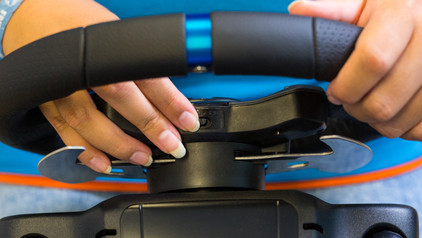
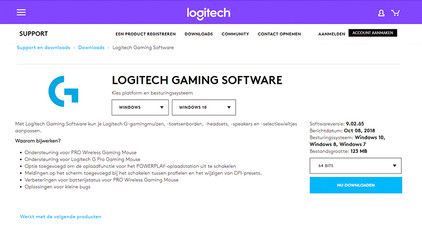
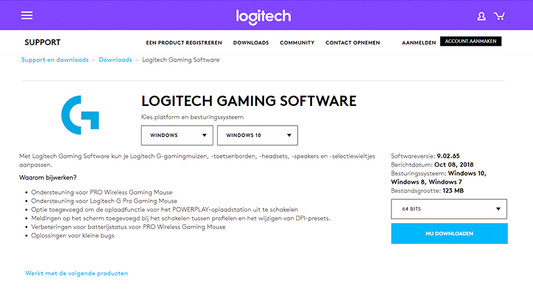
Once you've installed the Logitech Gaming Software, you can get started with the latest drivers, lighting patterns, and other customizable settings on your (new) Logitech gaming gear. On this page, I'll explain how you install the program step by step.

The best racing wheel and controller settings for F1 23

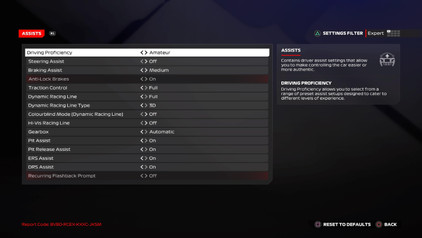
Get as much out of your F1 24 career as possible and use the best racing wheel and controller settings. While your personal preference also plays a role, we'll give you an example of good settings. This way, you can shorten your best lap times by tenths and develop yourself until you're the next world champion.

The best racing wheel and controller settings for F1 23

Get as much out of your F1 24 career as possible and use the best racing wheel and controller settings. While your personal preference also plays a role, we'll give you an example of good settings. This way, you can shorten your best lap times by tenths and develop yourself until you're the next world champion.

How do you connect your Logitech G racing wheel to your console?

You want to play Formula 1, Gran Turismo, or Forza Horizon on your Xbox Series X|S or PlayStation 5 with your Logitech G racing wheel. But, how do you properly connect it? In this article, we'll explain how to connect it to your game console in the right way step by step. Thanks to this, you can get into your racing car as soon as possible.
How do you connect your Logitech G racing wheel to your console?

You want to play Formula 1, Gran Turismo, or Forza Horizon on your Xbox Series X|S or PlayStation 5 with your Logitech G racing wheel. But, how do you properly connect it? In this article, we'll explain how to connect it to your game console in the right way step by step. Thanks to this, you can get into your racing car as soon as possible.
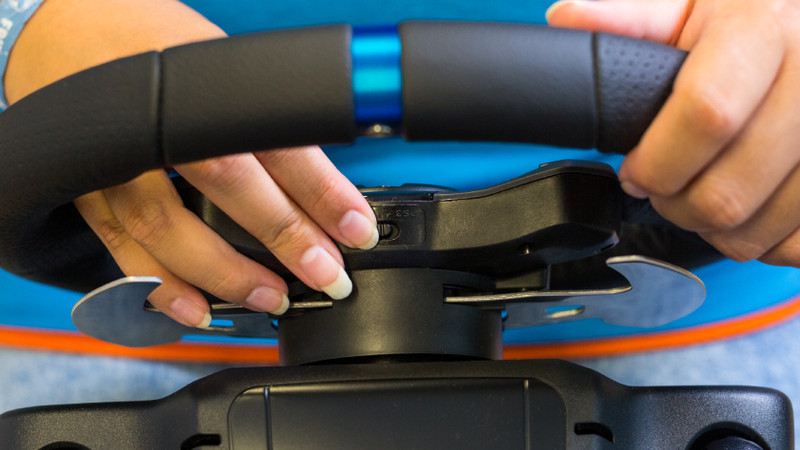
How do I update my drivers using the Logitech Gaming Software?

Once you've installed the Logitech Gaming Software, you can get started with the latest drivers, lighting patterns, and other customizable settings on your (new) Logitech gaming gear. On this page, I'll explain how you install the program step by step.

5 tips for the best F1 racing setup

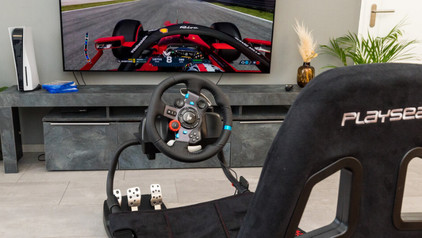
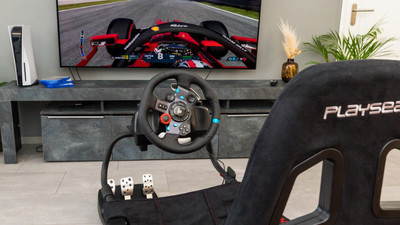
As a real racecar driver, you'll want to get started in F1 24 with a good racing cockpit. For this racing setup, you need certain accessories and the right settings for your game. In this article, we'll explain what you should do to create the best racing setup for F1 2024.

The best racing wheel and controller settings for F1 23

Get as much out of your F1 24 career as possible and use the best racing wheel and controller settings. While your personal preference also plays a role, we'll give you an example of good settings. This way, you can shorten your best lap times by tenths and develop yourself until you're the next world champion.

The best racing wheel and controller settings for F1 23

Get as much out of your F1 24 career as possible and use the best racing wheel and controller settings. While your personal preference also plays a role, we'll give you an example of good settings. This way, you can shorten your best lap times by tenths and develop yourself until you're the next world champion.

Subjects

Didn't find your answer?

Find an answer to your question quickly and easily via our customer service.

Coolblue specialist
Personal chat Digitalk.
You're now chatting with Coolblue customer service
This chat is closed
foo
Oeps File size is larger than 5MB. Upload a smaller file.