Welcome to your environment! You can order everything from your assortment with your personal budget here.

You can always return to the normal Coolblue website by clicking here.

Your outstanding budget (incl. VAT) is always visible here, so you know exactly how much you can spend.

Coolblue home

Die Website ist auf Englisch, möchtest du sie auf Deutsch ansehen?

Help with your product

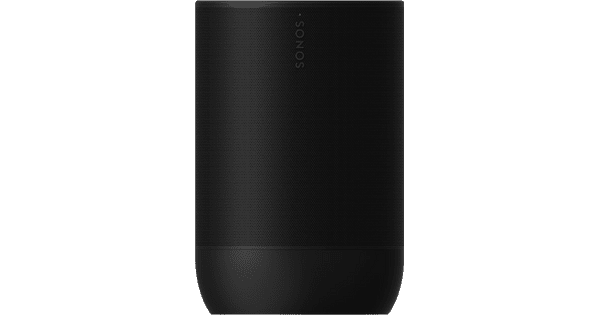
Sonos Move 2 Black + Wall Hook Black
0 reviews

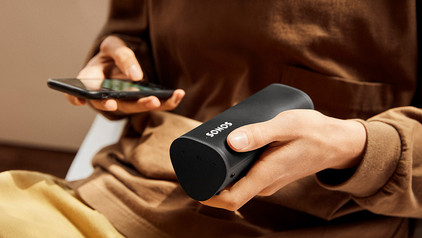
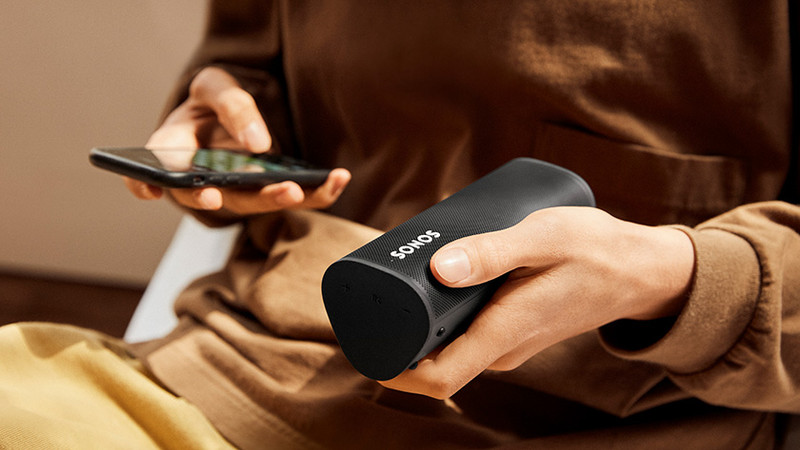
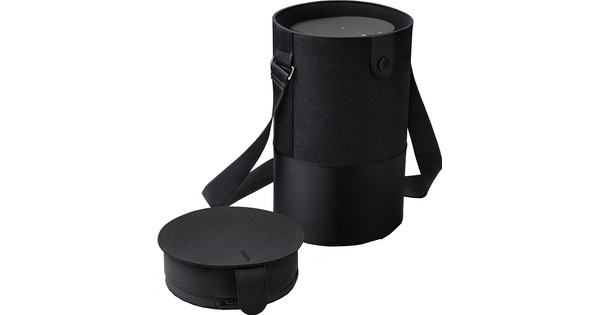
With the Sonos Move 2 Black + Wall Hook Black, you get everything out of your music experience. You can hear the music clearly, because you can mount the speaker at your listening height. The speaker has an IP56 certification and the wall hook is made of stainless aluminum. Thanks to this, the speaker and the wall hook are both water-resistant. So you can mount the speaker in your garden without issues. You can play music via WiFi and Bluetooth. Connect this speaker to the Sonos speakers you already have via the Sonos app. This way, you can control all speakers with your phone to get a multi-room system or Smart Home.

Read all tips here

What to do if your Sonos speaker stutters

You have 1 or more Sonos speakers at home. That's great. There's just one problem. Your speaker stutters. If your speaker stutters, it often has to do with your WiFi network. In this article, I'll explain some solutions to solve the interruption of your speaker sound.

How do I stream music to my SONOS speakers?

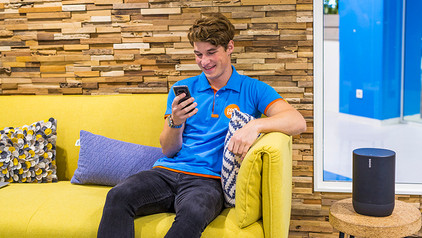
With Sonos, you can say goodbye to audio cables and separate apps. All you need, is a computer and a smartphone or tablet with the Sonos Controller app. This free app gives you control over all your music sources. Form your own collection to thousands of radio stations. On this page, we'll explain exactly how that works.

How do I stream music to my SONOS speakers?

With Sonos, you can say goodbye to audio cables and separate apps. All you need, is a computer and a smartphone or tablet with the Sonos Controller app. This free app gives you control over all your music sources. Form your own collection to thousands of radio stations. On this page, we'll explain exactly how that works.

With these 6 tips, you'll enjoy your SONOS system even more

You have a Sonos system so you can enjoy wireless music. With these practical tips, we'll help you have even more fun with your Sonos system.

5 tips to improve the WiFi connection on your speaker

The name speaks for itself, a WiFi speaker needs WiFi to function. If you experience interferences, the speaker isn't necessarily broken. Maybe your internet range isn't enough to provide your speaker with internet. You'll find 5 tips to improve your WiFi below, so you can enjoy your favorite songs undisturbed again.

5 tips to improve the WiFi connection on your speaker

The name speaks for itself, a WiFi speaker needs WiFi to function. If you experience interferences, the speaker isn't necessarily broken. Maybe your internet range isn't enough to provide your speaker with internet. You'll find 5 tips to improve your WiFi below, so you can enjoy your favorite songs undisturbed again.

5 tips for the placement of your WiFi speaker

How do you determine the best placement for your WiFi speaker, and what do you keep in mind? The sound from the speaker consists of vibrations that move through the air. Where you place the speaker and which materials are in the room influence the sound you hear. That's why the ideal setup isn't the same for everyone. In this article, we'll help you to find the best placement for your WiFi speaker.

What to do if your Sonos speaker stutters

You have 1 or more Sonos speakers at home. That's great. There's just one problem. Your speaker stutters. If your speaker stutters, it often has to do with your WiFi network. In this article, I'll explain some solutions to solve the interruption of your speaker sound.

How do I stream music to my SONOS speakers?

With Sonos, you can say goodbye to audio cables and separate apps. All you need, is a computer and a smartphone or tablet with the Sonos Controller app. This free app gives you control over all your music sources. Form your own collection to thousands of radio stations. On this page, we'll explain exactly how that works.

How do I stream music to my SONOS speakers?

With Sonos, you can say goodbye to audio cables and separate apps. All you need, is a computer and a smartphone or tablet with the Sonos Controller app. This free app gives you control over all your music sources. Form your own collection to thousands of radio stations. On this page, we'll explain exactly how that works.

With these 6 tips, you'll enjoy your SONOS system even more

You have a Sonos system so you can enjoy wireless music. With these practical tips, we'll help you have even more fun with your Sonos system.

5 tips to improve the WiFi connection on your speaker

The name speaks for itself, a WiFi speaker needs WiFi to function. If you experience interferences, the speaker isn't necessarily broken. Maybe your internet range isn't enough to provide your speaker with internet. You'll find 5 tips to improve your WiFi below, so you can enjoy your favorite songs undisturbed again.

5 tips to improve the WiFi connection on your speaker

The name speaks for itself, a WiFi speaker needs WiFi to function. If you experience interferences, the speaker isn't necessarily broken. Maybe your internet range isn't enough to provide your speaker with internet. You'll find 5 tips to improve your WiFi below, so you can enjoy your favorite songs undisturbed again.

5 tips for the placement of your WiFi speaker

How do you determine the best placement for your WiFi speaker, and what do you keep in mind? The sound from the speaker consists of vibrations that move through the air. Where you place the speaker and which materials are in the room influence the sound you hear. That's why the ideal setup isn't the same for everyone. In this article, we'll help you to find the best placement for your WiFi speaker.

Subjects

Didn't find your answer?

Find an answer to your question quickly and easily via our customer service.

Coolblue specialist
Personal chat Digitalk.
You're now chatting with Coolblue customer service
This chat is closed
foo
Oeps File size is larger than 5MB. Upload a smaller file.