Welcome to your environment! You can order everything from your assortment with your personal budget here.

You can always return to the normal Coolblue website by clicking here.

Your outstanding budget (incl. VAT) is always visible here, so you know exactly how much you can spend.

Coolblue home

Help with your product

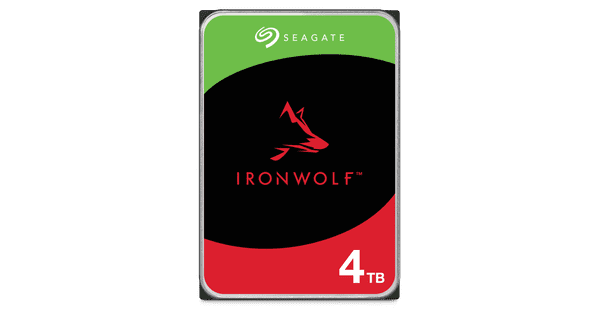
UGREEN NASync DXP2800 + Seagate IronWolf 4TB

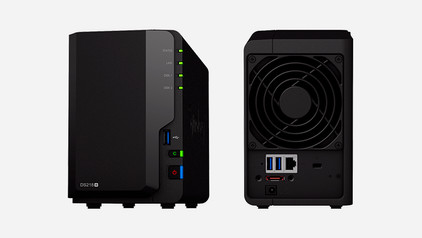
With the UGREEN NASync DXP2800 NAS, you can create a server for your large files and store all your data with the included Seagate IronWolf 4TB internal HDD. You can store about 1.5 million JPEG images on the internal hard drive. That way, you can store all your files in the same place. The NAS has 2 slots for hard drives. This allows you to create RAID setups with the NAS, so you can connect the hard drives to each other for 1 storage space. You have a total of 64GB storage space for your files. The NAS supports 2.5-inch SSDs, 3.5-inch HDDs, and M.2 SSDs. This NAS also has an Intel N100 processor and 8GB DDR5 RAM. This allows you to perform multiple demanding tasks at the same time on the NAS, such as creating backups and streaming movies and series in 4K at the same time. You can also expand the RAM of the NAS up to 16GB.

Read all tips here

Which product do you want to see articles about?

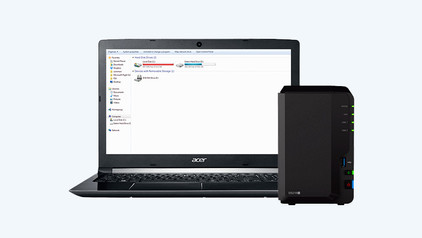
Advice on streaming media with your NAS

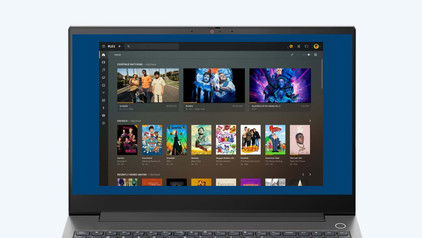
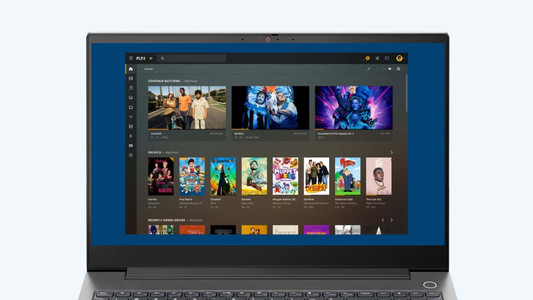
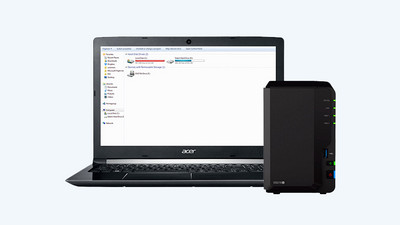
A NAS is an ideal solution for storing and streaming your films, series and music. You watch videos via a NAS on your phone, tablet, computer and even smart TV. What are the benefits of streaming via your NAS? And which apps do you use for media streaming? I answer these questions and explain how you stream from your NAS.

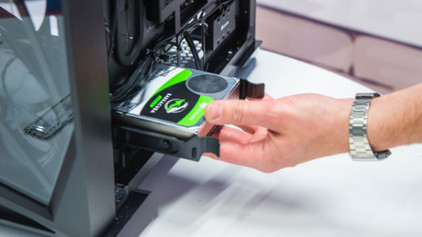
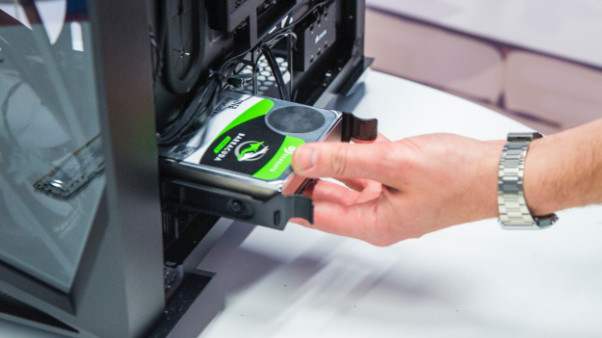
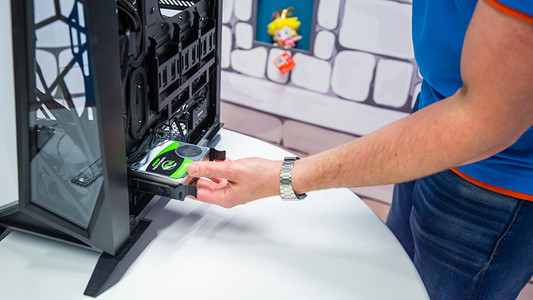
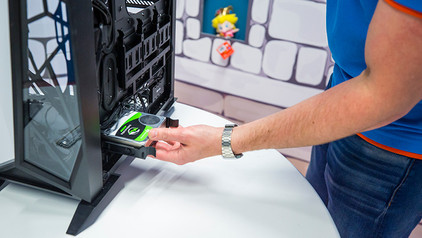
How do I build in an internal hard drive?

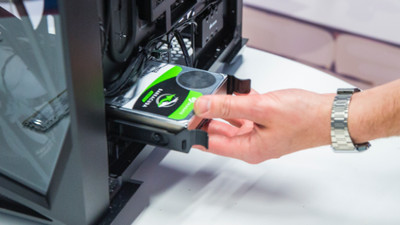
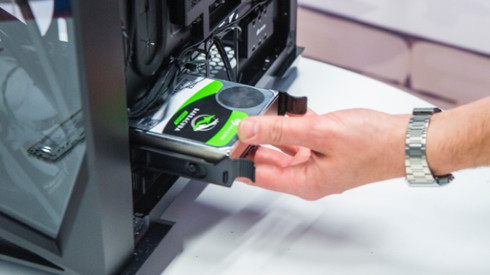
You have purchased a hard drive to replace your old drive or for more storage space in your computer. But how do you actually install such an internal HDD? In this article, I will explain that to you.

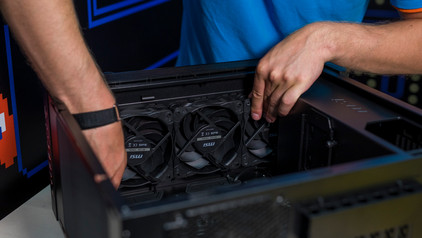
How do you prevent a static shock while building your PC?

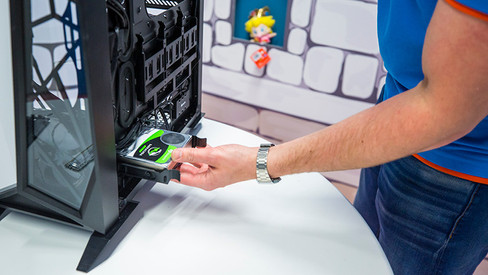
When you're building your PC, static shocks could be dangerous for your computer parts. A small static shock is enough to destroy your parts. Luckily, there are things you can do to safely work in your PC. Wear a antistatic wrist strap and work on a solid surface, for example. In this article, we'll explain what you should and shouldn't do when building your PC.

How do you prevent a static shock while building your PC?

When you're building your PC, static shocks could be dangerous for your computer parts. A small static shock is enough to destroy your parts. Luckily, there are things you can do to safely work in your PC. Wear a antistatic wrist strap and work on a solid surface, for example. In this article, we'll explain what you should and shouldn't do when building your PC.

How do I build in an internal hard drive?

You have purchased a hard drive to replace your old drive or for more storage space in your computer. But how do you actually install such an internal HDD? In this article, I will explain that to you.

How do you prevent a static shock while building your PC?

When you're building your PC, static shocks could be dangerous for your computer parts. A small static shock is enough to destroy your parts. Luckily, there are things you can do to safely work in your PC. Wear a antistatic wrist strap and work on a solid surface, for example. In this article, we'll explain what you should and shouldn't do when building your PC.

How do you prevent a static shock while building your PC?

When you're building your PC, static shocks could be dangerous for your computer parts. A small static shock is enough to destroy your parts. Luckily, there are things you can do to safely work in your PC. Wear a antistatic wrist strap and work on a solid surface, for example. In this article, we'll explain what you should and shouldn't do when building your PC.

Advice on streaming media with your NAS

A NAS is an ideal solution for storing and streaming your films, series and music. You watch videos via a NAS on your phone, tablet, computer and even smart TV. What are the benefits of streaming via your NAS? And which apps do you use for media streaming? I answer these questions and explain how you stream from your NAS.

Subjects

Didn't find your answer?

Find an answer to your question quickly and easily via our customer service.

Coolblue specialist
Personal chat Digitalk.
You're now chatting with Coolblue customer service
This chat is closed
foo
Oeps File size is larger than 5MB. Upload a smaller file.