Welcome to your environment! You can order everything from your assortment with your personal budget here.

You can always return to the normal Coolblue website by clicking here.

Your outstanding budget (incl. VAT) is always visible here, so you know exactly how much you can spend.

Coolblue home

Die Website ist auf Englisch, möchtest du sie auf Deutsch ansehen?

Help with your product

BlueBuilt Wireless USB Keyboard QWERTZ + Nexum Pro Wireless Mouse
0 reviews

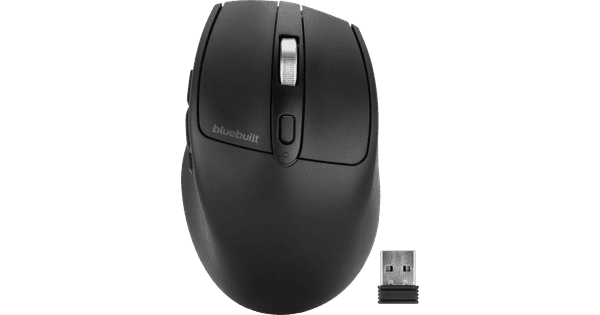
With the BlueBuilt Wireless USB Keyboard + BlueBuilt Nexum Pro Wireless Mouse, you can work comfortably and fast at every workplace. The keyboard is higher in the middle, so your hands are in a natural position when you type. With the useful multimedia shortcuts, you can quickly change the volume of your music or skip to the next song. Work with numbers a lot? You can enter them easily via the numeric keypad. The Nexum Pro mouse has multiple thumb buttons, which you can use to smoothly navigate through your browser. With the third button, you can quickly open your desktop. You can easily connect this keyboard and mouse set to your laptop or desktop via the included USB-A receivers. Put them in your device, turn on both accessories, and get started after only a couple of seconds.

Read all tips here

Which product do you want to see articles about?

How do I clean my keyboard?

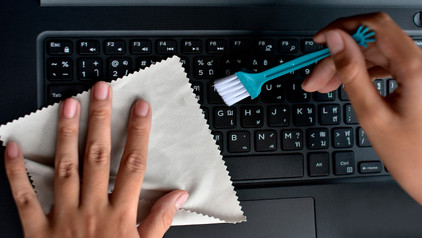
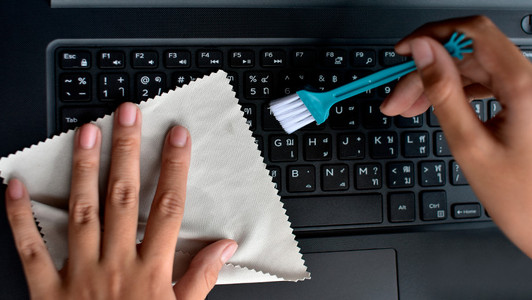
Cleaning your keyboard isn't one of the most fun chores, but if your fingers stick to your keyboard, you'll have to face the music. In this article, I'll explain how to clean a separate keyboard, and you'll read how to clean the keyboard of your laptop.

How do I clean my keyboard?

Cleaning your keyboard isn't one of the most fun chores, but if your fingers stick to your keyboard, you'll have to face the music. In this article, I'll explain how to clean a separate keyboard, and you'll read how to clean the keyboard of your laptop.

How do I clean my keyboard?

Cleaning your keyboard isn't one of the most fun chores, but if your fingers stick to your keyboard, you'll have to face the music. In this article, I'll explain how to clean a separate keyboard, and you'll read how to clean the keyboard of your laptop.

Didn't find your answer?

Find an answer to your question quickly and easily via our customer service.

Coolblue specialist
Personal chat Digitalk.
You're now chatting with Coolblue customer service
This chat is closed
foo
Oeps File size is larger than 5MB. Upload a smaller file.