Welcome to your environment! You can order everything from your assortment with your personal budget here.

You can always return to the normal Coolblue website by clicking here.

Your outstanding budget (incl. VAT) is always visible here, so you know exactly how much you can spend.

Coolblue home

Die Website ist auf Englisch, möchtest du sie auf Deutsch ansehen?

Help with your product

ASUS EyeCare VA279HG Duo Pack + BlueBuilt Monitor Mount for 2 Monitors
0 reviews

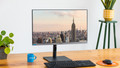
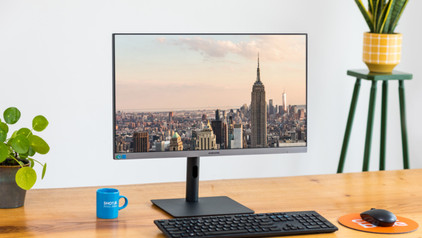
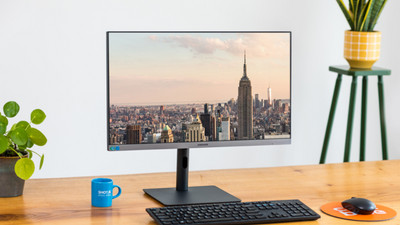
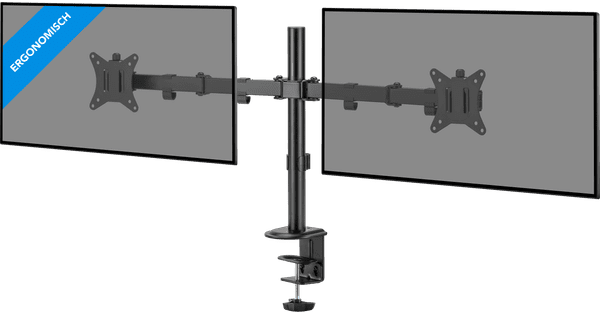
With the ASUS EyeCare VA279HG Duo Pack + BlueBuilt Monitorhalterung für 2 Monitore, you can expand your digital workspace in your home office in an ergonomic way. Thanks to the bezel-less design, you can place the 2 screens seamlessly next to each other. On the large dual-screen workspace, you can work in spreadsheets and review documents at the same time. After work, you can edit vacation videos while a YouTube video plays at the same time. The built-in IPS panel provides a vivid display and shows lifelike colors from every viewing angle. This way, your partner sees exactly the same colors when you look at photos together. The built-in blue light filter and flicker-free technology are easier on your eyes during long workdays at your desk. With the flexible arms of the BlueBuilt monitor arm, you can adjust the 2 ASUS monitors exactly to your ideal eye level. This way, you automatically sit up straighter and reduce the chance of neck pain. Handy cable clips on the frame keep all cables neatly together and prevent a tangle of cords.

Read all tips here

Which product do you want to see articles about?

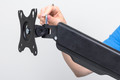
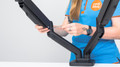
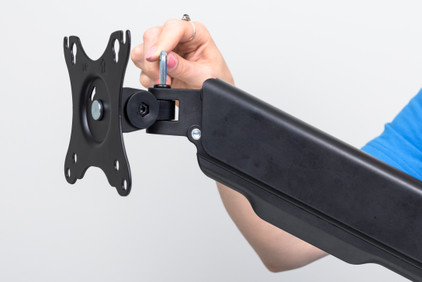
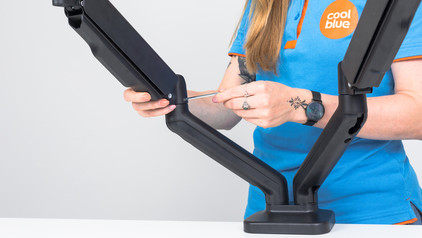
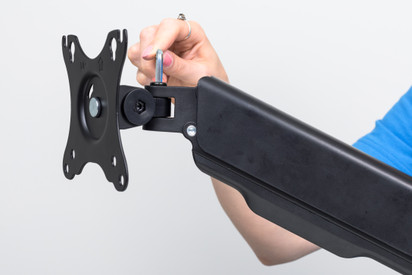
How do you install your BlueBuilt Monitor Arm with gas spring for 1 monitor?

You want to connect your new BlueBuilt monitor arm with gas spring to a monitor. On this page, we'll explain how to do this in 9 steps.

Solve dead pixels on your monitor

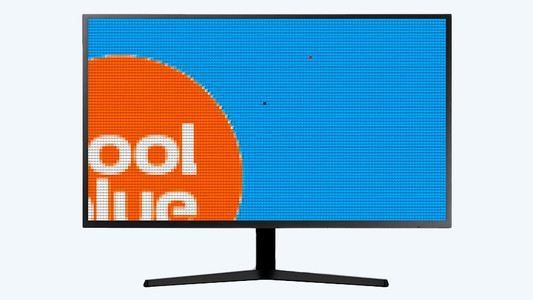
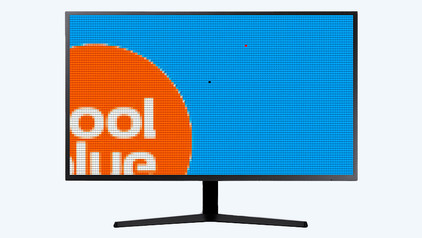
If a pixel on your monitor has a different color, you're dealing with a dead or stuck pixel. These pixel problems are quite different, in terms of both cause and solution. For example, a stuck pixel can be fixed, but a dead pixel can't. In this article, we'll explain what causes these problems, how to discover them, and what you should do.

Solve dead pixels on your monitor

If a pixel on your monitor has a different color, you're dealing with a dead or stuck pixel. These pixel problems are quite different, in terms of both cause and solution. For example, a stuck pixel can be fixed, but a dead pixel can't. In this article, we'll explain what causes these problems, how to discover them, and what you should do.

How do I connect a monitor to a tablet?

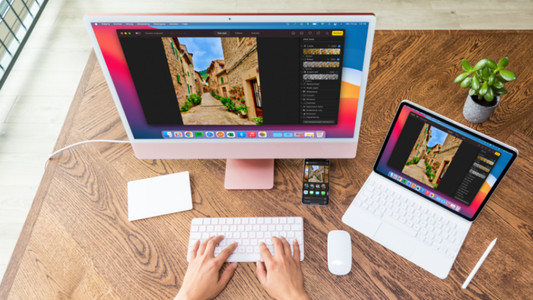
A tablet is a good replacement for your laptop or desktop. But what if you want to work with your tablet on a slightly larger screen? In this article, I'll explain how to connect your iPad or Android tablet to an external monitor.

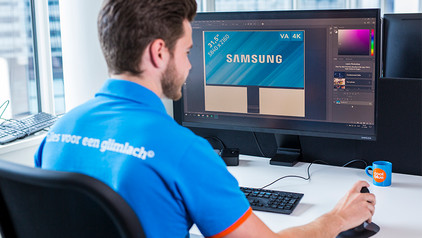
How do I set up a second display?

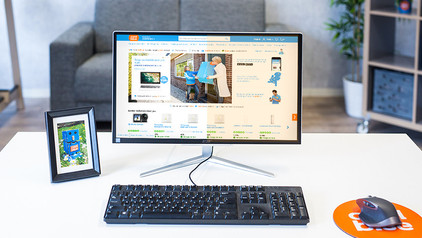
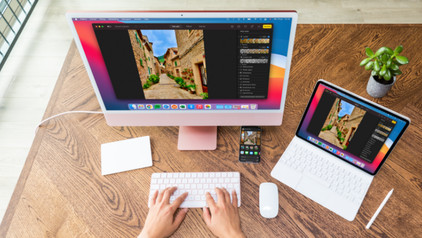
A second screen gives you extra screen space when you're working on a laptop or desktop. You can connect this in no time. Plug the connector of the monitor into a socket before you start. We'll explain how to install the screen and connect it to your computer.

How do you ensure a good sitting posture?

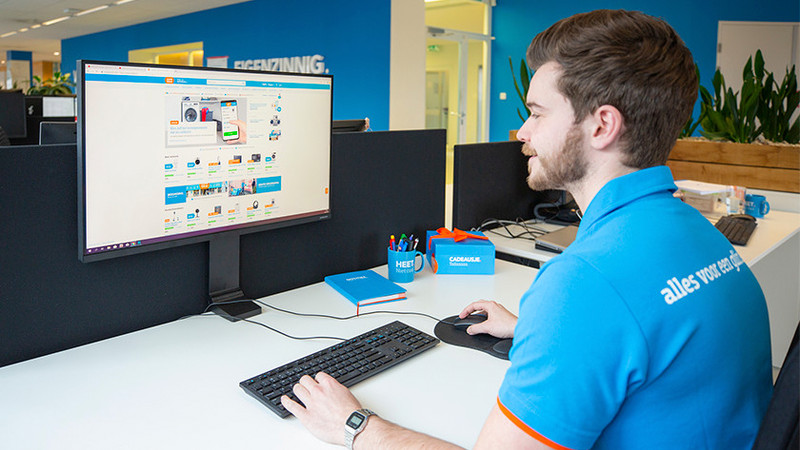
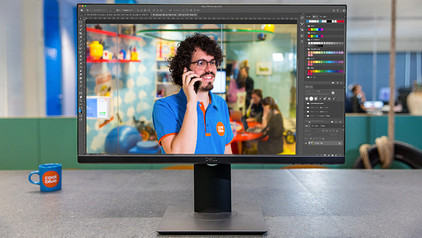
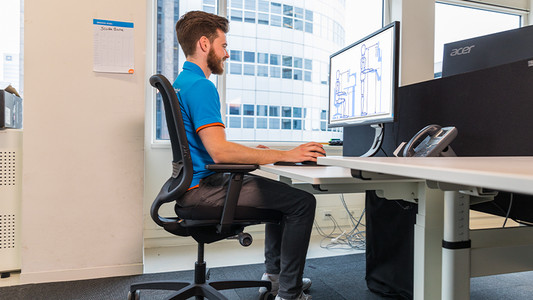
Sometimes it's hard to find the correct sitting position, especially when you work from home. We explain how to sit in the best sitting position on your desk chair, what the ideal height is for your desk, and how to setup your equipment ergonomically. That way, you can work comfortably both at home or at the office.

How do you ensure a good sitting posture?

Sometimes it's hard to find the correct sitting position, especially when you work from home. We explain how to sit in the best sitting position on your desk chair, what the ideal height is for your desk, and how to setup your equipment ergonomically. That way, you can work comfortably both at home or at the office.

How do you solve connection issues with your monitor and laptop?

You bought a monitor, but you can't get it to connect to your laptop. In this article, you can read how to connect your monitor to your laptop in 4 steps.

How do you install your BlueBuilt Monitor Arm with gas spring for 1 monitor?

You want to connect your new BlueBuilt monitor arm with gas spring to a monitor. On this page, we'll explain how to do this in 9 steps.

How do you ensure a good sitting posture?

Sometimes it's hard to find the correct sitting position, especially when you work from home. We explain how to sit in the best sitting position on your desk chair, what the ideal height is for your desk, and how to setup your equipment ergonomically. That way, you can work comfortably both at home or at the office.

How do you ensure a good sitting posture?

Sometimes it's hard to find the correct sitting position, especially when you work from home. We explain how to sit in the best sitting position on your desk chair, what the ideal height is for your desk, and how to setup your equipment ergonomically. That way, you can work comfortably both at home or at the office.

Solve dead pixels on your monitor

If a pixel on your monitor has a different color, you're dealing with a dead or stuck pixel. These pixel problems are quite different, in terms of both cause and solution. For example, a stuck pixel can be fixed, but a dead pixel can't. In this article, we'll explain what causes these problems, how to discover them, and what you should do.

Solve dead pixels on your monitor

If a pixel on your monitor has a different color, you're dealing with a dead or stuck pixel. These pixel problems are quite different, in terms of both cause and solution. For example, a stuck pixel can be fixed, but a dead pixel can't. In this article, we'll explain what causes these problems, how to discover them, and what you should do.

How do I connect a monitor to a tablet?

A tablet is a good replacement for your laptop or desktop. But what if you want to work with your tablet on a slightly larger screen? In this article, I'll explain how to connect your iPad or Android tablet to an external monitor.

How do I set up a second display?

A second screen gives you extra screen space when you're working on a laptop or desktop. You can connect this in no time. Plug the connector of the monitor into a socket before you start. We'll explain how to install the screen and connect it to your computer.

How do you ensure a good sitting posture?

Sometimes it's hard to find the correct sitting position, especially when you work from home. We explain how to sit in the best sitting position on your desk chair, what the ideal height is for your desk, and how to setup your equipment ergonomically. That way, you can work comfortably both at home or at the office.

How do you ensure a good sitting posture?

Sometimes it's hard to find the correct sitting position, especially when you work from home. We explain how to sit in the best sitting position on your desk chair, what the ideal height is for your desk, and how to setup your equipment ergonomically. That way, you can work comfortably both at home or at the office.

How do you solve connection issues with your monitor and laptop?

You bought a monitor, but you can't get it to connect to your laptop. In this article, you can read how to connect your monitor to your laptop in 4 steps.

Subjects
Didn't find your answer?

Find an answer to your question quickly and easily via our customer service.

Coolblue specialist
Personal chat Digitalk.
You're now chatting with Coolblue customer service
This chat is closed
foo
Oeps File size is larger than 5MB. Upload a smaller file.