Welcome to your environment! You can order everything from your assortment with your personal budget here.

You can always return to the normal Coolblue website by clicking here.

Your outstanding budget (incl. VAT) is always visible here, so you know exactly how much you can spend.

Coolblue home

Die Website ist auf Englisch, möchtest du sie auf Deutsch ansehen?

Help with your product
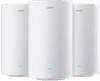
Acer Ovia Connect T520 3-Pack
0 reviews

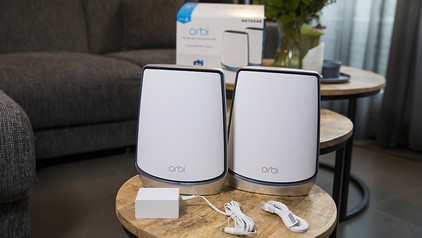
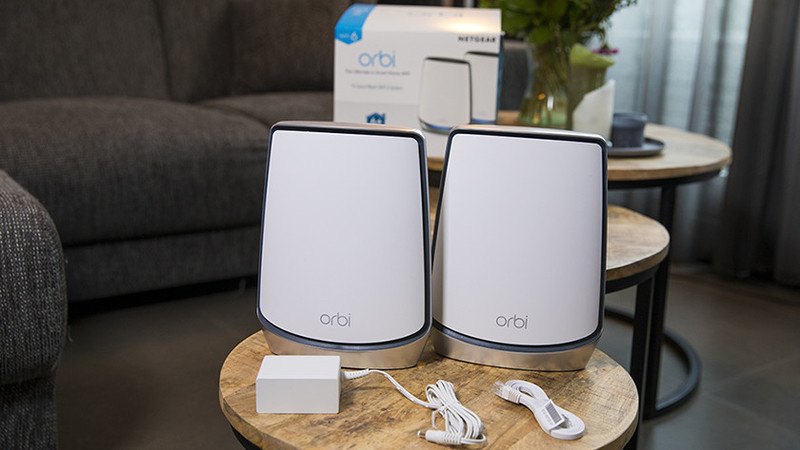
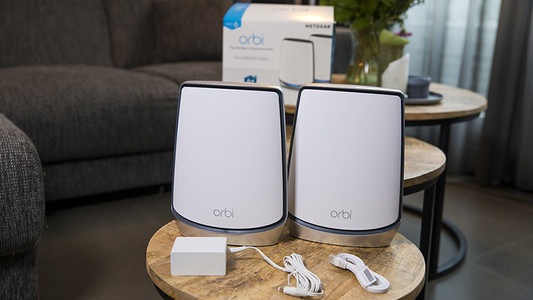
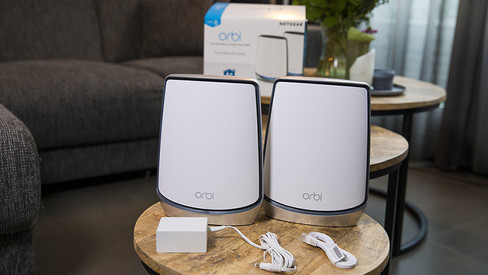
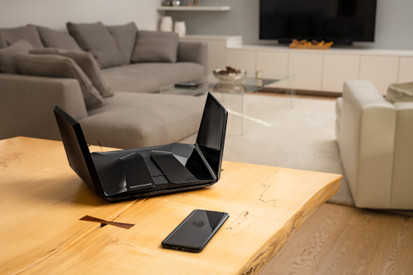
Get strong WiFi throughout a medium-sized home with the Acer Ovia Connect T520 3-Pack. This mesh WiFi system creates 1 large WiFi network with 1 password. Your devices automatically connect to the station with the strongest signal. This way, you don't have to keep logging in again, and your connection doesn't drop when you walk through the house with your smartphone, for example. The routers support WiFi 7 and divide your devices across 3 frequency bands. This means you'll get online quickly and without interruptions. In the Acer Connect app, you can keep an overview of your network. For example, you can see which devices are connected, and you can easily add extra stations.

Read all tips here

Which product do you want to see articles about?

3 tips to connect your mesh system to your modem

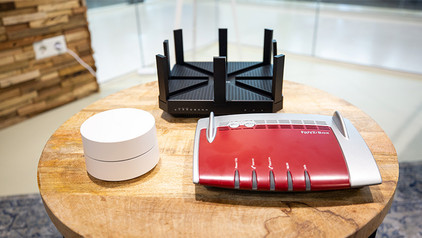
You want to reach the highest internet speeds everywhere in you home with your new mesh routers. We'll give you 3 tips to set up your mesh routers optimally in this article. Think of turning off the WiFi of your provider and also the settings you have to adjust in the modem.
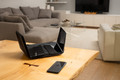
Tips to improve your WiFi range

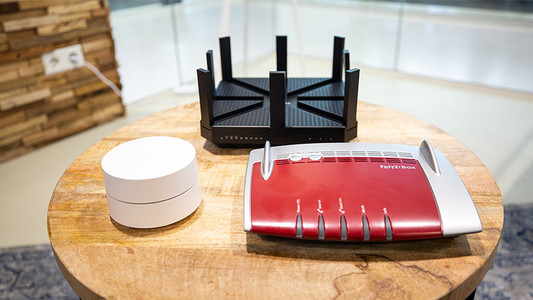
Bad WiFi signal can totally ruin your night of Netflix fun. Want to expand the WiFi range in your house? Here, we'll give 4 tips for a better WiFi range.

What do you keep in mind when expanding your WiFi network?

Did you buy a set of powerline adapters, for example because you have no coverage in the attic? Or did you get a new access point to browse the internet in the garden with a better signal? I'm happy to give you these 3 tips for the best possible operation of your extra access point in your home network.

Tips to improve your WiFi range

Bad WiFi signal can totally ruin your night of Netflix fun. Want to expand the WiFi range in your house? Here, we'll give 4 tips for a better WiFi range.

What do you keep in mind when expanding your WiFi network?

Did you buy a set of powerline adapters, for example because you have no coverage in the attic? Or did you get a new access point to browse the internet in the garden with a better signal? I'm happy to give you these 3 tips for the best possible operation of your extra access point in your home network.

3 tips to connect your mesh system to your modem

You want to reach the highest internet speeds everywhere in you home with your new mesh routers. We'll give you 3 tips to set up your mesh routers optimally in this article. Think of turning off the WiFi of your provider and also the settings you have to adjust in the modem.
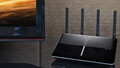
Tips to improve your WiFi range

Bad WiFi signal can totally ruin your night of Netflix fun. Want to expand the WiFi range in your house? Here, we'll give 4 tips for a better WiFi range.

What do you keep in mind when expanding your WiFi network?

Did you buy a set of powerline adapters, for example because you have no coverage in the attic? Or did you get a new access point to browse the internet in the garden with a better signal? I'm happy to give you these 3 tips for the best possible operation of your extra access point in your home network.

Subjects

Didn't find your answer?

Find an answer to your question quickly and easily via our customer service.

Coolblue specialist