Welcome to your environment! You can order everything from your assortment with your personal budget here.

You can always return to the normal Coolblue website by clicking here.

Your outstanding budget (incl. VAT) is always visible here, so you know exactly how much you can spend.

Coolblue home

Die Website ist auf Englisch, möchtest du sie auf Deutsch ansehen?

Help with your product
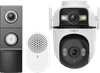
TP-Link Tapo C545D + D235 Smart Battery & Wired Doorbell
0 reviews

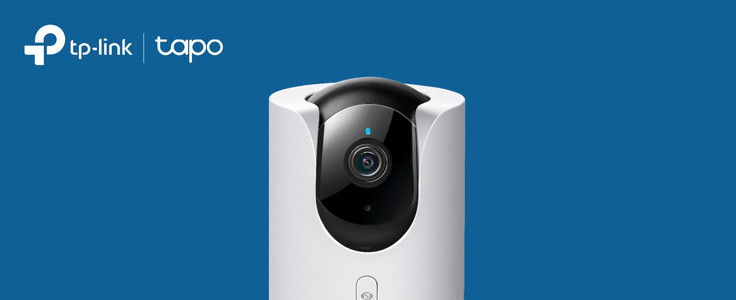
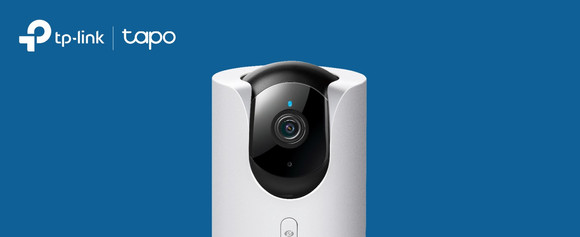
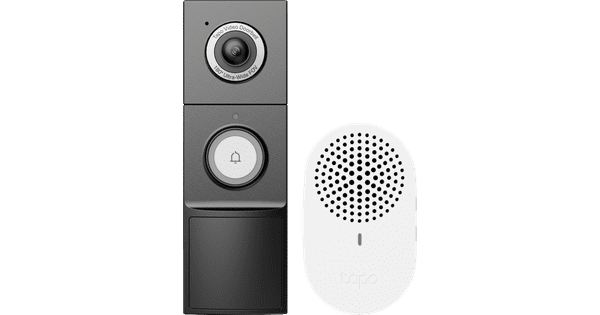
With the TP-Link Tapo C545D + D235 Smart Battery & Wired Doorbell, you can keep an eye on your front and back garden at the same time. The IP camera has 2 lenses: 1 fixed lens and 1 pan-tilt-zoom lens. While the PTZ lens follows movement, the fixed lens records an overview of the entire garden. You can also connect it via an Ethernet cable, so it always has a stable internet connection. You can install the doorbell wired or wirelessly. That means you can also monitor the front garden if you don't have fixed wiring at the front door. Thanks to the included chime, you'll hear a sound when someone rings the doorbell. You'll also get a notification via the Tapo app. In this app, you can watch the footage live and talk to visitors. You can store recorded footage on a microSD card. Note: this isn't included.

Read all tips here

Which product do you want to see articles about?

How do I set up my TP-Link IP camera?

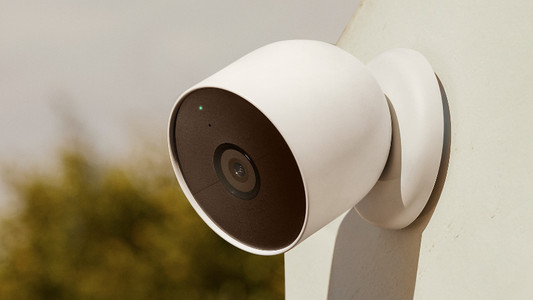
With the Tapo IP cameras from TP-Link, you can keep an eye on what happens around your home day and night. You set up the cameras via the Tapa app. In this article, I'll explain how to set up your TP-Link Tapo IP camera in 5 steps.


6 tips to extend the battery life of your IP camera

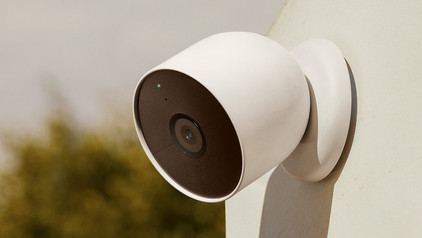
Batteries of IP cameras sometimes don't last as long as expected. Generally, the less you use the cameras, the longer the battery lasts. Read how to save battery while still enjoying all the functions of the IP camera in this article.

Which WiFi solution do you need for your smart doorbell?

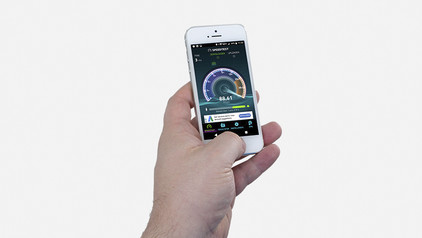
You always know who is in front of your door with a smart doorbell, because it has a built-in camera and you can watch the footage via an app. Even when you're not at home. But you do need a good WiFi connection for this. In this article, we'll tell you what WiFi solution you need in your situation.

How do I set up my TP-Link IP camera?

With the Tapo IP cameras from TP-Link, you can keep an eye on what happens around your home day and night. You set up the cameras via the Tapa app. In this article, I'll explain how to set up your TP-Link Tapo IP camera in 5 steps.
6 tips to extend the battery life of your IP camera

Batteries of IP cameras sometimes don't last as long as expected. Generally, the less you use the cameras, the longer the battery lasts. Read how to save battery while still enjoying all the functions of the IP camera in this article.

Subjects

Didn't find your answer?

Find an answer to your question quickly and easily via our customer service.

Coolblue specialist
Personal chat Digitalk.
You're now chatting with Coolblue customer service
This chat is closed
foo
Oeps File size is larger than 5MB. Upload a smaller file.