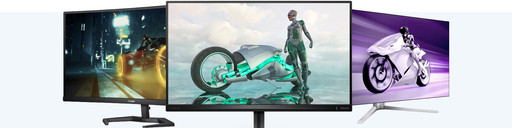
Advice on Philips monitors
Choose the Philips monitor that suits you
Philips makes monitors for both work and school, but they differ a lot. Which Philips monitor is the most suitable for you depends on your own preferences. For example, what screen size do you want, how sharp should the image be, which extra options do you want your monitor to have, and how sustainable should the monitor be? To help you on your way, we've written the following advice article for you.
242B1G/00 vs. 272B1G/00: sustainability
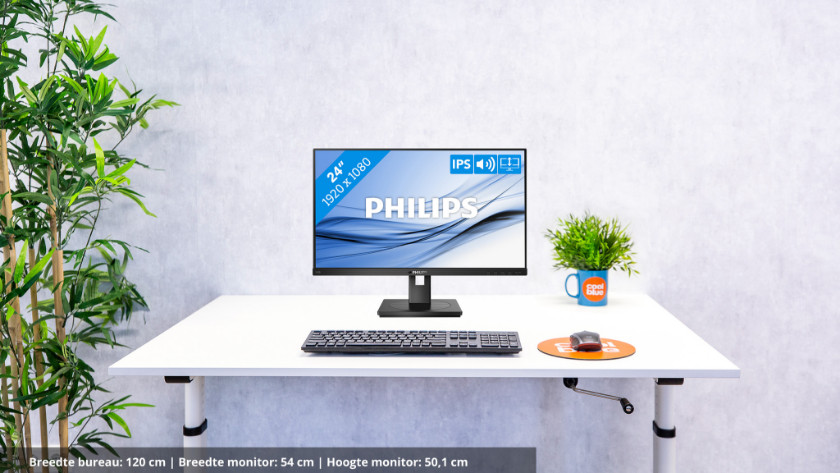
If you want to work energy-efficiently, choose the Philips 242B1C/00 or 27B1C/00. The 24B1C/00 consumes less, but the 27B1C/00 has a larger screen. Both monitors have energy-saving functions, like the LightSensor and PowerSensor that automatically adjust the brightness of the screen. The ZeroWatt switch prevents standby consumption after using the monitor. Besides, both monitors are produced lead-free and halogen-free. In the following advice articles, you can read a comparison between these models.
243B9/00 vs. 272B7QUPBEB vs. 346B1C/00: convenience with USB-C
Do you want to organize your workplace with one cable? Choose a USB-C monitor by Philips. With these monitors, you only need 1 cable to transfer image signals, transfer files, and charge your connected appliance. The 243B9/00 is ergonomically adjustable, the 272B7QUPBEB offers more screen space and a higher resolution, and the 346B1C/00 has even more screen space for photo and video editing and analytic programs. In the following advice article, you can read everything on these three Philips USB-C monitors.
Expert reviews and specific models
Are you looking for a Philips monitor for photo and video editing? The Philips 288E2UAE/00 is a suitable monitor. The 4K resolution and wide coverage of the sRGB color profile allow you to get started with professional image editing of even the smallest details. You can read why the 288E2UAE/00 is suitable for this in the following advice article.