Lenovo tablets
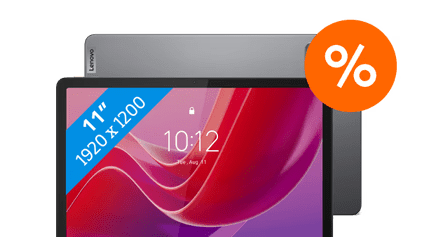
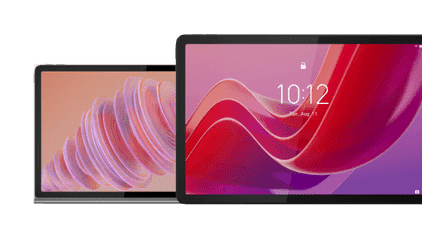
The differences between the Lenovo Tab Plus, Idea Tab, Idea Tab Pro, and Yoga Tab
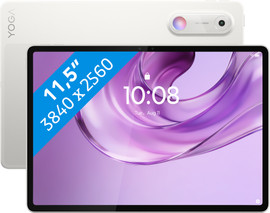
- Yoga Tab
You can open large files and multiple apps at the same time without slowing down
Thanks to the excellent processor, apps and 3D games load quickly.
With the included stylus, you make precise sketches or notes.
The screen is large, so you can open multiple apps side by side
On the colorful screen, you see all the details of your game or series.
From
€ 649,-
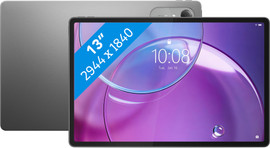
- Idea Tab Pro (Gen 2)
You can smoothly navigate between various apps and files
With the included stylus, you can make precise sketches or notes
More demanding apps load faster and don't slow down when you open them
The screen is large enough to open multiple apps side by side
The screen is sharp but less colorful
From
€ 579,-
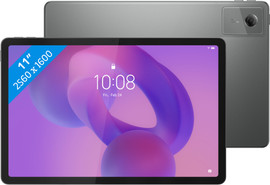
- Idea Tab
You smoothly scroll through your social media or play light games
Met de meegeleverde stylus maak je schetsen of aantekeningen
Larger apps load slower and slow down when you open them
On the 11-inch screen, you can only watch YouTube videos
Due to the decent screen quality, the screen is less sharp
From
€ 269,-
- Tab
Je scrollt soepel door je social media of speelt lichte spelletjes
You don't receive a stylus with this tablet
Grotere apps laden langzamer en haperen bij het openen
On the 10-inch screen, you can only watch YouTube videos
Due to the mediocre screen quality, the screen is less sharp
From
€ 178,99
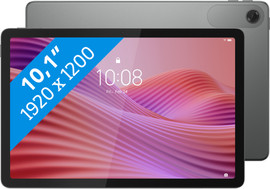
Which Lenovo tablet suits you best?
There are different Lenovo tablets for different usage situations. The Lenovo Tab series is suitable for simple tasks. You can browse the internet or watch a YouTube video. The Lenovo Idea Tab has a larger screen, so you can comfortably watch a movie or series. A stylus is included with the Idea Tab. On the Legion or Yoga, you can play the most demanding 3D games. The Yoga Tab also has an excellent screen that colors come to life on.

How do you choose a Lenovo tablet with the right speed?
Do you use your tablet for light tasks like browsing the internet and games Candy Crush? Choose the Lenovo Tab. More demanding apps or games slow down with this speed. For that, we recommend a Tab Idea Tab Pro or a Yoga Tab.
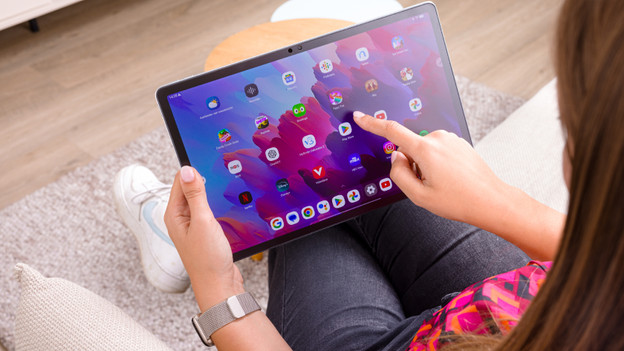
How do you choose the right storage for your Lenovo tablet?
With too little storage on your Lenovo tablet, you have to delete apps after a few months. Choose 128GB if you sometimes download apps and save photos. With 256GB or more, you don't have to delete apps for the next 2 years.
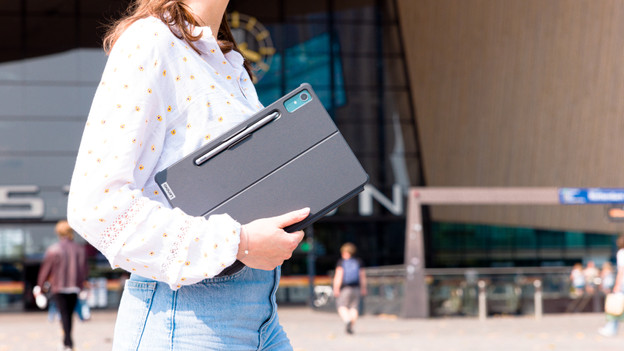
Do you want internet everywhere?
With a tablet with WiFi, 4G, or 5G, you have internet wherever you go and you're always online. That's useful if you often use your tablet on the go, on the train, or at the park, for example. Do you only use your tablet at home? A tablet with WiFi is sufficient.
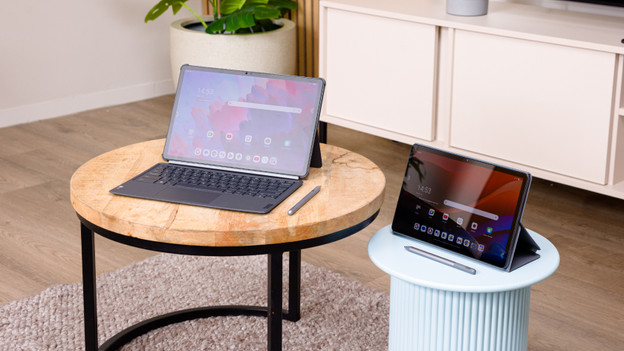
Complete your Lenovo tablet
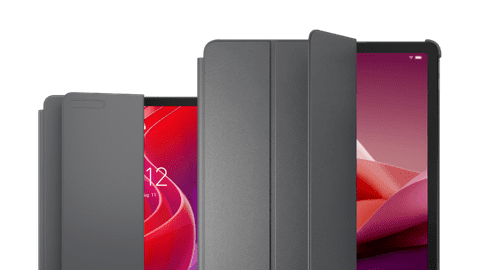
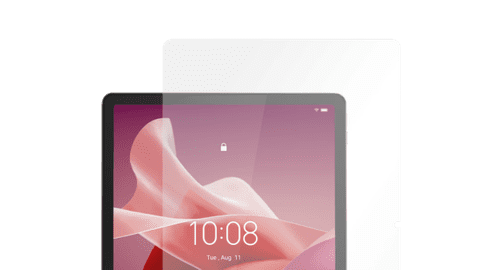
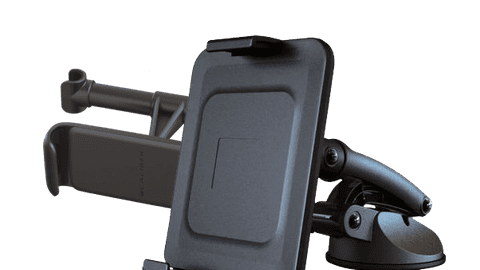
Protect your tablet from damage with a tablet cover. Often there's a stand included, so you can place your tablet upright. That way, you can keep your hands free during a video call or when watching a series. Protect your tablet screen from scratches with a screen protector. With a tablet mount, you can place your tablet anywhere.