Samsung OLED televisions
Find the Samsung OLED television that suits you
Compare Samsung OLED televisions
Glare Free screen with highest brightness
Black is truly black thanks to the realistic OLED display.
Enjoy bright images without reflections thanks to the Glare Free anti-glare coating.
With the high 165Hz refresh rate, you can watch smooth actions in games.
From
to€ 2.049,-
€ 3.249,-
Glare Free screen with high brightness
Black is truly black thanks to the realistic OLED display.
Enjoy bright images without reflections thanks to the Glare Free anti-glare coating.
From
to€ 1.559,-
€ 4.831,-
Average brightness
Black is truly black thanks to the realistic OLED display.
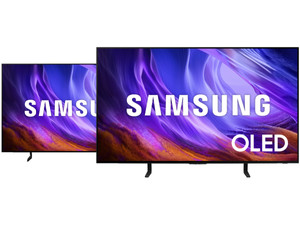
Which Samsung OLED television should you buy?
With a Samsung OLED TV, you can enjoy realistic images with the deepest black levels. That's because these TVs have self-illuminating pixels in the screen. This way, all your favorite movies, series, and games are very lifelike. In this video, our expert will tell you all about the differences between the Samsung OLED televisions from 2026.
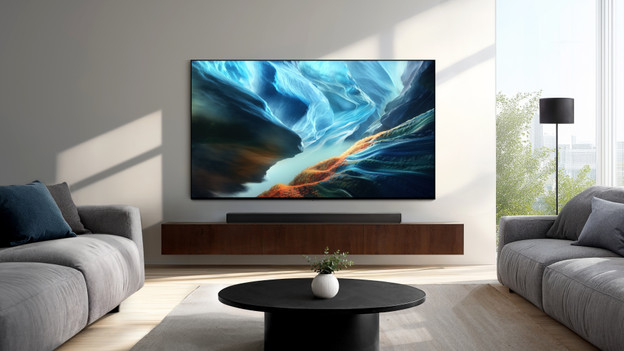
Advice on Samsung OLED televisions
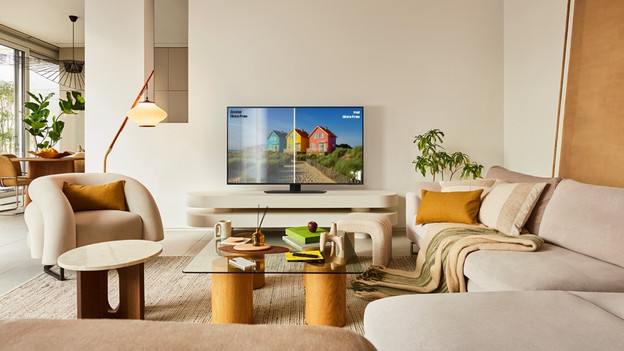
What's Samsung Glare Free?
With a Samsung Glare Free TV, you're not bothered by annoying reflections. You can read all about the advantages of the Glare Free Samsung TVs here.
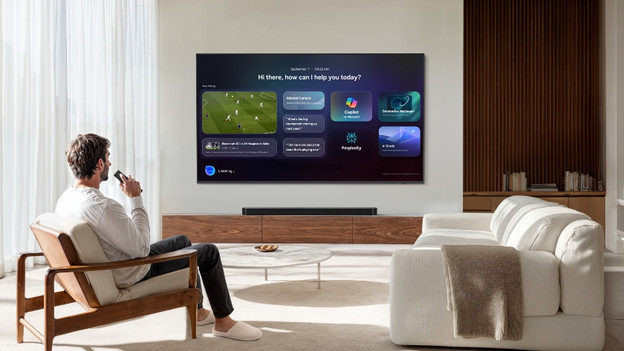
What's Samsung Vision AI?
Samsung Vision AI is a collective term for all AI functions of the Samsung OLED, Micro RGB, Mini-LED, and The Frame televisions. We'll list the most important functions of Vision AI for you.
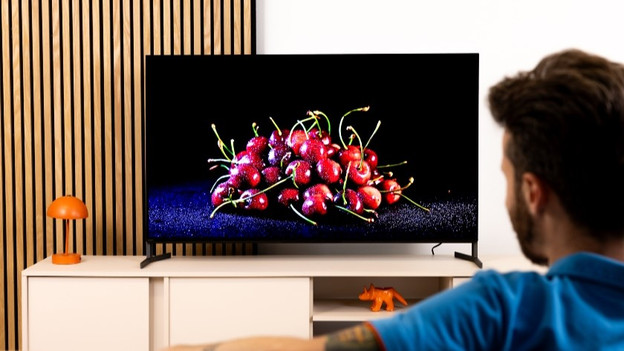
Comparison between the Samsung S95F, S90F, and S85F
Want more information about the different Samsung OLED TVs before you choose one? Read all about these televisions in our comparison article.
View more Samsung OLED televisions
All Samsung OLED TV and soundbar sets
Want good audio in addition to a nice screen? Choose a TV and soundbar set from Samsung. You can find all our bundles here.All Samsung Glare Free TVs
With a Glare Free Samsung TV, you can enjoy a luxurious matte screen that you can watch at anytime of the day. Read all about the advantages here.Samsung Q-Symphony
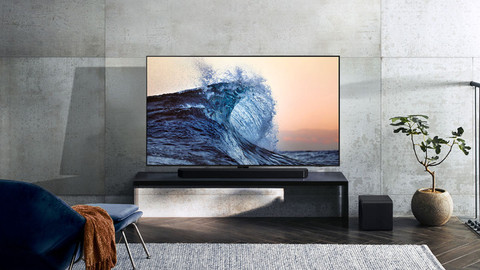
With Q-Symphony, your Samsung television and soundbar work together to deliver spatial sound. Here, we highlight this technology.
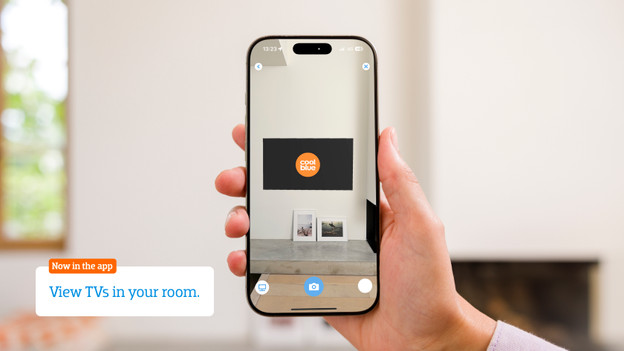
Help choosing the right TV size
Have your eye on a new Samsung OLED TV? To measure is to know. Check the following for the best viewing experience:
- Viewing distance: the farther away you're sitting, the larger the TV can be.
- Size of your TV cabinet: adjust the width of the TV to your TV cabinet for a nice look.
- Space on your wall: if you're mounting the TV, make sure you have the space to do this. Use the screen size in centimeters.
Want to see exactly how the TV looks in your living room? Download the Coolblue App and virtually place the TV in your room via the augmented reality function.
