Advice on monitors for photo and video editing
Creative projects, like photo and video editing, have specific requirements for the right monitor. For example, the right color gamut. With Adobe RGB, you can edit photos better than with sRGB, while DCI-P3 is the most suitable for video editing. And what about HDR support? With these pages, we'll help you to choose the best monitor for image editing.
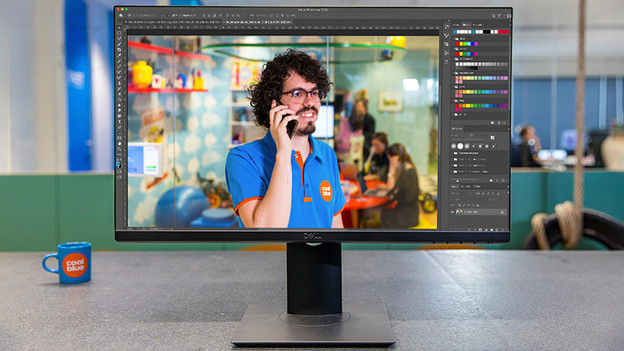
How do you choose the right monitor for image editing?
The right color representation is the most important thing for a monitor for image editing. The blue of the sea needs to be a mix of marine blue and turquoise, not just a pale combination. No matter if you're getting started with photos, videos, or graphic design projects, we're happy to help you on your way to make the right choice in the following article. Do you want a monitor with Adobe RGB or sRGB? Or, should you choose an 8-bit or 10-bit color depth?

Specifications
A monitor for image editing has specific requirements for the right experience. A high resolution is important for detailed work, but what about HDR support for extra vibrant colors? Or, a high brightness, so you can clearly see differences. In the following advice articles, we'll explain the most important specifications for choosing a monitor for image editing.
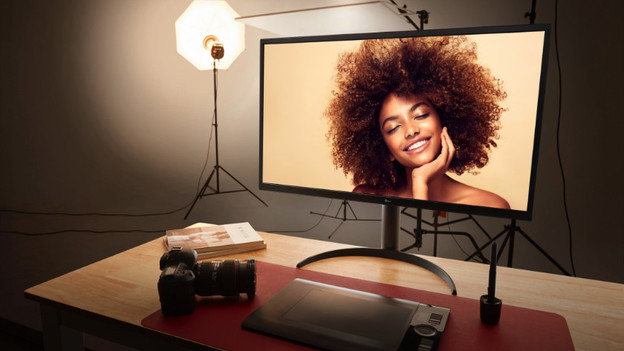
Setups
The right setup contributes to a pleasant experience when editing graphic design projects. What about a 4K resolution for detailed edits? Or a 2-screen setup, so you can work in InDesign and Photoshop side-by-side? Don't want an annoying bezel in the middle? Think of an ultrawide monitor for a larger overview. In the following articles, we'll explain the advantages of different setups for image editing.
Expert reviews and comparisons between monitors
Do you want to know more about a specific graphic monitor? Our experts tested various models and compared them to other graphic monitors. That way, you'll always have the right information at hand when you want to make a decision.
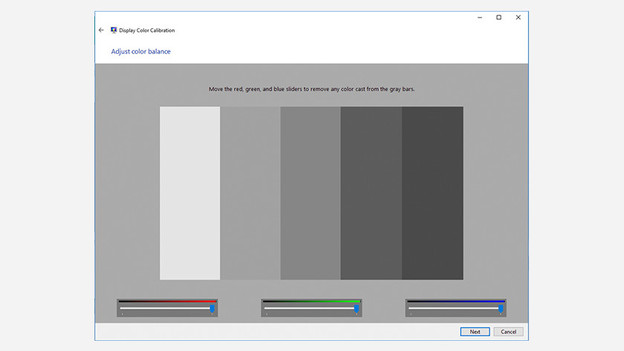
Help with problem solving
Isn't your graphic monitor working as desired? For example, do you want to adjust the color representation or resolution? Or do you want to manually calibrate the monitor? We're happy to help you on your way. In the following advice, we'll help you step-by-step.
