
Written by Lucinda
Edited on
2 November 2023
·
16:40
How do you control the Apple iPhone with one hand?
Due to the large screen of your iPhone it's difficult to control the top part your screen. Apple made a special function for this. With Reachability, the screen will temporarily slide to the lower part of your device, so you can reach everything easily with your thumb. In this article, we'll explain how you set up Reachability to control your iPhone with 1 hand.

Get started with Reachability
To use Reachability on your iPhone, follow 1 steps.
- Tip 1. Swipe down on the bottom of the screen.
- Tip 2. Enable 'Reachability'.
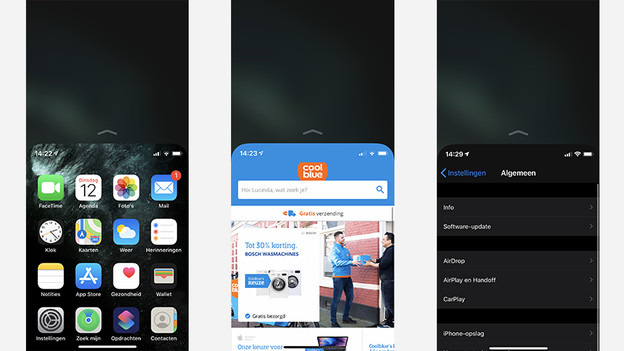
Tip 1: use the iPhone with 1 hand
You can easily use your iPhone with 1 hand. Swipe down at the bottom of the screen. Now, your iPhone only fills half of the screen. This works with the start screen, settings, and every app you use. This way, you can open apps that are at the top of your screen with your thumb. It also allows you to reach navigation options at the top easier with 1 hand.
Tip 2: enable Reachability
Usually, 'Reachability' is already enabled. Doesn't anything happen when you follow tip 1? Go through the following steps.
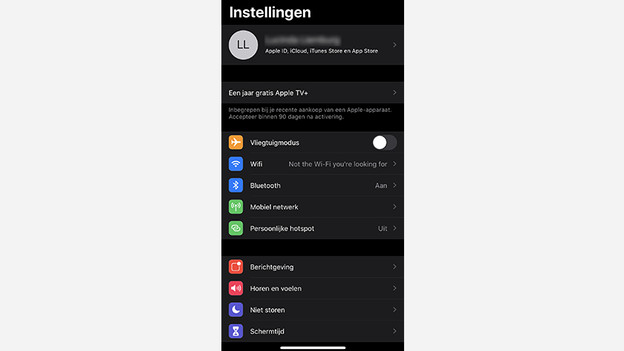
- Go to the settings of your iPhone.
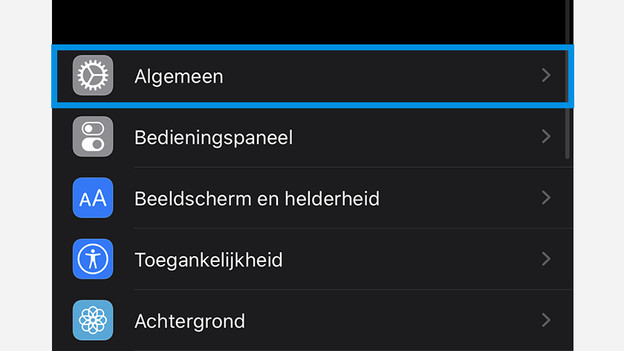
- Scroll down and tap Accessibility.
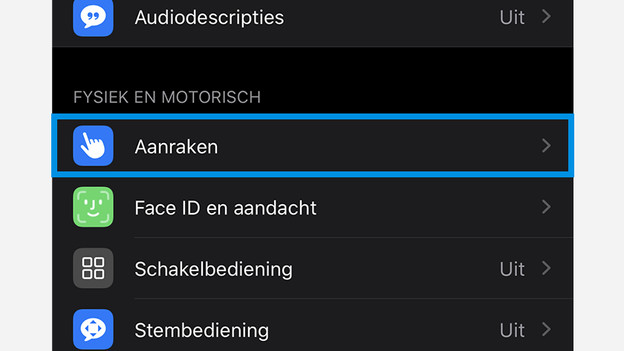
- Choose Touch under Physical and Motor
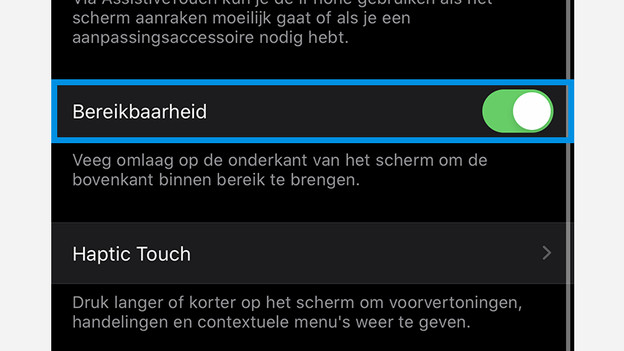
- Tap the slide of Reachability. Is the slide green? You've enabled Reachability.
1. Open the settings
2. Tap Accessibility
3. Choose Touch
4. Turn on Reachability
Article by Lucinda
Apple Expert.

