Written by Uhro
Edited on
19 January 2024
·
15:37
How do you choose a network switch?
Do you want to expand your network at home or at the office, but aren't you sure which switch to choose? In this article, we'll tell you which network switch is the most suitable for you. Choose the right number of connectors and options like Power over Ethernet or VLAN. Thanks to this, you can make the right choice.
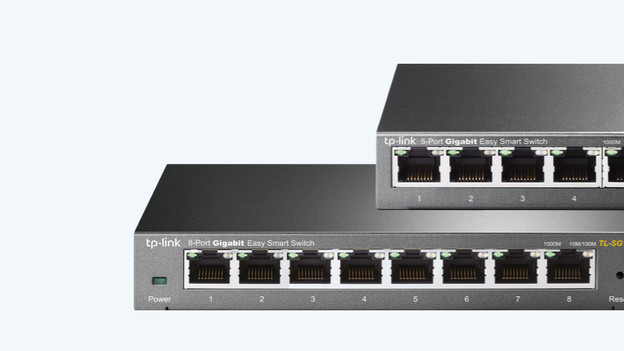
Choose a network switch
It may be difficult to choose the right network switch. Keep the following in mind:
- How many devices do you want to connect?
- Do you want power via the network cable?
- Do you want to prioritize video meetings or games?
- Do you want to protect your network connections extra well?
- Which speed do you need?
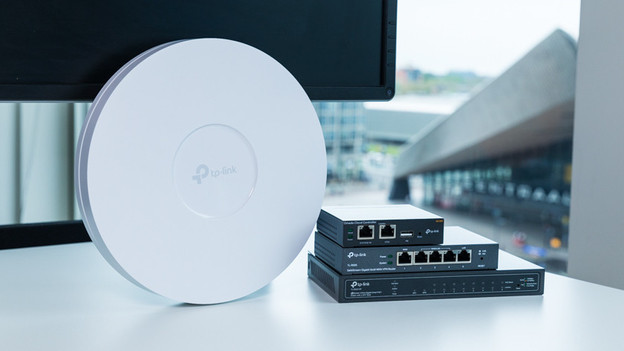
How many devices do you want to connect?
Switches are available with 5 to 52 network connectors. You subtract one of the total, as this one is used for the input. This means you can connect 4 devices to a network switch with 5 ports. Do you want to connect 5 devices? Choose a larger switch. Are you planning on connecting 15 devices to the switch? It's a good idea to buy a larger switch right away. That way, you won't have to replace it when you add another device.
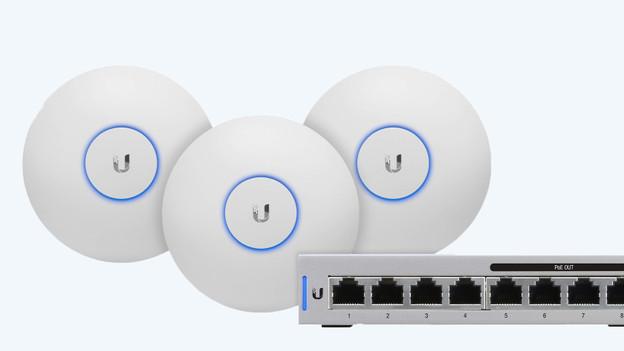
Do you want power via the network cable?
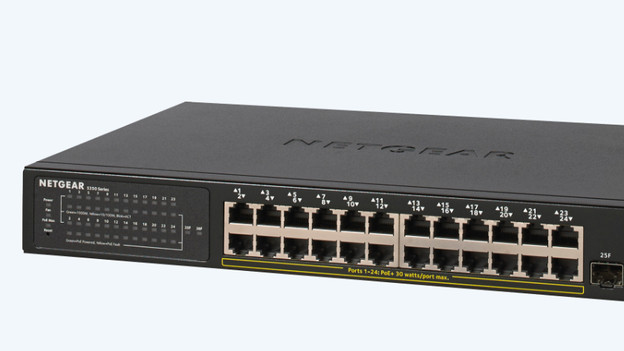
A number of switches supports Power over Ethernet, also called PoE. These allow you to supply power via the network cable too, in addition to internet. This is useful, because you'll no longer need a separate power adapter for suitable devices. For example, you can power WiFi access points, security cameras, or phones via the network cable. Thanks to this, you can place the devices at any place with a network connector. A socket isn't required.
Do you want to prioritize?
With Quality of Service, you can prioritize specific internet traffic. Thanks to this, they'll continue to work properly when there's a lot of traffic on the network. Within your company, you can prioritize video calls or phone services, for example. As a result, your connection won't break down when the office is crowded. You can prioritize streams or games at home, so they don't get stuck when the entire family is online.
Do you want to secure your network extra well?
With an advanced switch, you can set up 1 or multiple VLANs. These are virtual, local networks. This allows you to determine which device can access which part of the network. For example, you can make sure your guests can't access your (business) network drive. Within a company, you can even choose to grant access to a specific department. That way, you can ensure better security and prevent your information from getting into the wrong hands.
What speed do you need?
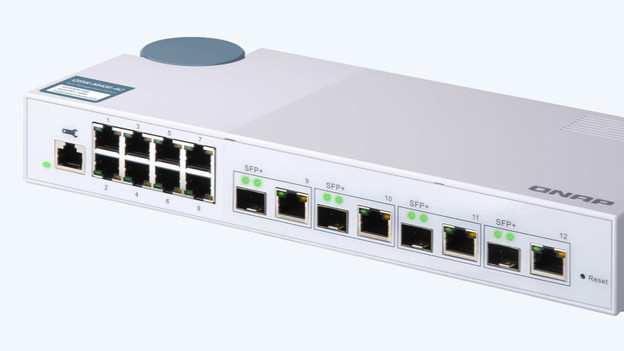
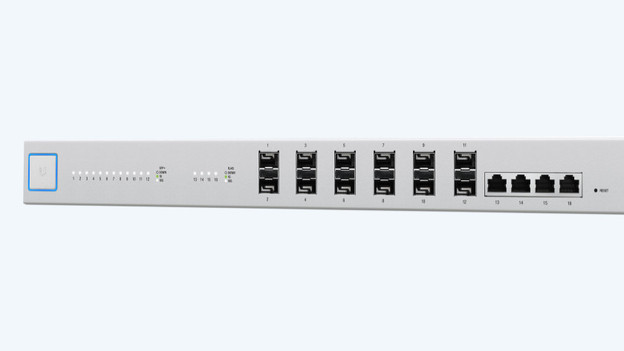
Most switches work on 1Gbps. This speed is high enough for most home connections. In companies, this speed isn't enough anymore. Do you want to connect servers of WiFi 6 access points to your network switch. We recommend you a multi gigabit switch. This one works with speeds of 2.5 to 10Gbps. That way, you can access files on the servers very quickly and use the full speed of your access points.