NAS
Find the NAS that suits you
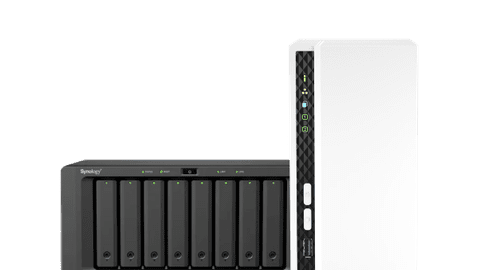
All NAS
NAS bundles





Compare different NAS
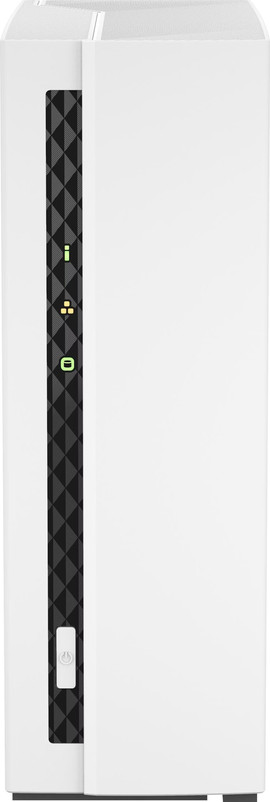
- QNAP TS-133
You can stream all your media in Full HD
This NAS has space for only 1 hard drive
The Ethernet port supports up to 1Gbps
You can create a faster cache memory with M.2 SSDs in this NAS
From
€ 224,90
- UGREEN NASync DXP2800
You have space for 2 hard drives, so you can create backups on a separate drive.
Via the 2.5Gbps Ethernet port, you can transfer files faster to the NAS
You can use hard drives from all brands in this NAS
You need a NAS with at least 3 or 4 hard drives if you want to use RAID setups.
From
€ 359,-
- ASUSTOR NIMBUSTOR 4 Gen2 AS5404T
You have space for 4 hard drives, so you can place them in various RAID setups.
Via the 2.5Gbps Ethernet ports, you can transfer files to the NAS faster and create 1 fast port via Link Aggregation.
You can use hard drives from all brands in this NAS
You don't receive hard drives with this NAS
From
€ 585,90
- Synology DS925+
You have space for 4 hard drives, so you can place them in various RAID setups.
Via the 2.5Gbps Ethernet ports, you can transfer files to the NAS faster and create 1 fast port via Link Aggregation.
You can create a faster cache memory thanks to the 2 M.2 SSD slots
You don't receive hard drives with this NAS
From
€ 795,90


Internal hard drives
Seagate IronWolf HDDs
Seagate IronWolf hard drives work energy-efficiently and are suitable for the entire day in a NAS. That way, you can also use these hard drives at the office. In addition. you receive 2 to 3 years of extra services from Seagate.Western Digital WD Red HDDs
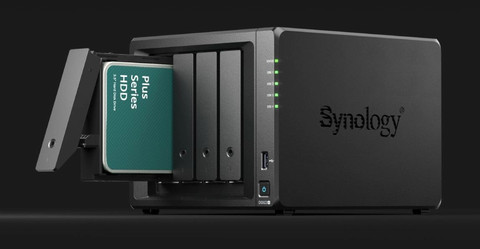
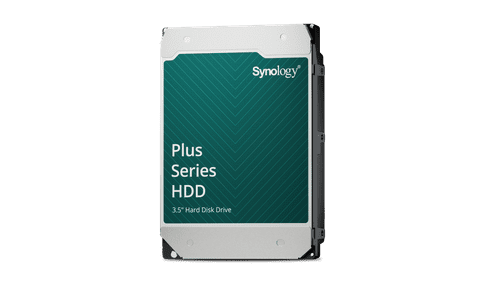
You can use Western Digital WD Red hard drives for a NAS at home or a small office. Thanks to the sturdy enclosure, you can use these hard drives the entire day without slowing down.Synology Plus Series HDDs
With a Synology Plus Series internal HDD, you can easily create a large Synology environment. That way, your NAS and hard drive always work with the latest software and hardware versions.


Advice on choosing a NAS
What's a NAS and what can you use it for?
With a NAS, you can create 1 large, online storage space for all your files. You can store documents, photos, movies, and other files in there. Our expert is happy to explain what you can do with a NAS and how to use it.How do you choose a NAS?
Before you choose a NAS, it's important that you know what you want to use it for. For example, mainly store movies or do you use the NAS with your colleagues? When you know how and what for you use the NAS, you can choose how many discs you want to place in the NAS and how much RAM you need. Our NAS expert tells you more about this.Get started with your NAS as a personal cloud
With a NAS as cloud, you can manage and edit all your files online and offline. You also don't pay subscription costs and you can determine yourself who can access certain files. You can read about the other advantages of a NAS as personal cloud here.Using your NAS to stream media
From your NAS, you can stream all types of media to a computer, phone, tablet, or television. This way, you can store all your media in 1 place and you can view them on different devices. Even when you're on vacation. We're happy to explain which media you can stream and how with a NAS.


