Written by Laurence
Edited on
10 January 2025
·
15:56
How do you choose the right TV mount?
You want to mount a television to the wall, but you don't know what type of wall mount you should choose. Do you want a fixed, tiltable or swivel design? And how do you know which TV mount is suitable for your type of television? With this article, you can make the right choice.

Choose a TV mount
When choosing a wall mount, you can choose between a fixed, tiltable, or swivel mount. You should also choose a type of mount that's suitable for the weight and the VESA size of your TV. In this article, we'll explain how to make the right choice.
-
Fixed TV mounts
-
Tiltable TV mounts
-
Swivel TV mounts
-
Swivel and tiltable TV mounts
-
OLED TV mounts
-
The VESA size
-
Size and weight
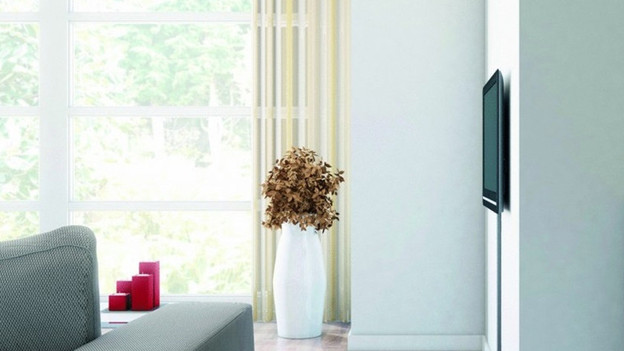
Fixed: tight against the wall
A fixed wall mount has a simple and sleek design. With this mount, you can mount a television tightly against the wall. With most fixed wall mounts, you only have 1 to 3cm of space between the TV and the wall. The disadvantage is that you can't move the TV after assembly. Only go for a fixed wall mount if the TV is exactly in front of your viewing position.

Tiltable: high on the wall
If you mount the television in a high place, the screen will be less visible. You can solve this with a tiltable wall mount, which you can use to tilt a TV downwards to see it better. With some wall mounts, you can also tilt a television upwards. This makes it easier to access the connectors at the bottom of the TV.

Swivel: different viewing positions
With this mount, you can turn a television to the left or right. This is useful when you have multiple viewing positions. Most swivel wall mounts have an adjustable arm that allows you to adjust the viewing distance. When 1 of your viewing positions is far from the TV, simply pull the device towards you.
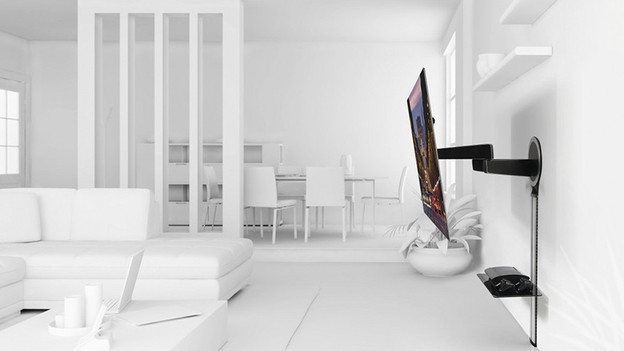
Tiltable and swivel: full flexibility
If you want to move a TV in all directions, go for a swivel and tiltable wall mount. With this, you can always create the ideal viewing angle, wherever you are in the room. Keep in mind that you can't usually mount the TV tightly against the wall. This is because the swivel and tilt mechanisms of these mounts take up 5 to 10cm of space.
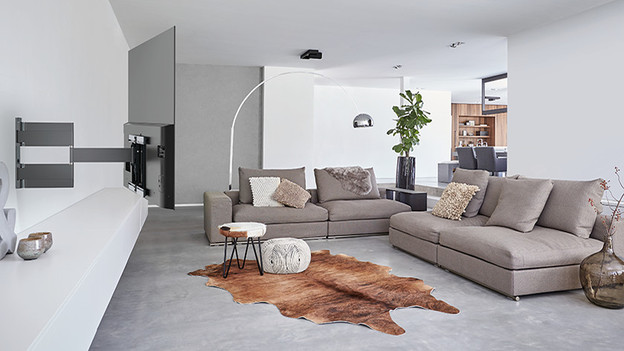
Wall mounts for OLED televisions
Do you want an OLED TV on the wall? Choose an OLED wall mount. The screen of an OLED TV is very thin and vulnerable. OLED TV mounts are specially designed for OLED televisions and fit the sleek design of such a TV seamlessly. These mounts are extra thin, so your TV will hang tightly against the wall. The turning mechanism of an OLED wall mount is very smooth. Thanks to this, it doesn't take much effort to turn of tilt the TV. With one finger, you can turn the TV into the desired viewing direction.

The right VESA size
Choose a mount with a VESA size that matches your TV. The VESA size stands for the dimension of the screw holes on the back of your TV. Only buy a wall mount that has the same VESA size as your TV.
You can find the VESA size of your TV in the manual of the TV. You can measure the VESA size yourself by measuring the horizontal and vertical distances between the screw holes in millimeters. You can find the VESA size of the wall mounts in the specifications on our website, or in the manual of the wall mount.
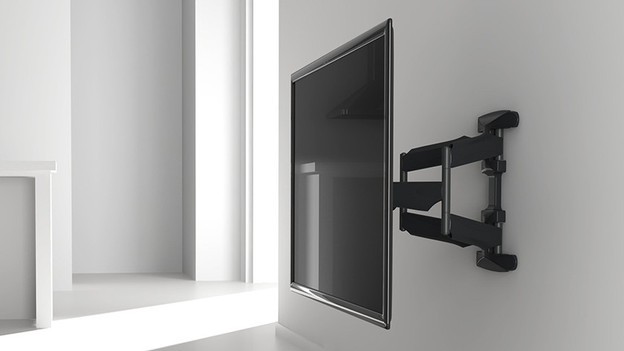
The size and weight of your television
When you buy a wall mount, you should also consider the size and weight of your TV. Make sure to check for which screen size and weight the wall mount is suitable in the specifications on our website or in the manual of the wall mount.
Article by Laurence
Television Expert.