Written by Stefan
Edited on
16 September 2026
·
13:27
Compare the MacBook Neo to the MacBook Air
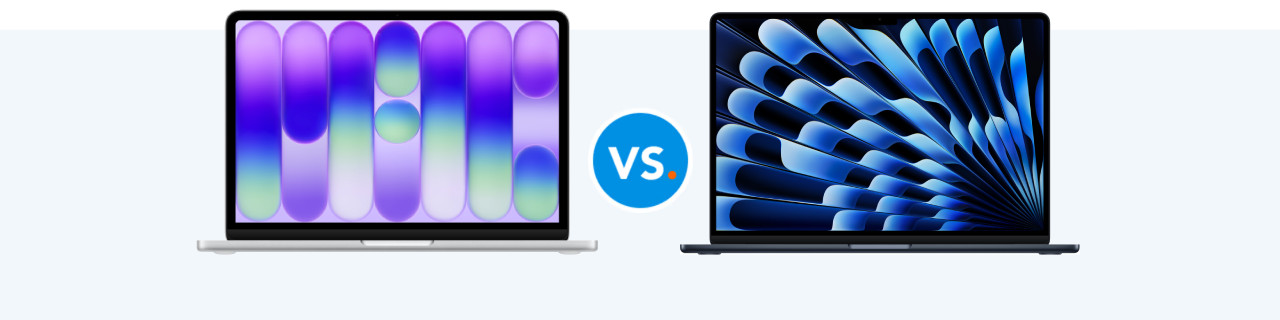
If you're looking for an Apple MacBook for light tasks, you can choose from 2 models: the MacBook Neo and MacBook Air. With the MacBook Air, you can easily perform all your daily tasks. The MacBook Neo is suitable for light tasks such as browsing the internet. In this article, you can read all about the differences between the MacBook Neo and the MacBook Air.
Compare the MacBook Neo to the MacBook Air
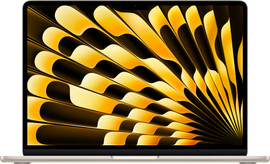
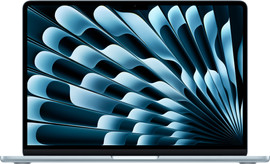
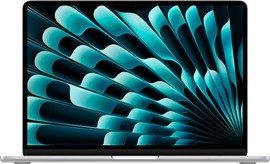
- Apple MacBook Air M5
Smoothly perform your daily tasks with the M5 processor.
Enjoy a sharp image on the Liquid Retina display.
Photo and video editing are also smooth on the MacBook Air.
You can choose between a 13-inch or 15-inch screen size.
Retail price€ 1.399,-From
€ 1.247,-
- Apple MacBook Neo
Mainly perform light tasks with the A18 Pro chip.
Enjoy a sharp image on the Liquid Retina display.
The MacBook Neo is unsuitable for photo editing.
You can only choose a 13-inch screen size
Retail price€ 799,-From
€ 700,99
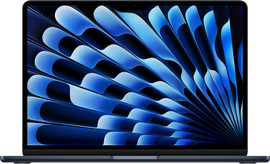
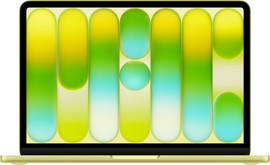
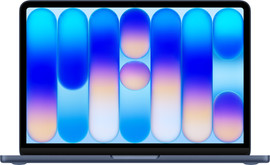
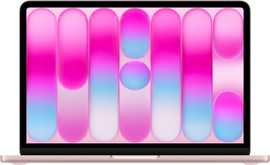
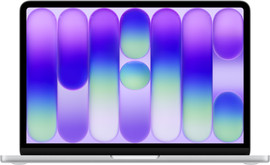
Differences MacBook Neo and MacBook Air
| MacBook Air M5 | MacBook Neo | |
|---|---|---|
| Processor | Apple M5 | Apple A18 Pro |
| Screen | 13 or 15-inch Liquid Retina | 13-inch Liquid Retina |
| Storage capacity | Up to 1TB | Up to 512GB |
| Touch ID | Yes | Only with the model with 512GB storage capacity |
Processor and power
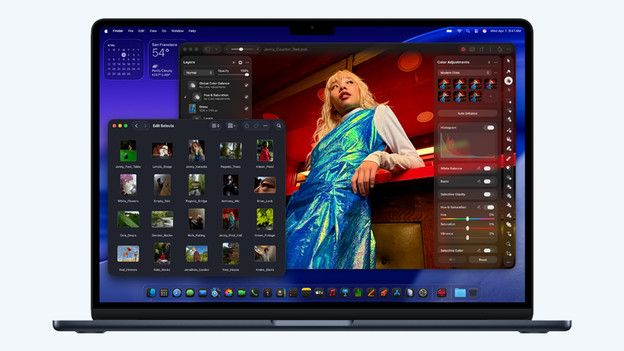
MacBook Air: powerful M5 chip
The latest MacBook Air is powered by the powerful Apple M5 chip. With this chip, you can easily work on all your daily tasks, and apps and files open quickly. This allows you to effortlessly create presentations and edit light photo and video files, even on the go. You can also use the smart Apple Intelligence functions on the MacBook Air. You can connect up to 2 external monitors, so you can evenly divide your work.
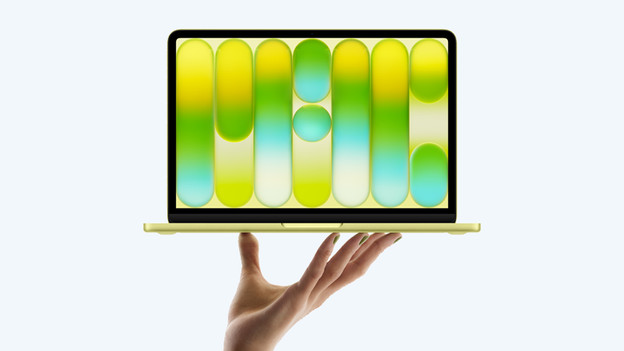
MacBook Neo: light Apple A18 Pro chip
The MacBook Neo has the light Apple A18 Pro chip. This chip is mainly suitable for performing light tasks on your MacBook. You can work in text documents, browse the internet, and watch your favorite movie or series. You can also use most apps and light games without problems. You can use the smart Apple Intelligence functions to rewrite texts and generate emojis, for example.
Design and screen

The MacBook Air: bright Liquid Retina display
With the MacBook Air, you can enjoy a sharp and colorful Liquid Retina display with a 13-inch or 15-inch size. Even the smallest details look sharp and clear and the colors are bright and lifelike. The 13-inch size is mainly useful when you work on the go often. On the large 15-inch screen, you don't miss a single detail of images or videos. Thanks to the 60Hz refresh rate, moving images look smooth without a lot of screen tearing.

MacBook Neo: smaller, lighter, more colorful
With the MacBook Neo, you can also enjoy a bright and sharp Liquid Retina display. That way, you can watch your favorite movies and series in high-quality on your MacBook. With the MacBook Neo, you can only choose a 13-inch screen. This makes multitasking more difficult, but you can easily take your MacBook with you. You can choose from 4 striking colors: Silver, Blush, Indigo, and Citrus.
Connectors
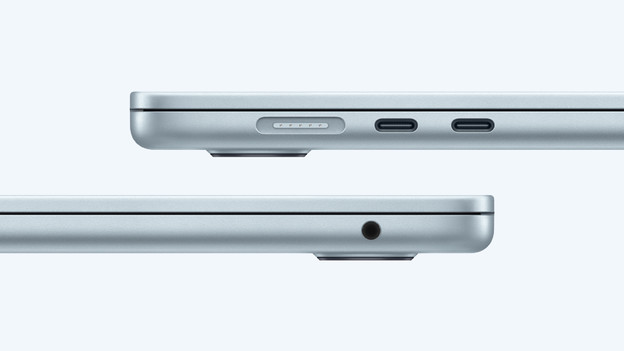
MacBook Air: MagSafe and Thunderbolt ports
You can charge your Apple MacBook Air with the magnetic MagSafe connector that you're used to from Apple. The Apple MacBook Air 2 also has Thunderbolt 4 ports at the side. With these ports, you can charge your MacBook, connect accessories, or transfer data. The MacBook Air also has a 3.5mm connector, so you can connect headphones or earbuds to your MacBook. This way, you can always listen to your favorite music.
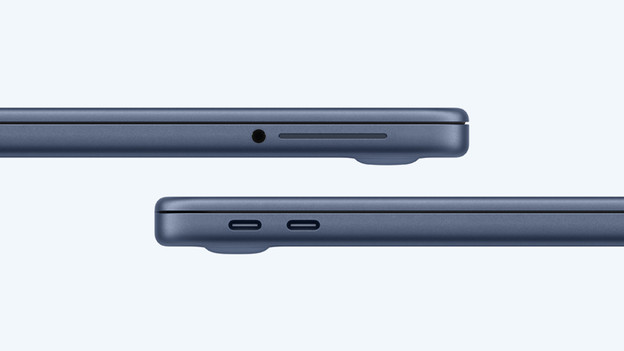
MacBook Neo: 2 USB-C ports
On the MacBook Neo, there's no MagSafe connector for charging your MacBook. Instead of that, you can charge it with one of the 2 USB-C ports at the side of the device. The MacBook Neo also has a 3.5mm connector, just like the MacBook Air. Do you want to connect accessories to a different connector? Choose an extra docking station with your MacBook.
Conclusion: MacBook Neo or MacBook Air?
With the Apple MacBook Air, you get a light and powerful MacBook that allows you to perform your daily tasks and edit photos and videos on the go. The small Apple MacBook Neo is the new Apple MacBook starter model and is mainly suitable for light tasks such as text processing and watching series.
Article by Stefan
Apple MacBook Expert.