
Written by Eveline
Edited on
7 October 2025
·
08:17
Compare the TomTom Go Discover, Go Classic, and the Go Essential
At a glance, the TomTom Go Discover, Go Classic, and Go Essential seem to be the same. HD screen quality, speed, and map coverage are some examples of features where the GO Discover excels compared to its predecessors. In this article, we'll tell you all about the similarities and differences, so you can make the best choice for you.
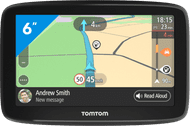
TomTom Go Classic 6 Europe
- With traffic information via your smartphone, you're aware of the current traffic situation on highways, provincial roads, and in city centers.
- Keep your hands safely on the wheel, because you can also control the navigation system with your voice.
- Because you can update your navigation system via WiFi, you no longer need to connect it to your computer via a cable.
- You sometimes need to pay extra costs if you want to receive traffic information via your smartphone.
- It's not possible to make hands-free calls via the navigation system.
€ 144,99
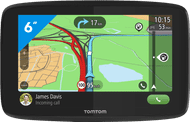
TomTom GO Essential 6 Europe
- Control the navigation system with your voice and keep your hands on the wheel.
- Make safe calls while driving with the hands-free calling function.
- Traffic updates on your smartphone keep you up to date on the current traffic situation on highways, provincial roads, and city centers.
- On sunny days, the screen may reflect and you can't read it well.
- You may be charged extra for receiving traffic information via your smartphone.
€ 163,90
TomTom GO Discover 6 World
- You can easily read the route from the 6-inch HD screen.
- With the MyDrive function, you can see TripAdvisor reviews about hotels, restaurants, or trips on your route.
- With traffic information via SIM, you're always up-to-date about the actual traffic situation on the highway, provincial roads, and in the city centers.
- It's not possible to make hands-free calls, so you can't make calls while in the car.
- The navigation system doesn't show incoming calls, messages, and notifications from your smartphone.

Retail price
€ 319,95€ 249,95
TomTom GO Classic 6 vs GO Essential 6 vs Go Basic 6
| TomTom Go Classic 6 | TomTom Go Essential 6 | TomTom Go Discover 6 | |
|---|---|---|---|
| Voice control | No | Yes | Yes |
| HD screen quality | No | No | Yes |
| Screen reflection | Anti-glare | Glossy | Glossy |
| Map coverage | Europe | Europe | World |
| Hands-free calls | No | Yes | No |
| Map updates via | Wireless via WiFi | Wireless via WiFi | Wireless via WiFi |
| Trial subscription | 1 month of speed trap updates | 6 months of speed trap updates | 1 year of speed trap updates, parking options, and gasoline prices |
| Map updates period | Each quarter | Each quarter | Weekly |
Screen type
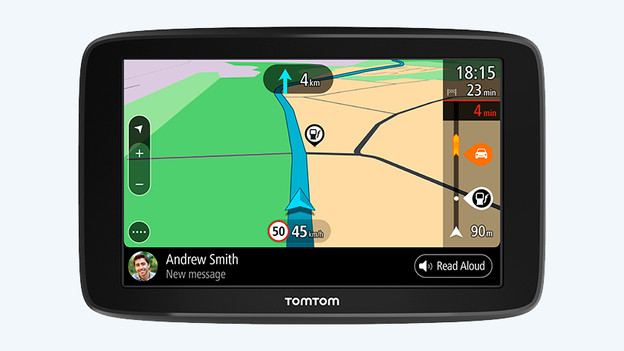
Classic: anti-glare
The TomTom Go Classic has an anti-glare screen. You can also easily read it on a sunny day, because you won't be bothered by glare and reflections. But the screen is less sharp compared to the other models. The Go Classic is available with a 5-inch and 6-inch screen size.
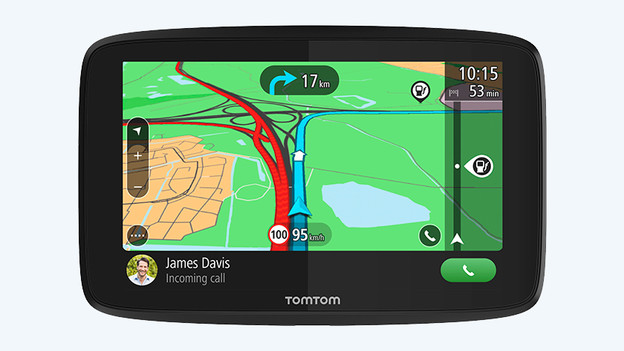
Essential: not anti-glare
Contrary to the TomTom Go Classic, the Go Essential doesn't have an anti-glare screen. It's sharper, but reflects when the sun shines on it. It's harder to read directions on it.

Discover: not anti-glare, but HD
The Go Discover is the only device out on the market with an HD screen. You can see this in the beautiful bright colors and tight lines, which you can read well both in bright daylight or in the dark. The screen isn't anti-glare, so you might be bothered with reflections with direct sunlight. The Discover is available in a 6-inch and 7-inch screen size.
Hands-free calls
Classic: no hands-free calls
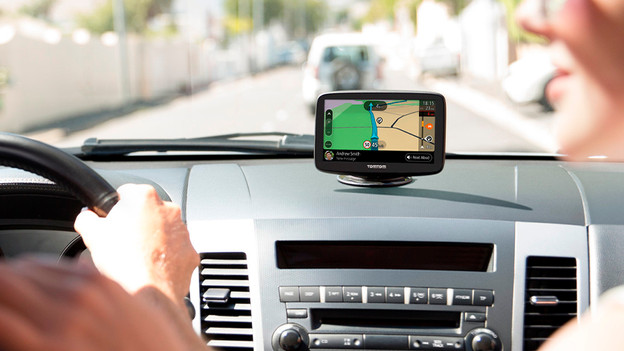
Choosing the TomTom Go Classic? You can't make safe calls in the car. Hands-free calls aren't an option on the Classic and making calls with your phone is dangerous. There's a hefty fine on it for good reason. Do you want to be reachable at all times or do you travel a lot by car for your work? We recommend the TomTom Go Essential.
Essential: hands-free calls
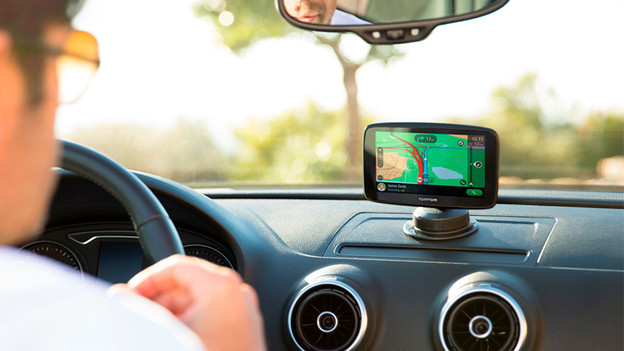
You can make hands-free calls with the TomTom Go Essential. Your phone connects to the navigation device via Bluetooth. When someone calls, the call switches to your car speakers and the microphone of the navigation system. With your eyes on the road and your hands on the wheel, you'll arrive at your destination safely.
Discover: no hands-free calls
You can't make hands-free calls with this model. If you want to make calls in the car, you need a hands-free set or wait till you stop again. That's why this device is less suitable for business use.
Voice control
Classic: no voice control
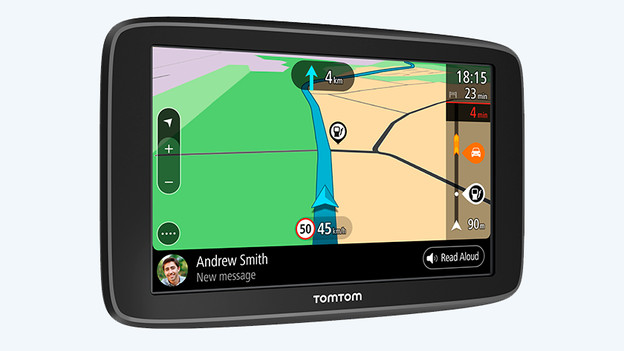
Since the TomTom Go Classic doesn't have voice control, it's less easy to operate. This isn't a problem if you're still stationary and setting up the navigation, but if you want to change routes while driving, you'll have to stop first for safety. Unless you have a passenger, of course.

Essential: voice control
You can not only make hands-free calls with the Go Essential, but you can also control it with your voice. Simply say where you want to go or who you want to call, and the navigation system gets started. Meanwhile, you can keep your eyes on the road and your hands on the steering wheel. That's safe.
Discover: voice control
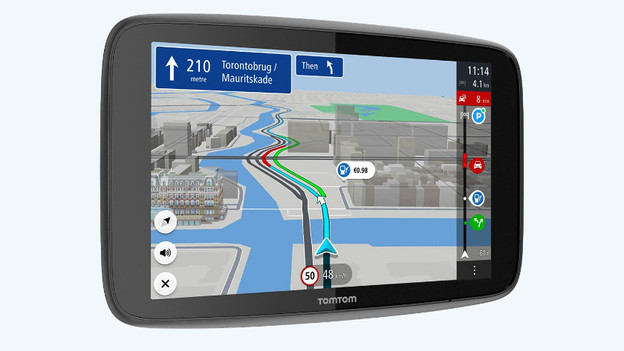
You can also use voice control with the Go Discover. Via the main menu, you can scroll to the voice control function. Not all things you ask for are recognized. But TomTom offers many alternatives when it doesn't understand your search well enough.
Map updates
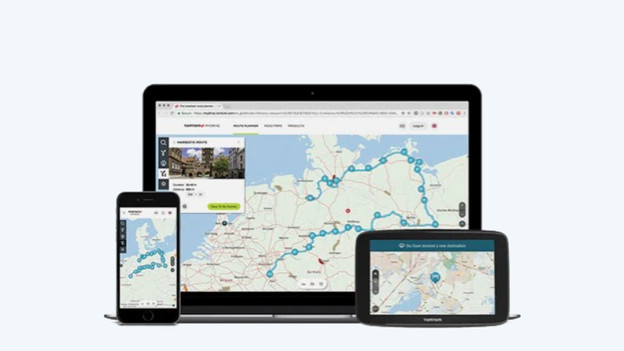
Classic: wireless via WiFi, Europe coverage
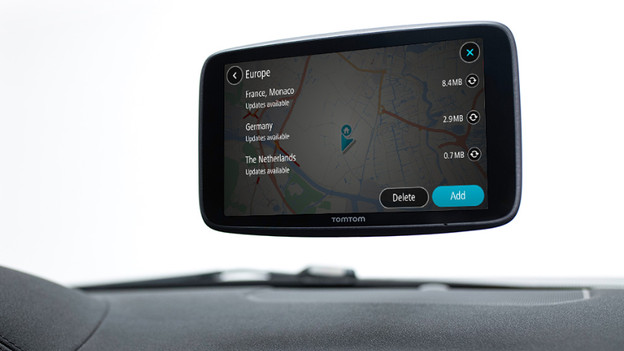
You can update this navigation system without cable via the WiFi connection. You download the maps from Europe that you need entirely free of charge. The maps are updated every quarter.
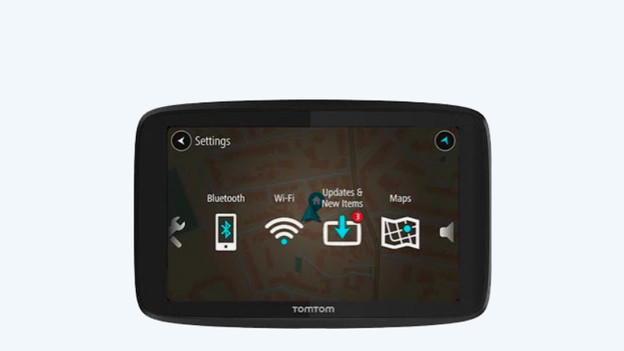
Essential: wireless via WiFi, Europe coverage
If you connect your navigation to your WiFi network, you can update the device wirelessly. Simply do this via Bluetooth settings in the menu. This model also updates the maps every quarter.
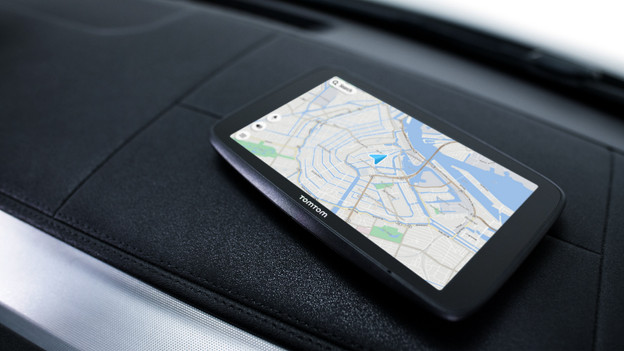
Discover: wireless via WiFi, world coverage
You update maps like you do with the Essential, which is wirelessly via the WiFi connection. The great advantage in comparison to the Classic and Essential, is that the maps of the Discover receive weekly updates. This device also has world coverage for the entire lifespan instead of just Europe. Thanks to the 5GHz WiFi option, you can update your maps up to 3 times faster than other models.
Conclusion
Even though the navigation systems are similar in most ways, there are a few important differences. The Discover stands out in terms of its screen quality, speed, wireless updates, and worldwide coverage. A disadvantage is that you can't make calls with the Discover. The Essential can update wirelessly too and does have the call function. The Classic is the only one of the 3 with an anti-glare screen. So if you don't care much about extra services or speed, this model is the best option for you.

