
Written by Stefan
Edited on
9 September 2026
·
10:13
Expert review Apple iPad Air (2026)
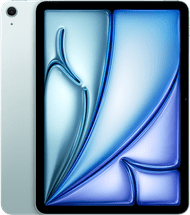
In March 2026, Apple announced the latest Apple iPad Air. Thanks to the powerful M4 chip, you can smoothly and quickly work in all your apps and files. On the beautiful Liquid Retina display, I can enjoy a sharp and detailed image as well as beautiful and bright colors. In this review, you can read about my experience with the iPad Air (8th generation).
View Apple iPad Air (2026)
- Thanks to the M4 chip, you can quickly and smoothly perform demanding tasks like photo editing and light video editing.
- You can use the smart AI functions of Apple Intelligence with this iPad.
- You can enjoy a bright and sharp image on the 11-inch Liquid Retina display.
- This iPad doesn't support 5G, so you only have internet in places with WiFi.
- You only have 128Gb storage, so you have to delete files to create space sooner.
€ 691,90
First impression
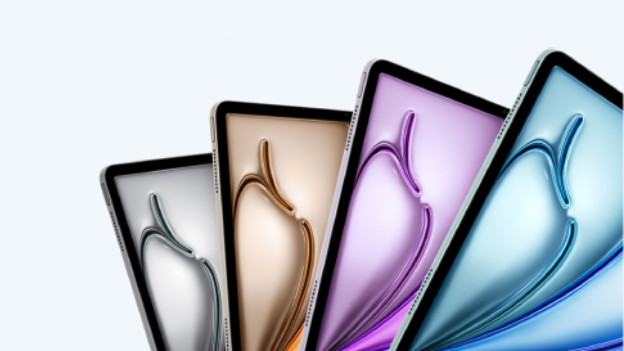
I remove the adhesive strips from the bottom of the box and carefully open the box. The iPad Air is on top, wrapped in protective paper. I'm a big fan of the design of this model: the sleek finish looks very professional. In addition to the iPad Air, there's a USB-C charging cable in the box and a small manual. There's no charger adapter in the box. If I want to charge my iPad, I'll have to buy one separately.
New, powerful M4 chip
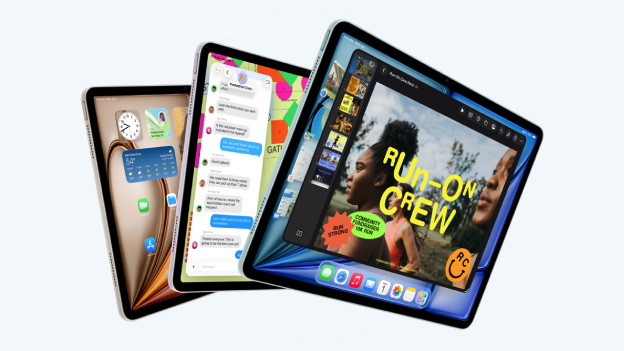
This new iPad Air has the powerful Apple M4 chip in the inside: the same chip as the previous MacBook generation. It doesn't disappoint: I can open all my apps and files very smoothly and easily use many apps at a time. Even demanding (professional) apps works without any issues or slowdowns. That way, I can easily work in Adobe Photoshop and play large games smoothly.
Sharp and colorful screen
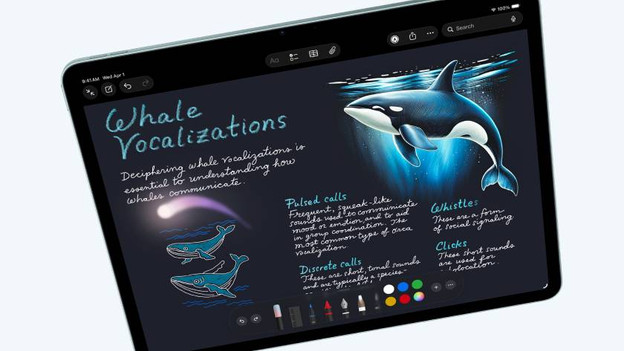
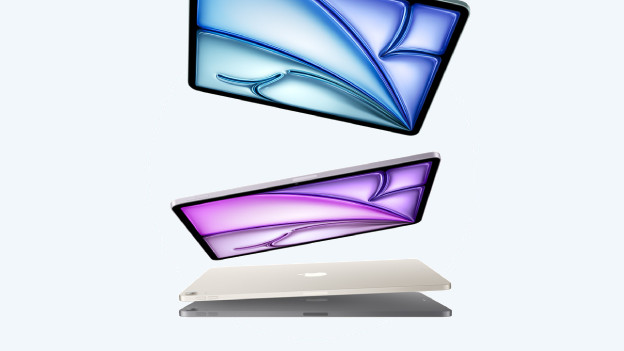
I can enjoy sharp images on the colorful Liquid Retina display of the iPad Air. Movies and series look beautiful this way, and I can easily edit photos. On the medium-sized 11-inch model, I can see many of my apps. Do you work in large and detailed files? A large 13-inch model is the better choice. For professional photo and video editing, I recommend the iPad Pro. On the razor-sharp Ultra Retina XDR display of these models, you can enjoy lifelike colors.
iPad Air and the Apple ecosystem
The iPad Air is made to smoothly work together with other Apple devices. That way, I can easily use the iPad Air as a second screen for my MacBook with the Sidecar function. I can also easily transfer photos and files between devices with AirDrop, and my AirPods always connect automatically. This makes Apple products very user-friendly, which I'm a big fan of.
Accessories
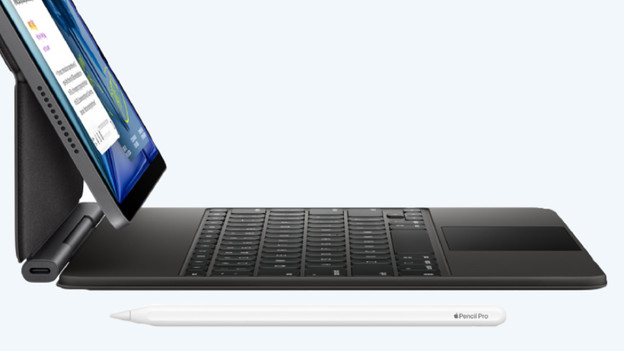
I can get even more out of the iPad Air by combining it with accessories. For example, I can use my iPad Air together with the powerful Apple Pencil Pro. I can smoothly and quickly take notes on the iPad screen, or make nice drawings in apps like Procreate. I can switch between line thicknesses or drawing tools with the press of a button. Unfortunately, an Apple Pencil or keyboard cover isn't included with iPad Air. You have to buy these separately.
Article by Stefan
Apple iPad Expert