
Written by Giovanni
Edited on
29 April 2024
·
09:29
How do you set up the microphone of an Xbox One gaming headset?
Preparation
- Check if you've correctly connected your gaming headset to your Xbox.
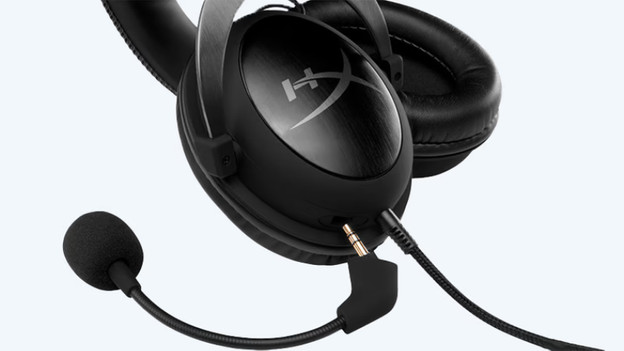
- Is your microphone detachable? Check if you've connected it properly.
- Check if you haven't accidentally muted your microphone. You can often find the mute function on the ear cup or on the controls on the cable of your headset.
- Make sure your Xbox One controller is fully charged.

Adjust microphone settings
Do you use your gaming headset via the 3.5mm jack on your controller? Your microphone settings will be easy to adjust.
- Press the Guide button (the button with the Xbox logo)
- Go to the gearwheel
In this menu, you can turn the microphone of your headset on and off or change the volume and balance of your Chat Mixer. If your headset supports it, you also have access to the mic monitoring volume that allows you to hear yourself.

