
Written by Mark
Edited on
12 July 2024
·
15:23
How do you connect the Razer Barracuda X to your Nintendo Switch via Bluetooth?
There are different ways to connect your Razer Barracuda X to your Nintendo Switch. One way is to connect it via Bluetooth. In this article, you can read exactly how to connect your Razer Barracuda X to your Nintendo Switch via Bluetooth.
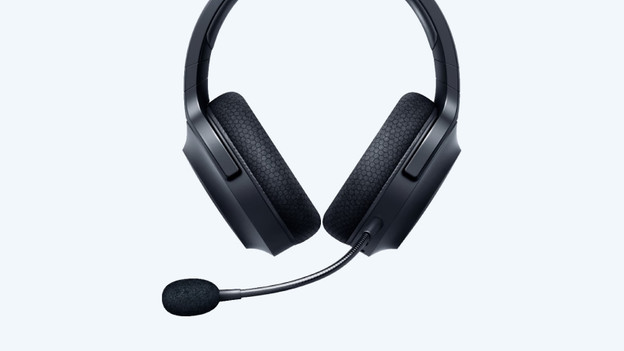
Connect Razer Barracuda X in 2 steps
Follow these 2 steps to connect the Razer Barracuda X to your Nintendo Switch via Bluetooth.
Step 1. Turn on Bluetooth
Step 2. Connect it Nintendo Switch
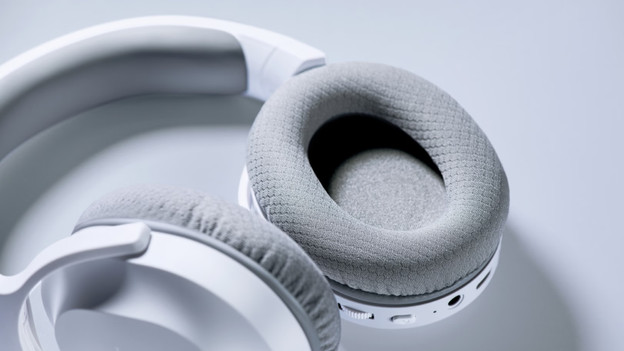
Step 1: turn on Bluetooth
First, put the headset in Bluetooth mode. Follow the steps below and activate the Bluetooth mode.
- Make sure your headset is switched off.
- Press and hold the 'On' button for 5 seconds.
- Check whether the light above the 'On' button quickly flashes in blue.
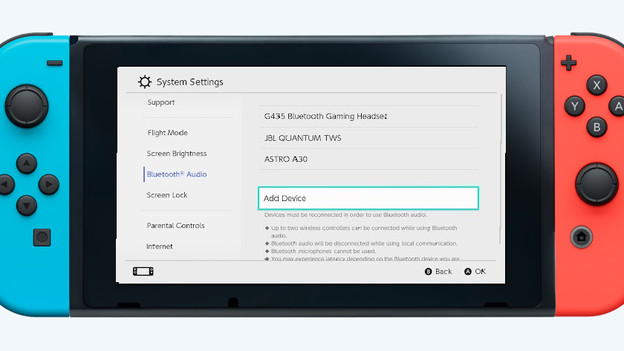
Step 2: connect it to the Nintendo Switch
Follow these steps to connect your Razer Barracuda X to your Nintendo Switch.
- On your Nintendo Switch, go to 'Bluetooth audio' and select 'Add device'.
- Find the Razer Barracuda in the device list and tap 'Connect'.
- Check whether the light on the headset above the 'On' button stopped flashing.
You've now connected the Razer Barracuda X to your Nintendo Switch.

