Written by Iris
Edited on
1 May 2023
·
13:07
How do you solve sound issues with your soundbar?
If your new soundbar doesn't produce any sound, that's very annoying and definitely not the way it should be. But don't worry, your soundbar isn't necessarily broken. It's possible that a couple of cables simply aren't set up properly. That's why it's a good idea to go through the setup once again. Below, you can read some tips that will help you produce sound from your soundbar.
Produce sound in 3 steps
There are 3 steps you have to go through to check if the problem lies with the setup.
Step 1: test the soundbar
Step 2: check connectors
Step 3: check settings

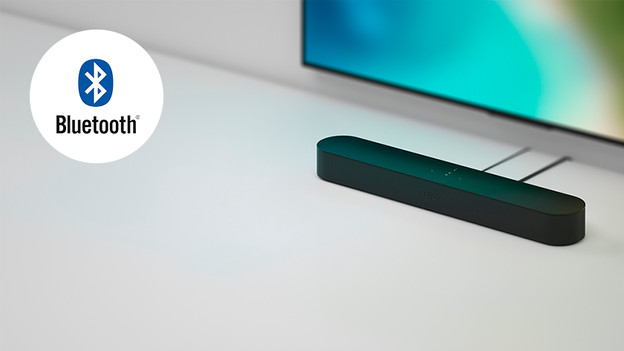
Step 1: test the soundbar
Try to test the soundbar via different devices. For example, you can try to connect your phone via WiFi or Bluetooth if that's possible. Does the soundbar work if you try it like this? You'll know the problem lies with the connection.

Step 2: check connectors
Next, you check the connectors. Ask yourself the following questions:
- Are your TV and soundbar connected to the right connector?
- Are you using the HDMI or optical connector on both devices?
- If you're using HDMI, did you use the HDMI (e)ARC port? A normal HDMI port won't work.
- If you want to use eARC, check if you have an HDMI 2.1 cable. You need an HDMI 2.1 cable to enjoy audio without quality loss.

Step 3: check settings
Maybe your TV settings aren't correct. Check if you've selected the right audio output for the sound output. The manual of your TV will tell you where to find these options.